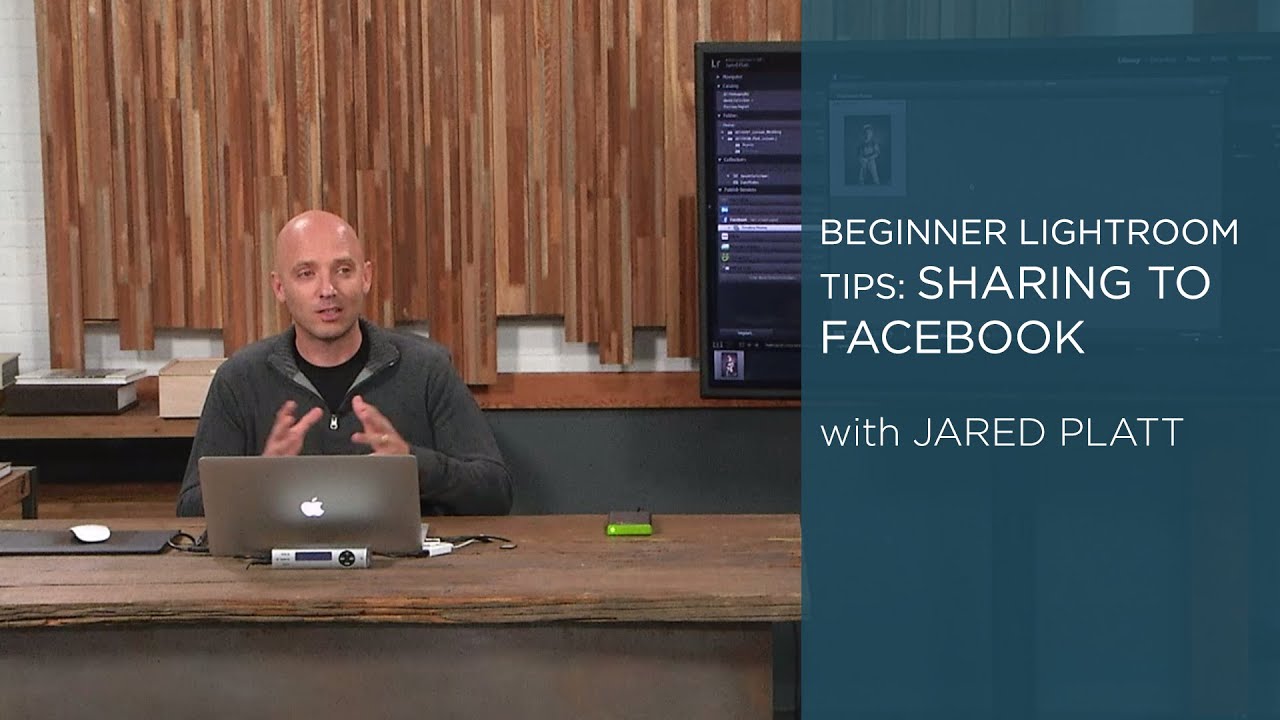
Stop Switching Tabs: How to Publish Photos to Facebook Directly From Lightroom

Stop Switching Tabs: How to Publish Photos to Facebook Directly From Lightroom

There’s a workflow tax most photographers don’t think about: the time spent outside Lightroom doing things Lightroom can already handle. You finish an edit, export the file, open a browser, log into Facebook, navigate to your album, upload the photo, write a caption, and post. That whole sequence takes maybe five minutes. Multiply it by every shoot, every client update, every “hey look what I captured this weekend” moment, and you’ve lost a meaningful chunk of time that could’ve gone toward actual editing.

The Editing Ceiling: How to Know When to Stop Pushing Sliders in Lightroom

The Editing Ceiling: How to Know When to Stop Pushing Sliders in Lightroom

There’s a specific kind of photo edit that haunts me. It’s the one where I’ve been staring at a screen too long, nudging sliders a little further each time, and what started as a raw file with real potential has slowly become something that looks like it was processed inside a microwave. I’ve been editing long enough to know that the problem isn’t usually a single bad decision. It’s death by a thousand tiny overcorrections, each one feeling justified in the moment.

Stop Sending Crooked Photos Into the World: Four Lightroom Straightening Methods That Actually Stick

Stop Sending Crooked Photos Into the World: Four Lightroom Straightening Methods That Actually Stick

I’ll be honest with you: the crooked horizon line is the editing mistake that ages the worst. You can get away with slightly flat colors or a touch of noise, but a tilted horizon line reads immediately as careless, even to people who have never opened Lightroom in their lives. I learned this the hard way when I was editing press shots for my band, squinting at skewed rooftop photos and wondering why they looked “off” even after I’d color graded them within an inch of their lives.