Video Tutorials
The Fill Light Slider Isn't Gone — You Just Have to Know Where Lightroom Hid It
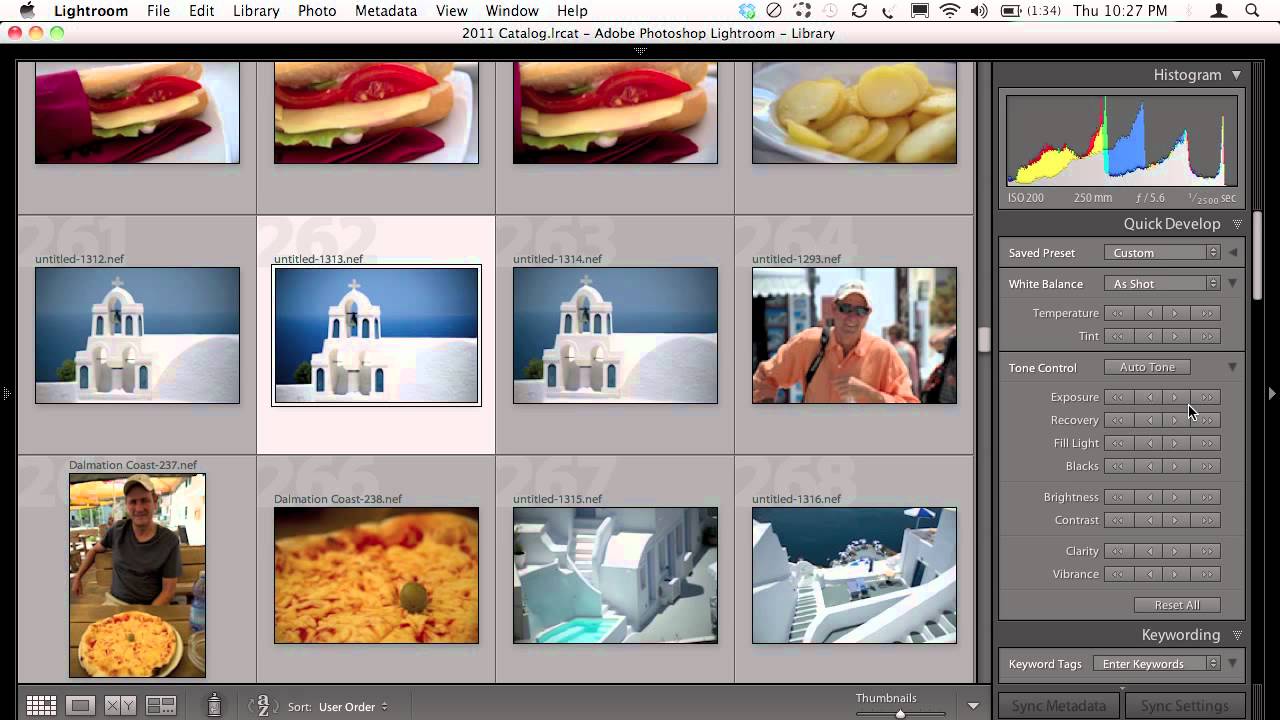
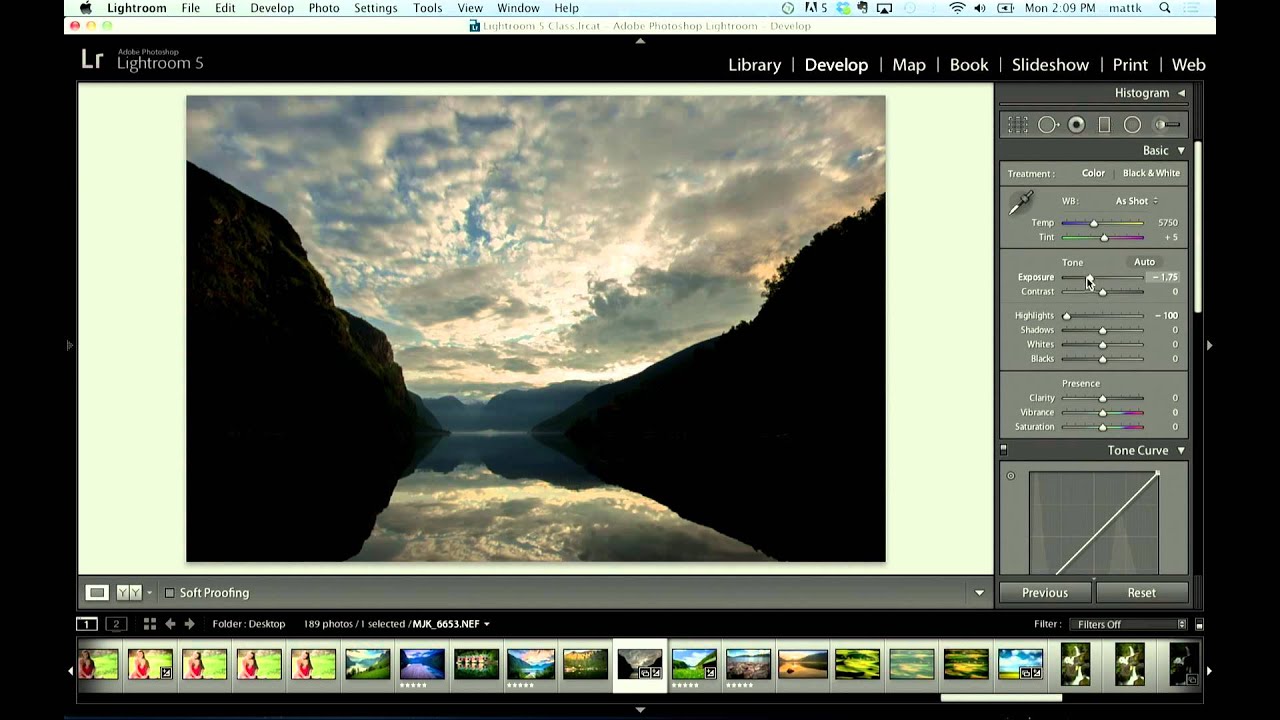
Every few months I get a version of the same message: “What happened to the Fill Light slider?” Usually it comes from someone who learned Lightroom years ago, took a break, came back, and found the panel rearranged like someone moved the furniture while they were away. I’ve sent the same explanation so many times I practically have it memorized. So when I came across this KelbyOne tutorial from Matt Kloskowski covering exactly this topic, I felt both seen and a little relieved that someone had put it on camera so I could stop typing it out.