How to Stitch Your Eclipse Photos Into a Stunning Composite Using Free Lightroom Templates

How to Stitch Your Eclipse Photos Into a Stunning Composite Using Free Lightroom Templates

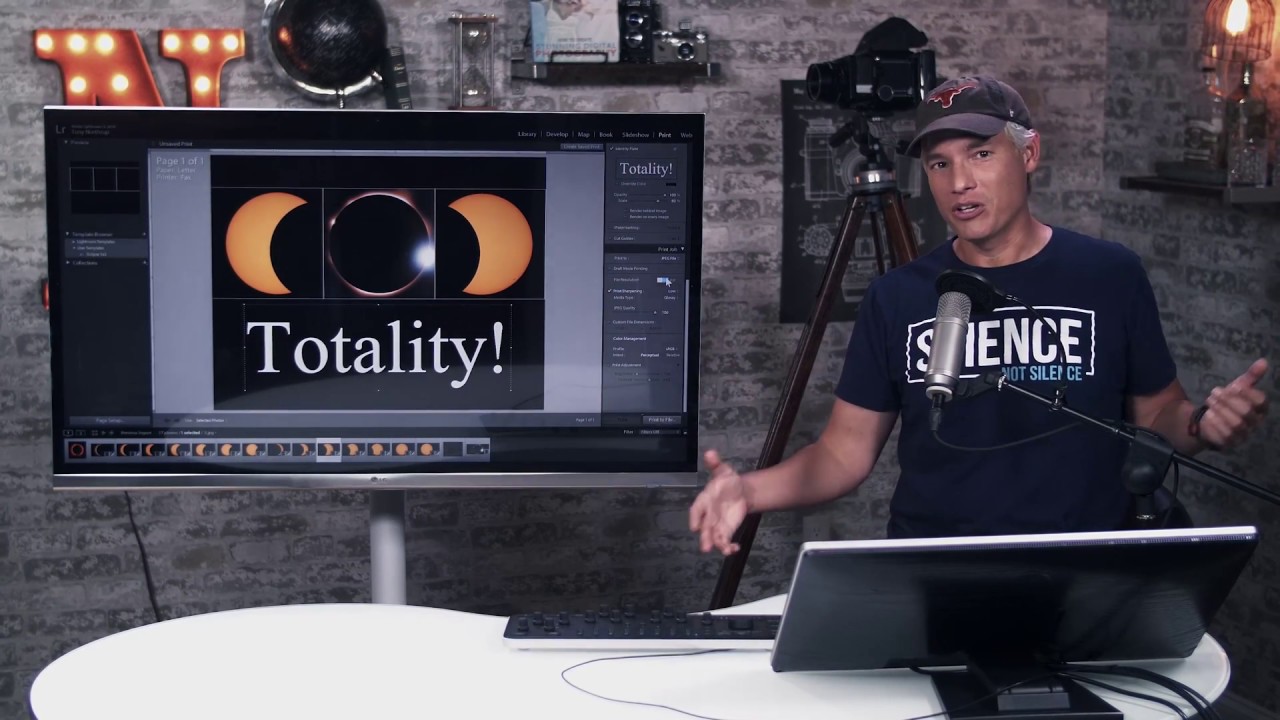
Every couple of years, a celestial event happens and photographers lose their minds trying to figure out what to do with the frames afterward. You captured the totality. You shot the phases. You’ve got a folder full of images that each look decent on their own but feel incomplete sitting side by side in a grid. What you actually want is a single cohesive composite that tells the whole story of that sky in one frame.
How to Build a Solar Eclipse Composite in Lightroom and Photoshop (Before You Even Shoot It)

How to Build a Solar Eclipse Composite in Lightroom and Photoshop (Before You Even Shoot It)

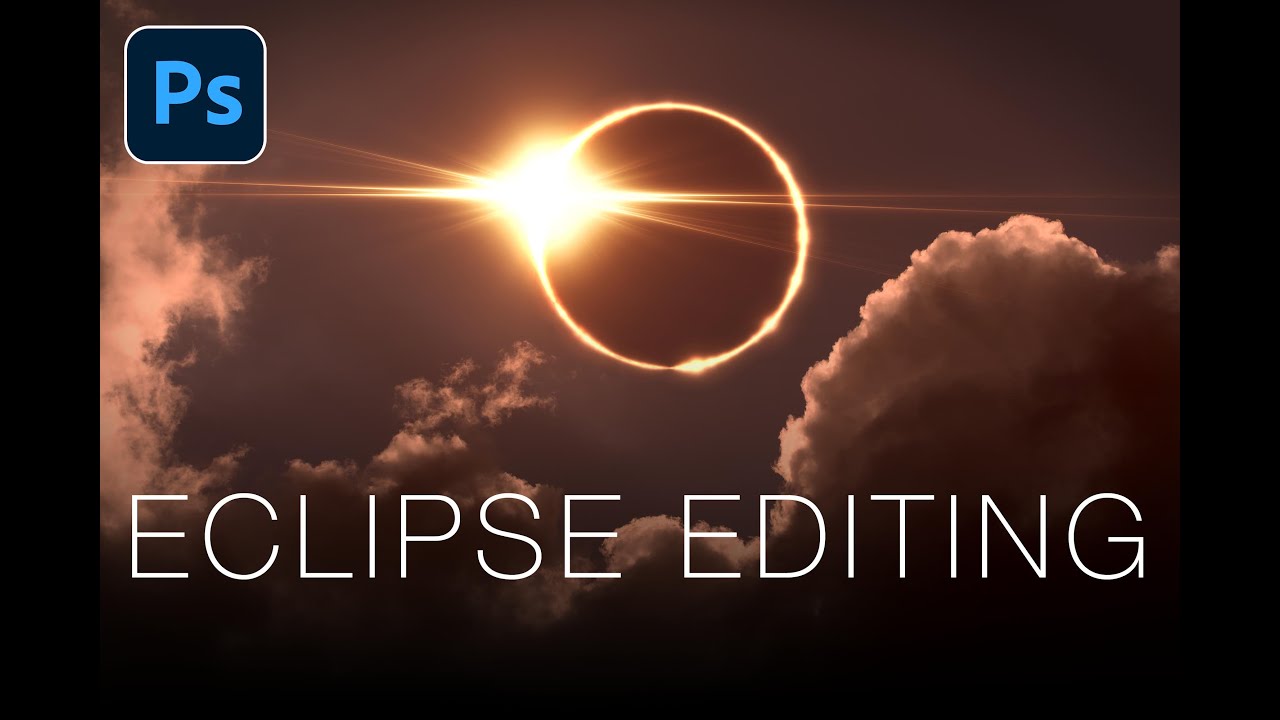
Most editing tutorials are reactive. You shoot something, it comes out weird, and then you go looking for a fix. What I genuinely appreciate about this Matt Kloskowski tutorial on editing solar eclipse photos is that it flips that order entirely. The argument he makes at the top of the video is one I wish someone had made to me earlier in my shooting life: your post-processing vision should inform your shooting decisions, not the other way around.

Build a Photo Mosaic From Scratch Using Lightroom and Photoshop

Build a Photo Mosaic From Scratch Using Lightroom and Photoshop

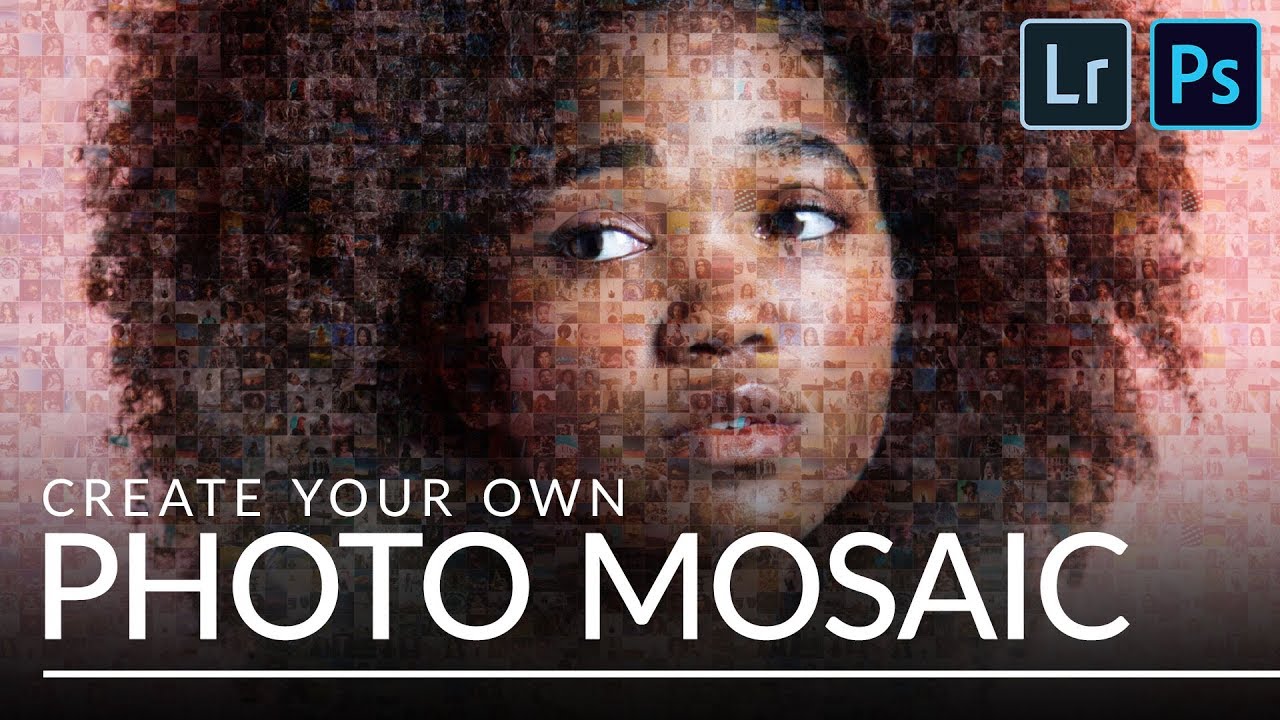
Every few months I get a message that starts with something like: “I have 200 employee headshots and I want to do something interesting with them.” I used to have no good answer for that. A slideshow felt lazy. A contact sheet felt clinical. But a photo mosaic - a single image built from dozens or hundreds of smaller photos - that actually makes people stop scrolling. This technique landed on my radar through Aaron Nace’s tutorial over at PHLEARN, and I want to walk you through what he covers because the workflow is genuinely clever.

The Brightness Trick That Makes Dark-Background Extractions Actually Work in Photoshop

The Brightness Trick That Makes Dark-Background Extractions Actually Work in Photoshop

There’s a specific kind of frustration that comes from trying to select a subject standing against a dark background. The Quick Selection tool fumbles around the edges, the contrast isn’t there for it to grab onto, and you end up with a selection that looks like it was cut out with safety scissors. I’ve been there more times than I’d like to admit, including on some early band press shots where the lighting was, let’s say, “creative” in all the wrong ways.