The Lightroom Histogram Isn't Just for Looking At — Here's How to Edit With It

The Lightroom Histogram Isn't Just for Looking At — Here's How to Edit With It

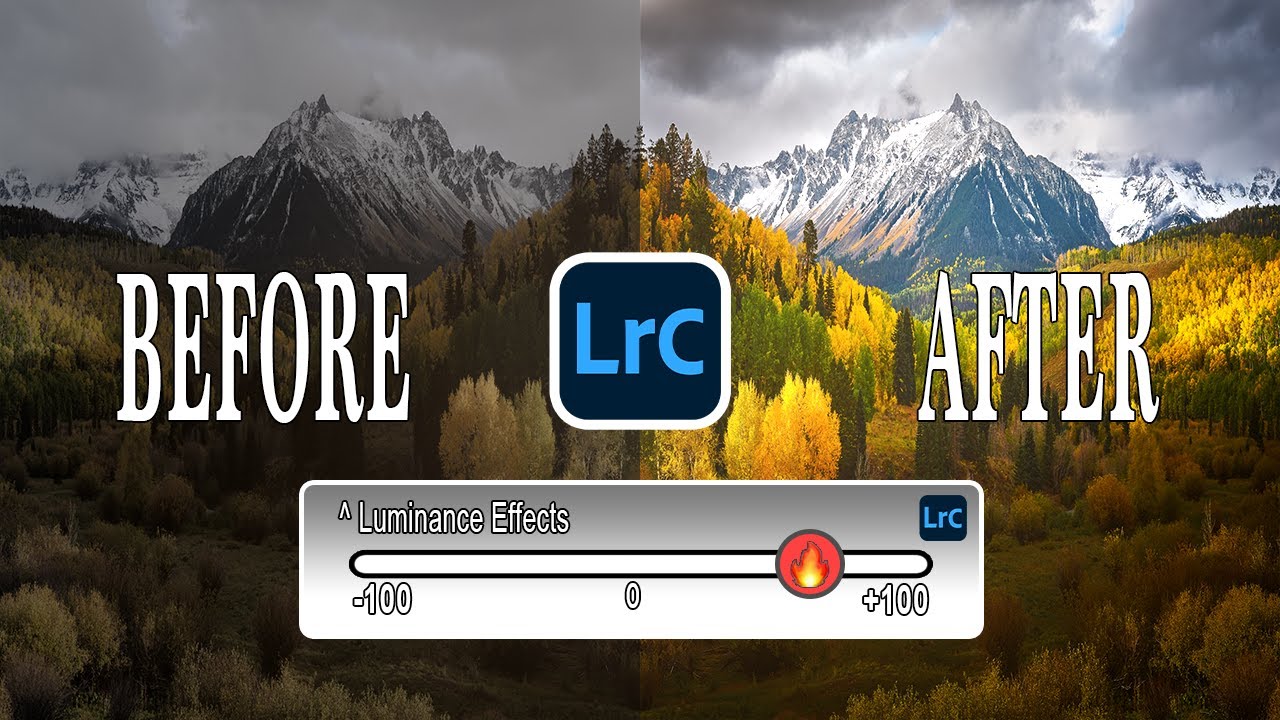
There’s a certain kind of Lightroom knowledge that separates people who edit photos from people who understand what they’re doing to photos. For a long time, I was firmly in the first camp. I’d drag sliders around in the Basic panel until things looked good, occasionally glancing at the histogram like it was a car dashboard warning light I didn’t fully understand. It was decoration. Background noise. I knew it mattered, but I treated it like I treat the fine print on a software license.
Your Highlights Are Blown Out — Here's How to Fix It in Lightroom's Basic Panel

Your Highlights Are Blown Out — Here's How to Fix It in Lightroom's Basic Panel

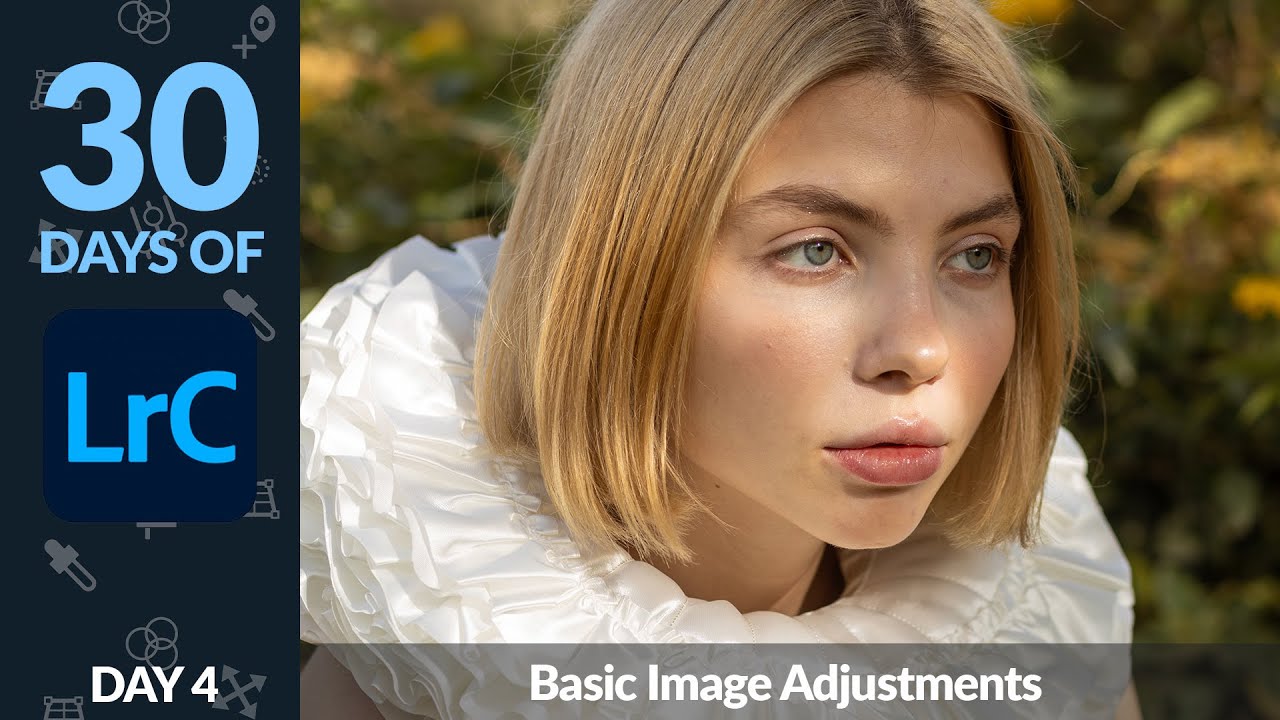
Every time I hand off a gallery to a client, somebody’s arm is too bright. It doesn’t matter how careful I am on location — the highlights blow out, the frilly dress turns into a white rectangle, and suddenly I’m the photographer who didn’t know how to expose properly. I’ve been editing long enough to know this isn’t really an exposure problem. It’s a recovery problem, and Lightroom’s Basic panel is where you fix it.

Stop Guessing at Your Histogram: What Julieanne Kost Taught Me About Reading Light

Stop Guessing at Your Histogram: What Julieanne Kost Taught Me About Reading Light

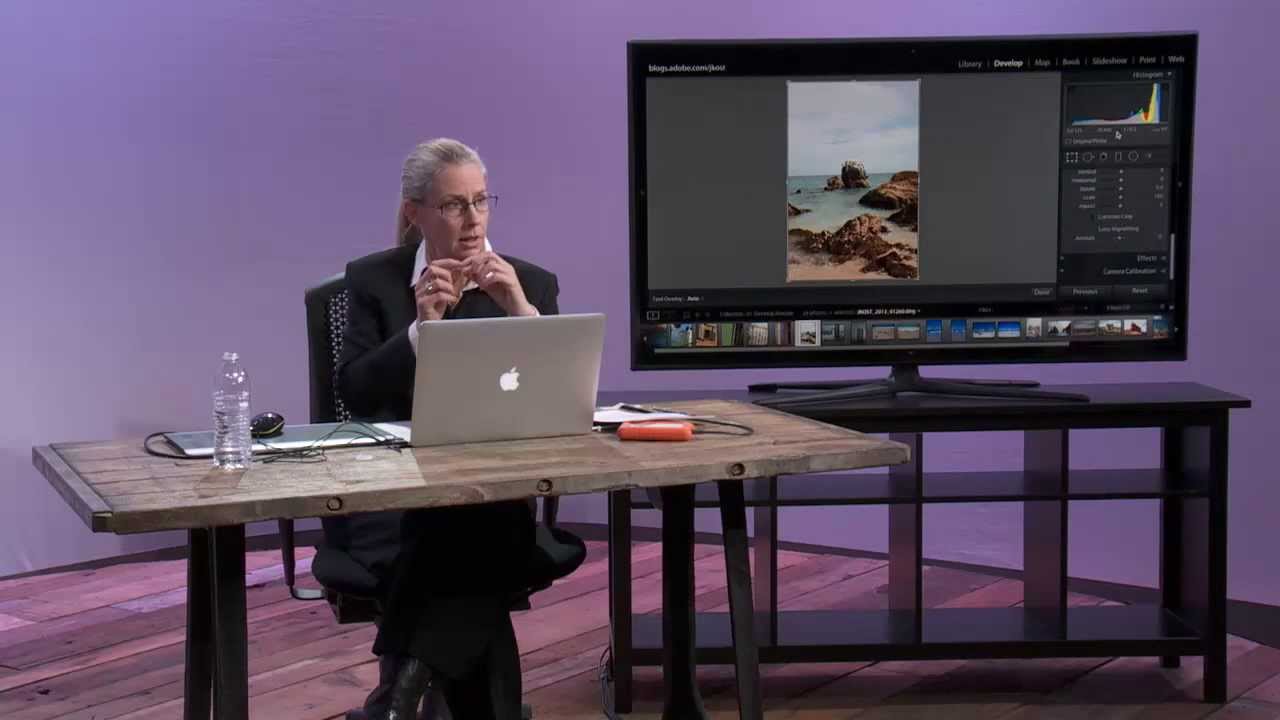
Every time I sit down with a client’s RAW files, the histogram is the first place I look before I touch a single slider. Not because I’m a data nerd (though, fair), but because the histogram tells me instantly whether I’m working with a file that has room to breathe or one that’s already fighting against me. I learned to think about it this way after years of trial and error, but honestly, I wish I’d watched this CreativeLive tutorial by Julieanne Kost a lot earlier in my editing life.

Read Your Image Before You Touch a Slider: Lightroom Mobile's Most Underused Color Tools

Read Your Image Before You Touch a Slider: Lightroom Mobile's Most Underused Color Tools

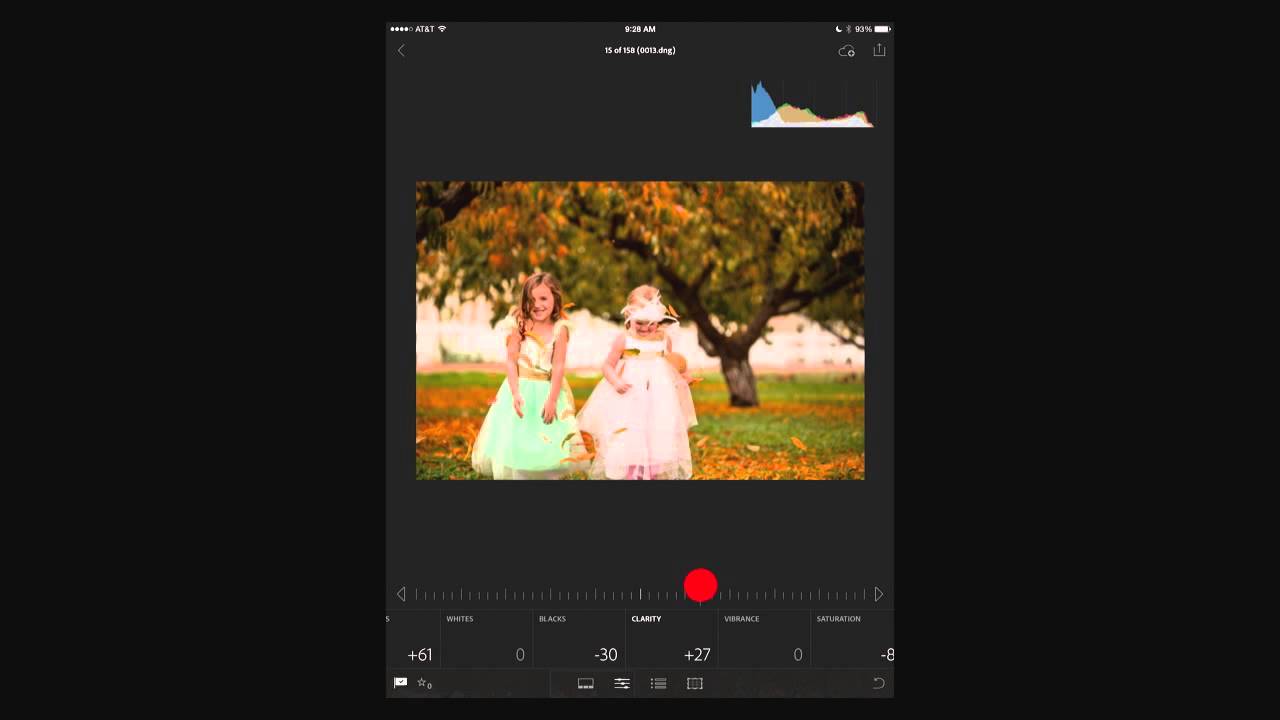
I edit a lot of photos on my phone. Not because I prefer it, but because deadlines don’t care where you are. And for years, my mobile edits had a subtle problem I couldn’t name: they looked great on my screen, then landed in delivery looking either blown out or flat. The culprit wasn’t my eye. It was that I was trusting a glowing rectangle held under a Nashville sun to tell me the truth about my exposure.