Stop Scrolling Through Your Entire Collection List — Use Target Collections Instead

Stop Scrolling Through Your Entire Collection List — Use Target Collections Instead

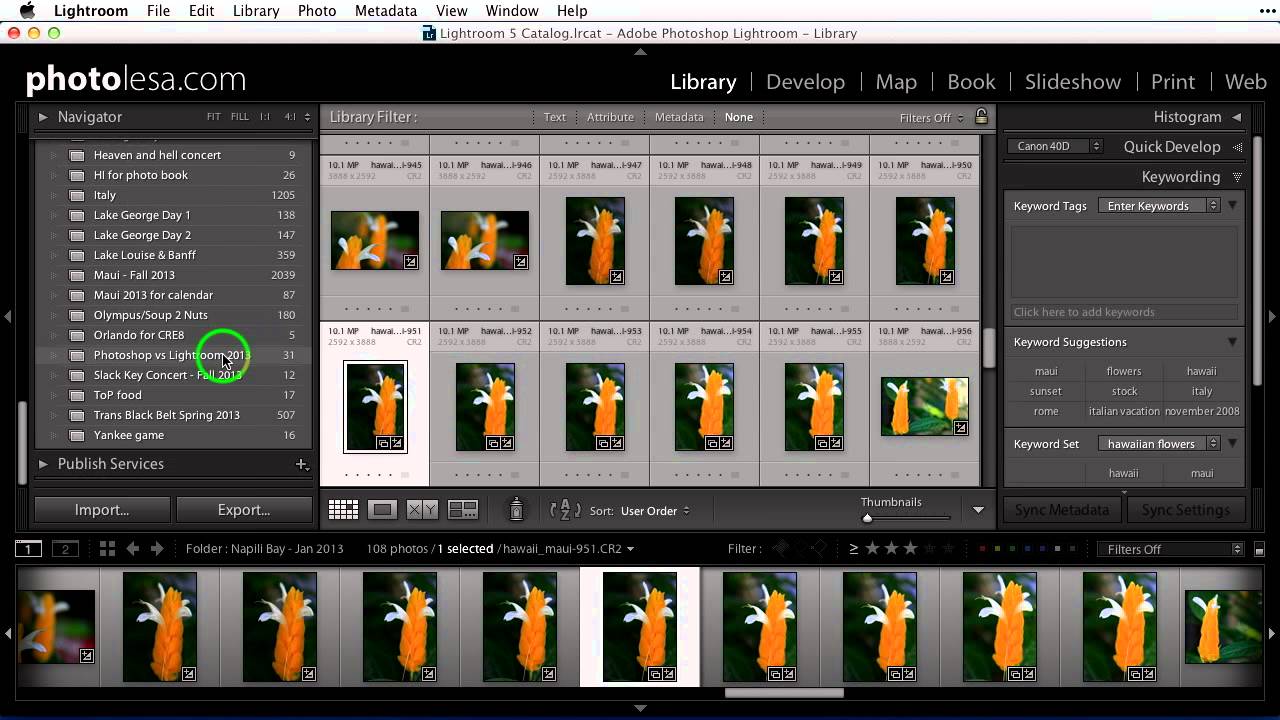
There is a specific kind of frustration that only Lightroom users understand. You are deep in your folder panel, you find five images that belong in a collection you made three months ago, and now you have to scroll through what feels like an archaeological dig of nested folders and collection sets just to drop those photos in the right place. And that is assuming you do not accidentally drop them into the wrong collection, which I have done more times than I want to admit.


Stop Drowning in Photos: How to Cull Your Lightroom Catalog Like a Pro

Stop Drowning in Photos: How to Cull Your Lightroom Catalog Like a Pro

I used to dread the part of a shoot that came after the shooting. Not the editing - I genuinely love editing. The part I dreaded was sitting down to a folder of 400 nearly identical frames and trying to figure out which three were worth keeping. For a long time I just brute-forced it, clicking through every image one by one, second-guessing myself the whole way. It was slow, exhausting, and guaranteed to make me hate photos I should have loved.

Lightroom's February 2018 Update: The Folder Tools You Didn't Know You Needed

Lightroom's February 2018 Update: The Folder Tools You Didn't Know You Needed

My catalog is a disaster. Not a “creative chaos” disaster — a genuine, scroll-for-forty-seconds-to-find-the-right-folder disaster. I organize everything by shoot name, not by date, because I think in terms of subjects and places, not years. Ask me when I shot something and I’ll have no idea. Ask me what the folder is called and I’ll get you there eventually. The problem is “eventually” adds up fast when you’re jumping between jobs.

How to Run One Master Lightroom Catalog Across Two Computers (Without Losing Your Mind)

How to Run One Master Lightroom Catalog Across Two Computers (Without Losing Your Mind)

There’s a specific kind of dread that hits when you get home from a shoot and realize your images are scattered across two machines with no clean way to reunite them. I’ve been there. Before I locked down a real system, I was doing the digital equivalent of stuffing receipts in my jacket pocket and hoping for the best. Duplicate folders, orphaned edits, catalogs that referenced drives I couldn’t find anymore.