Flat RAW to Finished Edit: Scott Kelby's Step-by-Step Lightroom Workflow Breakdown

Flat RAW to Finished Edit: Scott Kelby's Step-by-Step Lightroom Workflow Breakdown

There’s a particular kind of dread that comes with opening a flat, straight-out-of-camera RAW file when you know a client is waiting. The histogram looks sad. The sky is blowing out. The columns are bowing like something shot through a fisheye. I’ve been there more times than I want to count, and the thing that pulled me out of that spiral early on was watching working photographers show their actual process, not just the before and after.

Two Lightroom Moves That Made Scott Kelby's Greece Photos Look That Good

Two Lightroom Moves That Made Scott Kelby's Greece Photos Look That Good

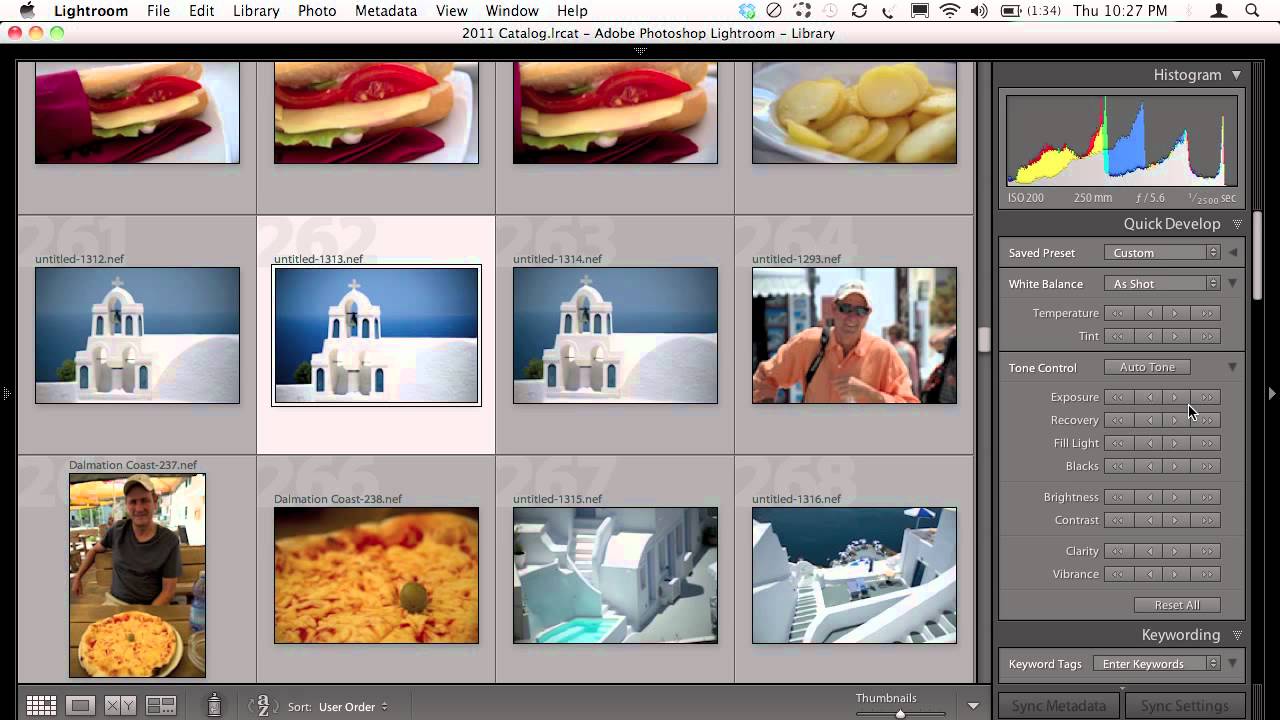
There’s a specific kind of frustration I know well: you shoot in a genuinely beautiful location, the light is doing everything right, and then you open the RAW files and they look like a photocopy of what you actually saw. Flat. Gray. Like the camera just gave up. For years, my fix was to spend 45 minutes per image throwing sliders around until something clicked. It worked, but it wasn’t a workflow.

Apple's Silent RAW Revolution: What iOS 18's Core Image Engine Means for Your Mobile Editing

Apple's Silent RAW Revolution: What iOS 18's Core Image Engine Means for Your Mobile Editing

Apple’s Silent RAW Revolution: What iOS 18’s Core Image Engine Means for Your Mobile Editing I’ve been watching Apple’s approach to computational photography for years, and I have to say—their latest move is genuinely impressive. While everyone’s obsessing over AI features and new cameras, Apple just quietly dropped one of the most important technical upgrades for mobile photographers: a complete overhaul of their RAW file processing engine. The Update Nobody’s Talking About Core Image RAW 9 doesn’t sound sexy.