
RGB Curves, HSL Masking, and the Lightroom Features You're Probably Sleeping On

RGB Curves, HSL Masking, and the Lightroom Features You're Probably Sleeping On

Every few months I sit down with a tutorial from someone whose eye I trust, not to be told what I already know, but to get rattled a little. That’s what happened when I watched Watch the full tutorial on YouTube from Peter McKinnon, where he casually drops two Lightroom techniques that I either glossed over or genuinely never noticed hiding in the software I use every single day. The man is sipping a questionable espresso and somehow still teaching circles around most photography content out there.
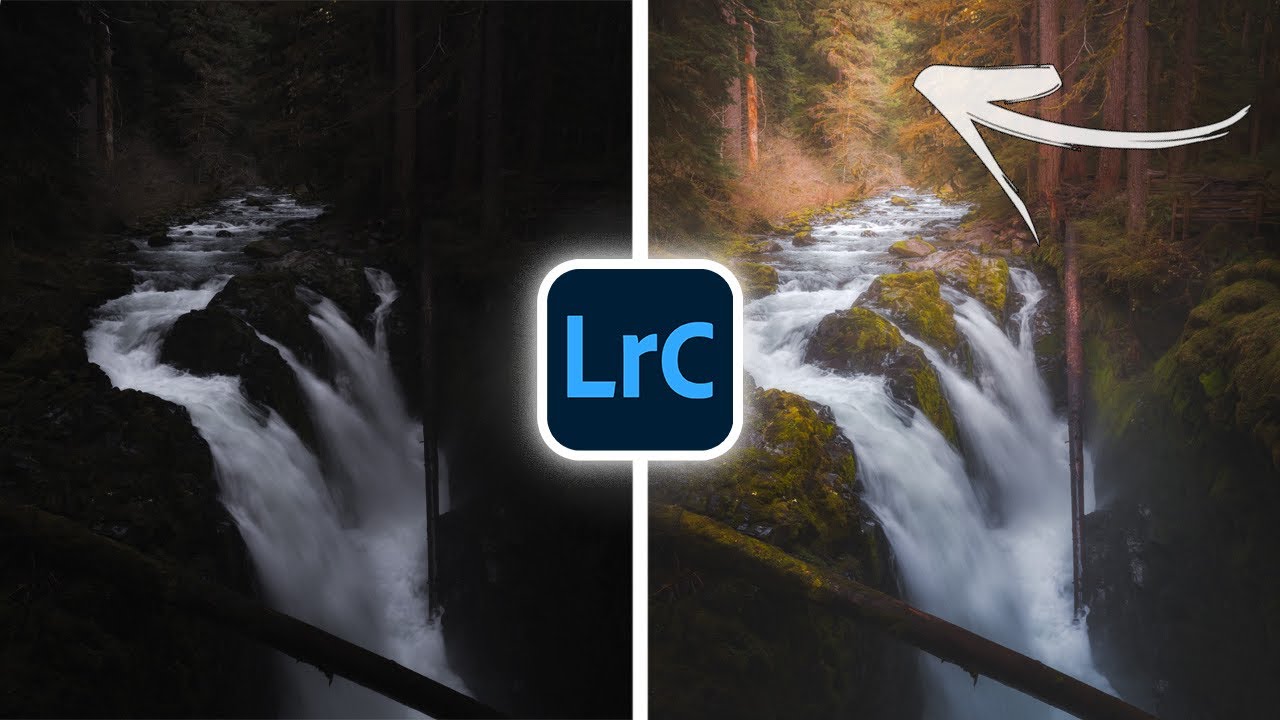

The Lightroom Trick That Finally Made My Photos Look Three-Dimensional

The Lightroom Trick That Finally Made My Photos Look Three-Dimensional

Every flat photo I’ve ever hated had the same problem. Not bad light, not bad composition. The image just looked like a photograph of a scene instead of a window into one. That two-dimensional wall between the viewer and the subject is one of the most frustrating things to diagnose when you’re learning to edit, because the fix isn’t obvious. You can push sliders all day and still miss it.

Concert Photos Look Like Garbage Straight Out of Camera — Here's How to Fix Them in Lightroom

Concert Photos Look Like Garbage Straight Out of Camera — Here's How to Fix Them in Lightroom

Concert photography is the editing equivalent of being handed a bag of mystery ingredients and told to make something edible. The lighting is dramatic, unpredictable, and almost aggressively wrong for skin tones. You’ll get magenta blasts, red face-melters, and blue washes that make your subject look like they’re performing from the bottom of the ocean. I’ve been there more times than I want to count, and finding a reliable editing framework for these shots is genuinely useful.

There's a Hidden Vibrance Brush in Lightroom (And It's Been There the Whole Time)

There's a Hidden Vibrance Brush in Lightroom (And It's Been There the Whole Time)

I’ve been editing photos in Lightroom long enough to think I’d found all the tricks. And then something comes along and completely rearranges my mental model of how a tool works. That happened recently when I watched a tutorial by Matt Kloskowski showing a vibrance adjustment hidden inside Lightroom’s local adjustment tools. Not a workaround. Not a hack. A legitimately different rendering behavior that’s been sitting there quietly the whole time.