Video Tutorials
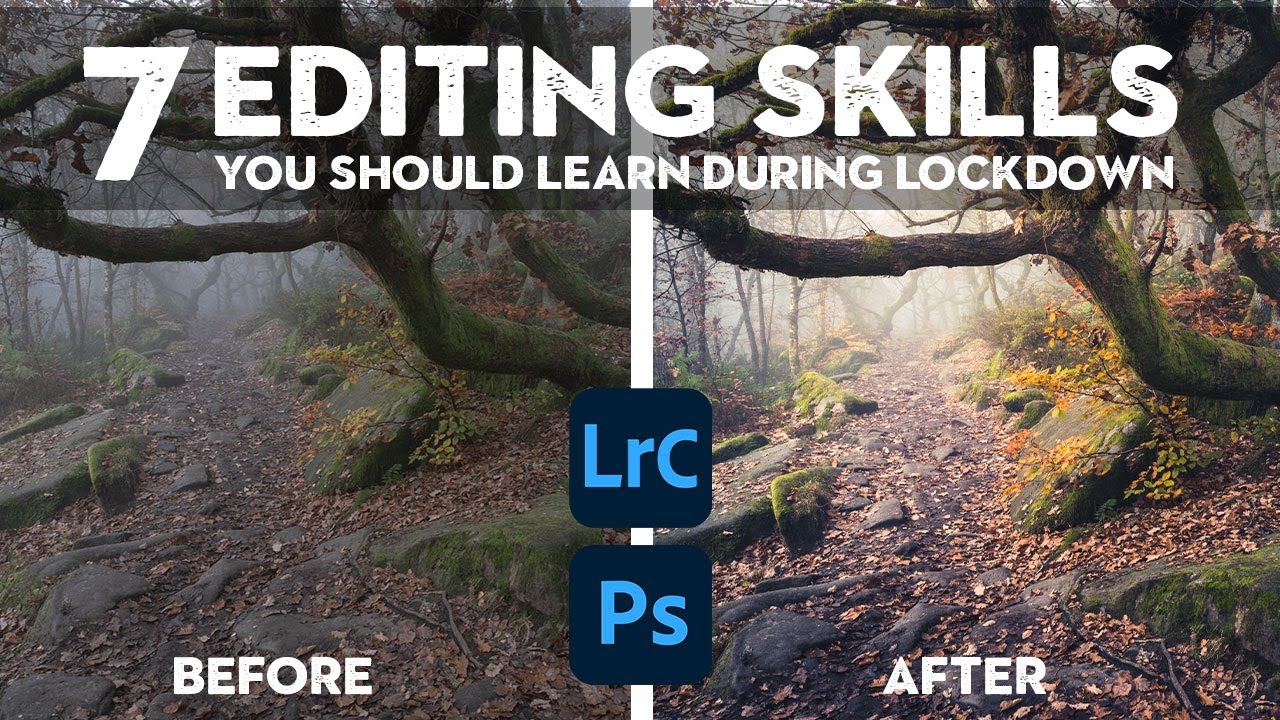
7 Lightroom & Photoshop Skills Worth Mastering When You Can't Shoot
There’s a version of me that used to think editing was the boring part. Shooting was the job. Editing was the chore you did afterward so you could post something. Then I spent a rainy Nashville weekend going deep on color grading and came out the other side with a completely different understanding of what a photograph actually is. The edit isn’t the afterthought. It’s the second half of the creative decision.