Purple Fringing and Publish Services: Two Lightroom Fixes You'll Use Every Single Week

Purple Fringing and Publish Services: Two Lightroom Fixes You'll Use Every Single Week

There’s a specific kind of frustration that hits when you deliver a print to a client and then spot the problem yourself, standing right there next to them. Purple fringing along a roofline, a green halo eating into a branch, some artifact you somehow missed at screen size. I’ve been there more than once, and it never gets less embarrassing. The fix exists, it takes about fifteen seconds, and for whatever reason it doesn’t get talked about enough in beginner and intermediate circles.

From Crooked Columns to Clean Architecture: A Lightroom Intermediate Editing Walkthrough

From Crooked Columns to Clean Architecture: A Lightroom Intermediate Editing Walkthrough

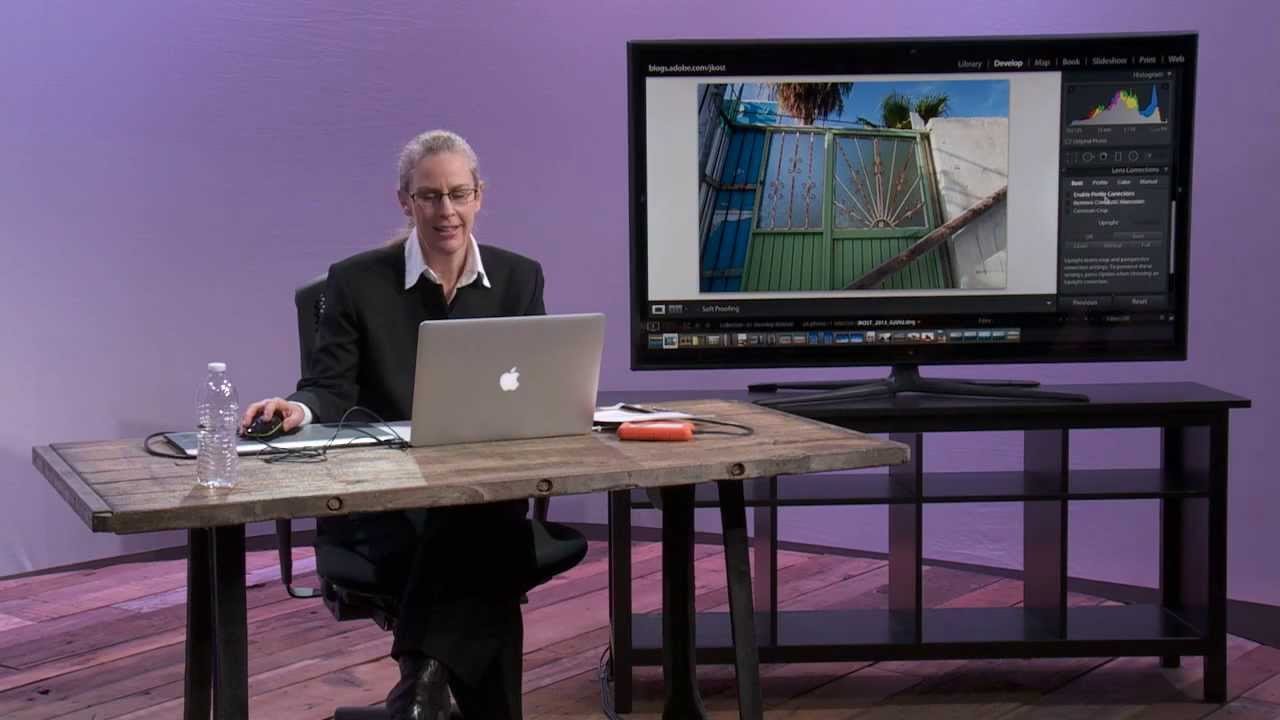
There’s a specific kind of photo that lives in everyone’s archive: technically salvageable, visually promising, but currently a disaster. Bad white balance, geometry that looks like a funhouse mirror, and some mystery fringing along the edges for good measure. I keep a folder full of them. They’re the images I shot years ago before I knew what I was doing, and every time I open them I have to decide whether they’re worth the fight.

Two Clicks Before You Touch a Single Slider: A Lightroom Landscape Editing Walkthrough

Two Clicks Before You Touch a Single Slider: A Lightroom Landscape Editing Walkthrough

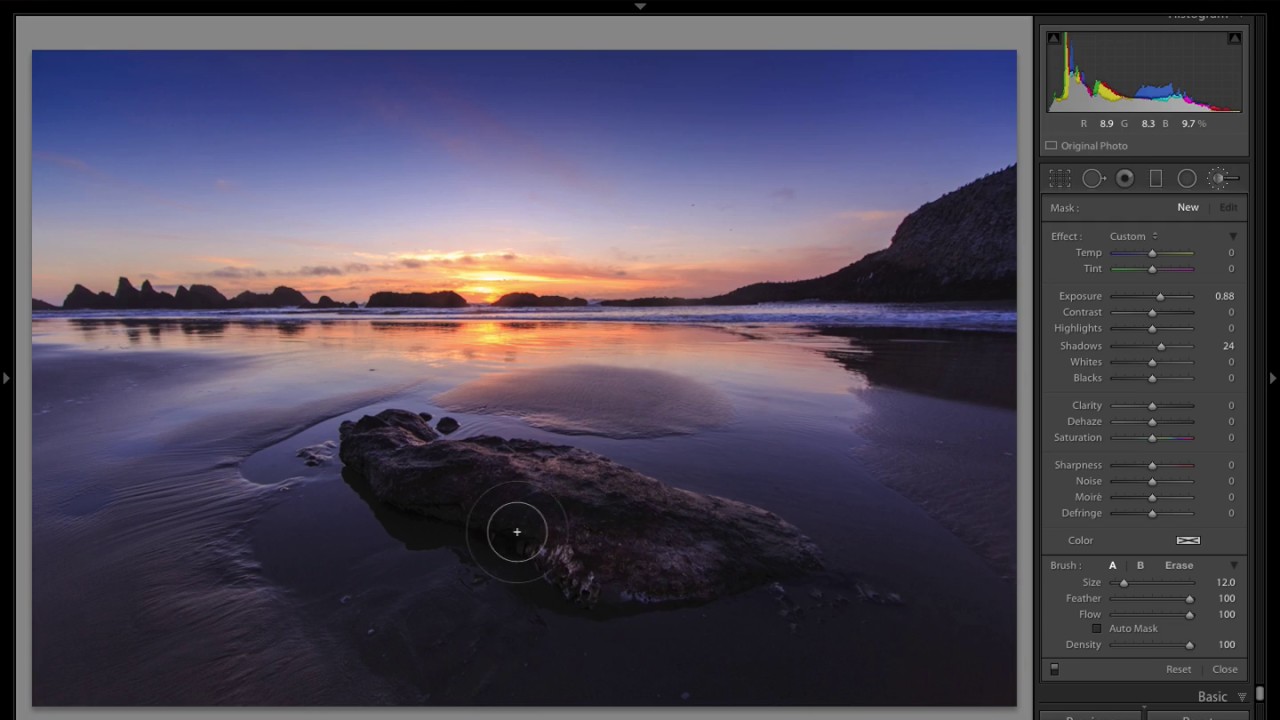
There’s a specific kind of frustration I know well: you shoot a landscape at golden hour, the light is incredible, and then you pull the RAW file up in Lightroom and it looks like a screenshot from Google Maps. Flat, weirdly curved, corners darkening like something went wrong with the sensor. That gap between what your eyes saw and what the file shows is where most people either give up or start yanking sliders randomly and wonder why nothing looks right.