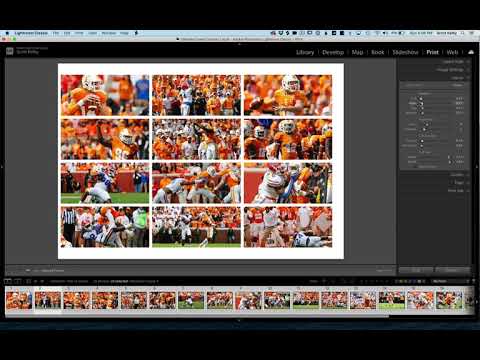
Build a Custom 6-Up Wedding Album Layout in Lightroom's Print Module (No Templates Required)

Build a Custom 6-Up Wedding Album Layout in Lightroom's Print Module (No Templates Required)

There’s a specific kind of frustration that hits when you’re building a wedding album and the layout you have in your head simply does not exist in Lightroom’s default template library. You scroll through the Book Module options, nothing fits, and you end up compromising on a layout that’s “close enough” instead of the one the client actually needs. I’ve been there more times than I’d like to admit. The fix, it turns out, has been sitting in the Print Module the whole time, and once you know how to use it, you’ll stop settling for close enough.
No Nine-Up Template? No Problem — How to Build One in Lightroom's Print Module

No Nine-Up Template? No Problem — How to Build One in Lightroom's Print Module

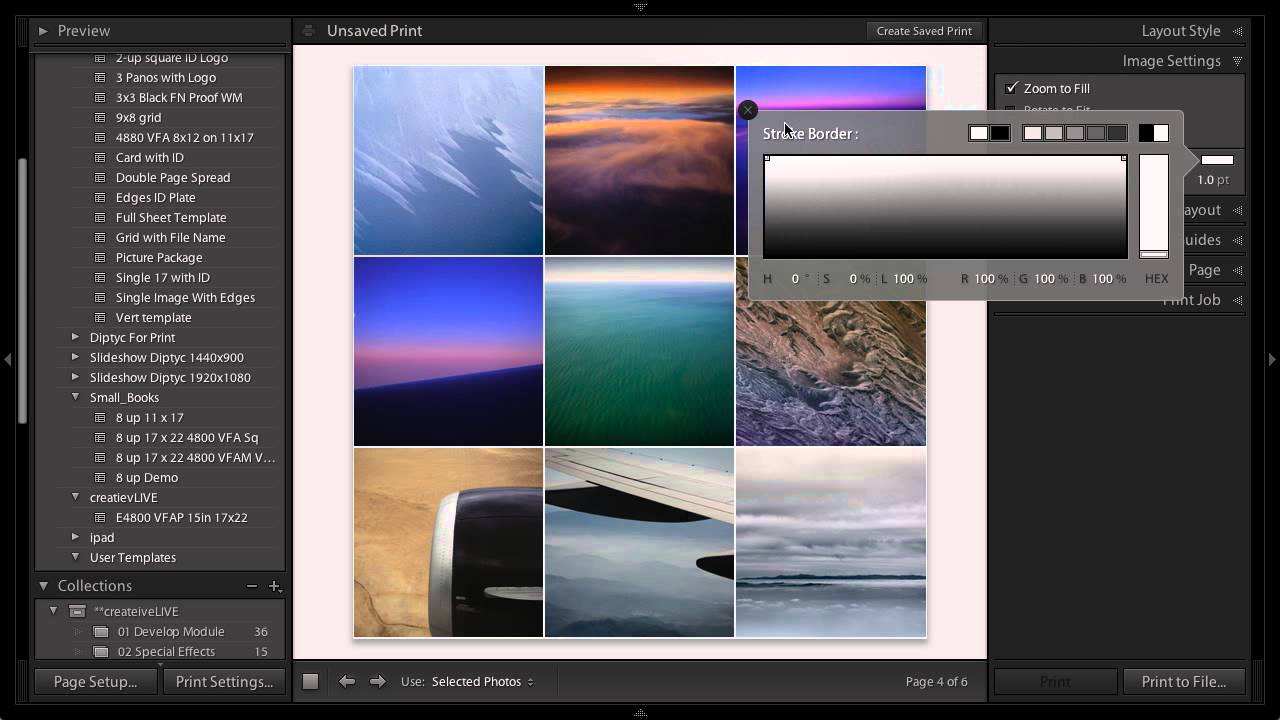
Every photographer hits that wall eventually. You need a specific layout, you open Lightroom’s template browser, and the exact thing you want simply isn’t there. I ran into this myself not long ago while building a contact sheet for a client who wanted nine square crops displayed in a clean grid, nothing fancy, nothing with decorative borders. Lightroom’s built-in templates had plenty of options with stylized edges and ornate frames, but a straightforward 3x3 grid?

How to Build a Multi-Photo Car Poster Entirely in Lightroom (Then Finish It in Photoshop)

How to Build a Multi-Photo Car Poster Entirely in Lightroom (Then Finish It in Photoshop)

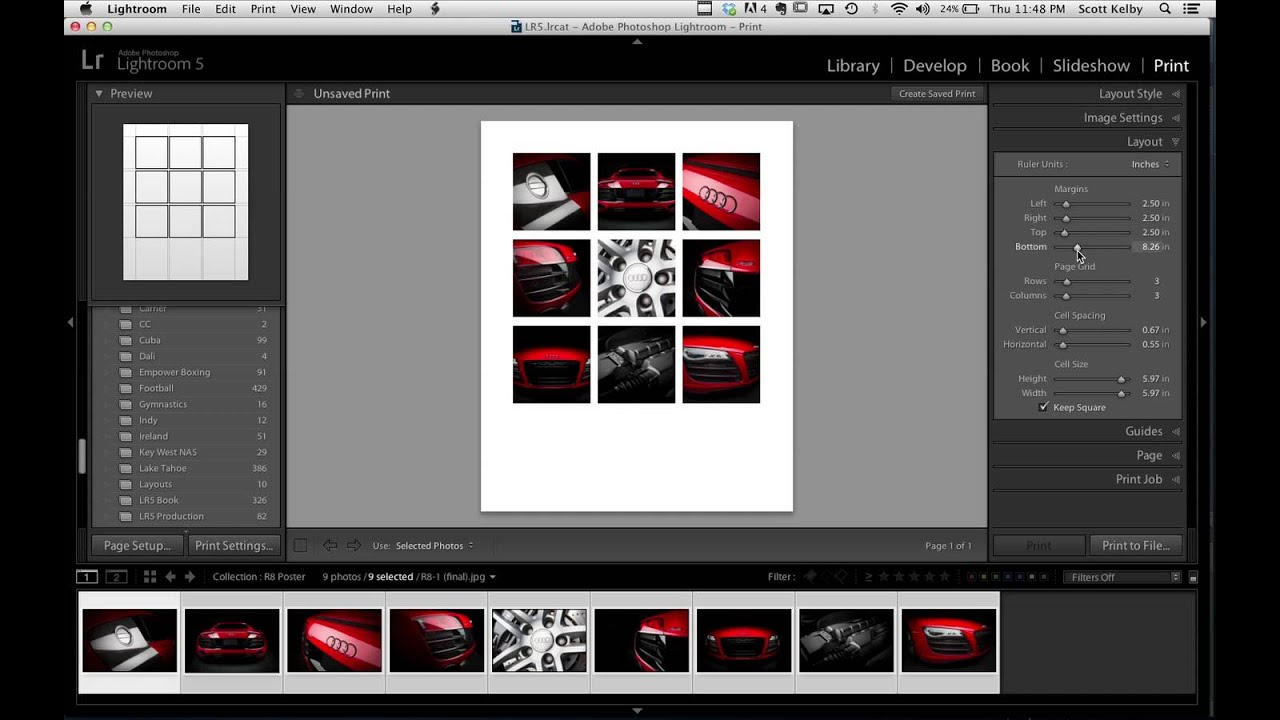
Every few months I’ll see someone post a finished image and my first reaction is “okay, that had to be a full Illustrator project.” Then I find out it was mostly Lightroom and I feel both humbled and relieved. That’s exactly what happened when Scott Kelby shared an Audi R8 poster he made for a client. Nine photos, grid layout, clean margins, big empty space for text at the bottom. It looked like a print ad.

Stop Using Default Book Layouts: How to Build Custom Page Cells in Lightroom

Stop Using Default Book Layouts: How to Build Custom Page Cells in Lightroom

Every time I finished a project and moved into the Book module, I’d spend ten minutes scrolling through the built-in layout templates, picking the least-wrong one, and moving on. Not the best one. The least wrong one. There’s a difference, and if you’ve used Lightroom’s Book module for anything more than a quick blurb project, you know exactly what I mean. The templates are fine for generic use, but the moment you have a specific vision for how three tall portraits should sit side by side, or how an image should bleed into a particular corner, the template library starts feeling like trying to find a song you like on a radio station that’s almost right.

Build Multi-Photo Print Layouts in Lightroom Classic (Faster Than You Think)

Build Multi-Photo Print Layouts in Lightroom Classic (Faster Than You Think)

Every few months I get a message from someone asking how I put together those grid-style photo layouts — the kind you see on photographer portfolio pages, band promo sheets, or Instagram collages that actually look intentional. For the longest time I was doing it in Photoshop, dragging individual images onto a canvas and nudging them pixel by pixel. It worked, but it was the kind of workflow that makes you question your life choices around the third manual adjustment.