Instagram's Auto-Trim Feature: What Content Creators Need to Know About Video Editing's Future

Instagram's Auto-Trim Feature: What Content Creators Need to Know About Video Editing's Future

Instagram’s Auto-Trim Feature: What Content Creators Need to Know About Video Editing’s Future Instagram just rolled out a feature that’s about to save creators countless hours of tedious trimming work. The platform now automatically cuts your video clips to the optimal length for Reels, eliminating dead air and awkward pauses in one fell swoop. As someone who spends half their time color grading and the other half watching creators struggle with basic editing tasks, I have thoughts.

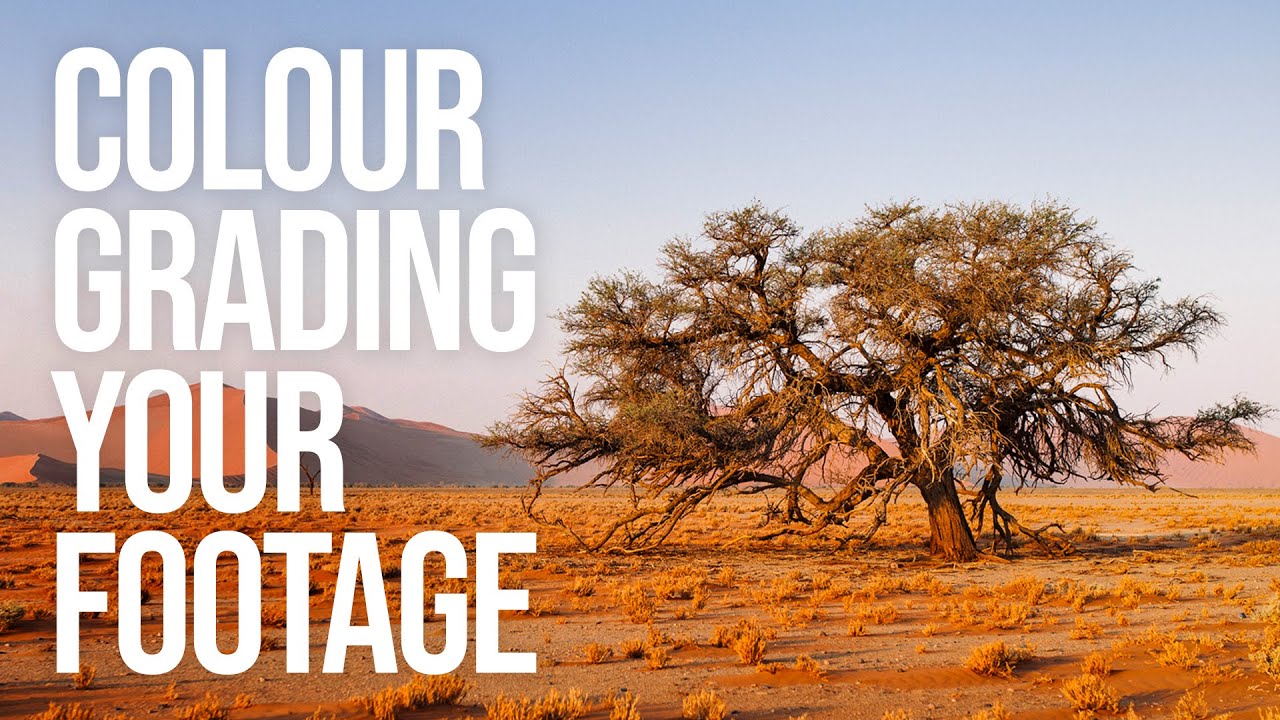
Shoot Flat, Grade Hard: How to Color Grade Video and Build Your Own LUTs from Scratch

Shoot Flat, Grade Hard: How to Color Grade Video and Build Your Own LUTs from Scratch

Most of my work lives in Lightroom. Sliders, HSL panels, tone curves named after Wilco songs. That’s my comfort zone. But I shoot video too, and for a long time my footage looked exactly like what it was: stills-shooter-attempts-video. Decent composition, completely lifeless color. The two disciplines share a visual language, but the tools and the pipeline are different enough that my Lightroom instincts didn’t transfer cleanly. That changed when I worked through Watch the full tutorial on YouTube from Sean Tucker, where he breaks down his entire color grading process for video.

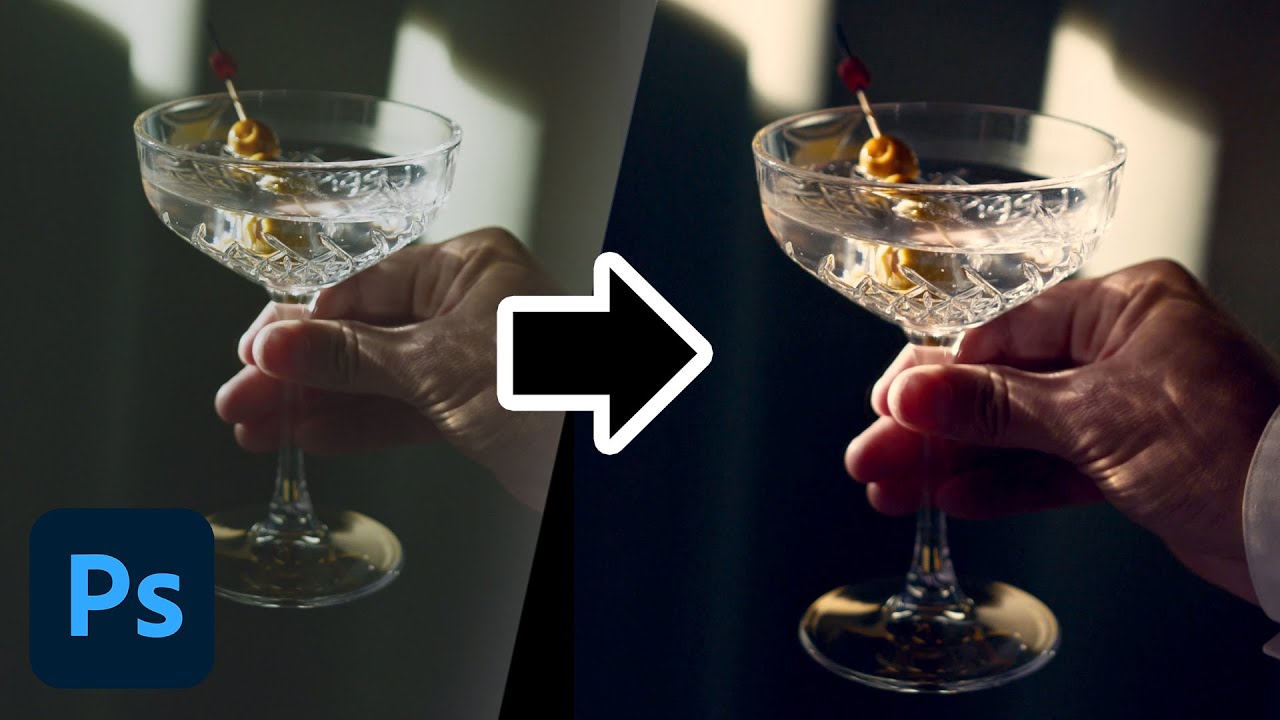
How to Color Grade Video in Photoshop (And Why Your Photo Editing Skills Already Got You Halfway There)

How to Color Grade Video in Photoshop (And Why Your Photo Editing Skills Already Got You Halfway There)

Most of my work lives in Lightroom. Presets, tone curves, HSL panels — that’s my natural habitat. But clients don’t always hand me JPEGs anymore. More and more, they’re showing up with phone footage, drone clips, or short brand videos that need to match the look of the stills I’ve already edited for them. For a long time, I treated that as a separate problem requiring a separate tool. Turns out I was making it harder than it needed to be.

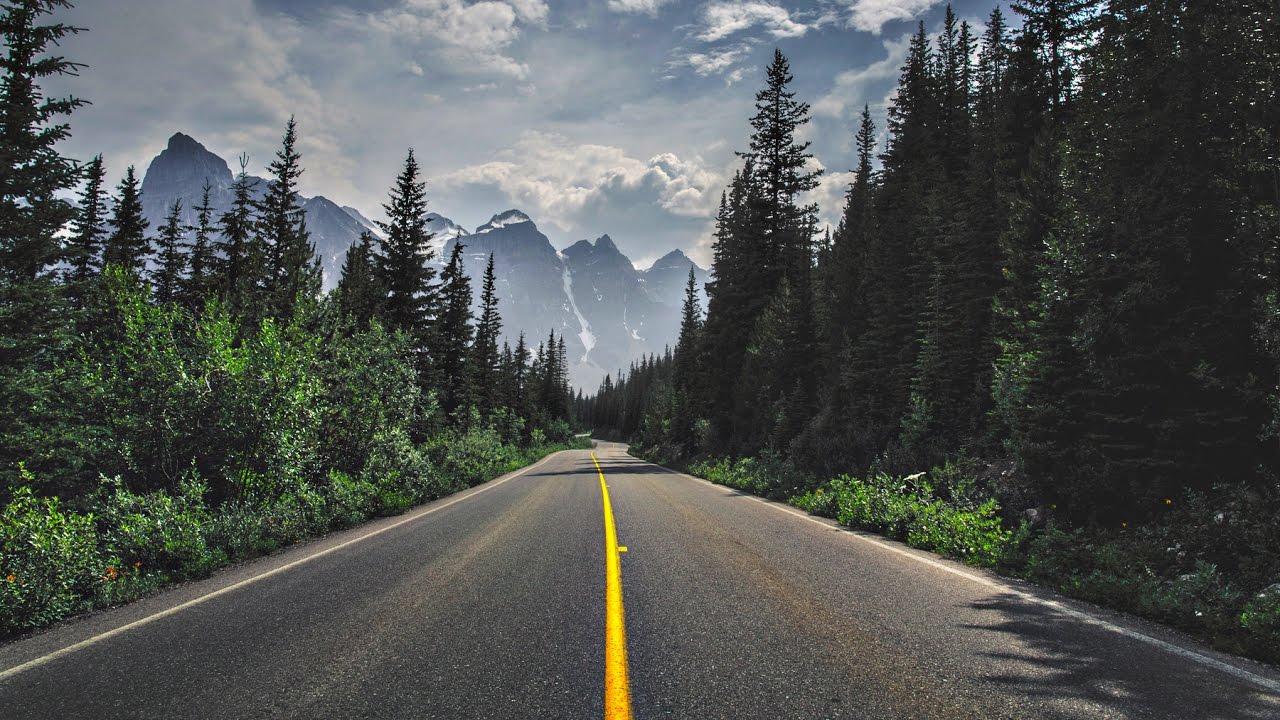
LUTs Explained: How to Color Grade Your Videos the Peter McKinnon Way

LUTs Explained: How to Color Grade Your Videos the Peter McKinnon Way

Every editor I know has a folder somewhere called something like “finals_FINAL_v3” and inside it, footage that looks technically fine but emotionally flat. Sharp, exposed correctly, maybe even well-composed. And yet it feels like a screenshot instead of a frame. That gap between “recorded” and “cinematic” is exactly what LUTs are designed to close, and it’s something I think about constantly, even though my main home is in Lightroom editing stills.

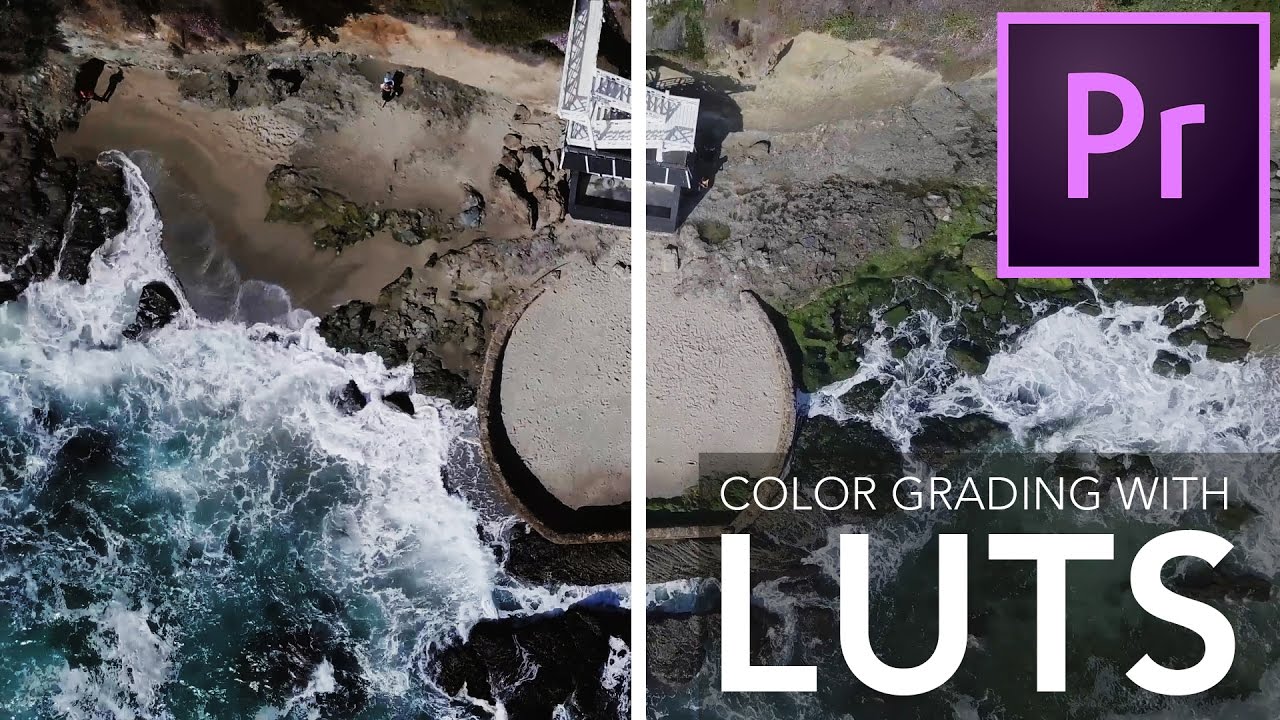
How to Use LUTs for Cinematic Color Grading in Premiere (Without Wrecking Your Footage)

How to Use LUTs for Cinematic Color Grading in Premiere (Without Wrecking Your Footage)

Color grading video has always been the part of post-production where I’ve seen talented creators give up and just hit “auto.” I get it. You shoot something beautiful, you drag it into Premiere, and then you stare at flat, lifeless footage wondering where the cinematic magic is supposed to come from. LUTs promise to fix that in one click, and sometimes they deliver. But more often, people slap a LUT onto raw footage and wonder why it looks muddy, blown out, or just… wrong.

The Great Color Grading Showdown: How New Creator Tools Are Changing Our Workflow

The Great Color Grading Showdown: How New Creator Tools Are Changing Our Workflow

The Plot Thickens in Post-Production Something significant is happening in the creator tools space, and honestly, it’s the kind of shift that makes you reevaluate your entire editing workflow. The emergence of DaVinci Resolve as a serious contender in the color grading arena isn’t just industry noise—it’s a wake-up call for anyone who’s been coasting with their current setup. For years, Lightroom has been the undisputed heavyweight champion of photo editing.