Lightroom's Number Keys Are Doing More Than You Think — Here's the Full Map

Lightroom's Number Keys Are Doing More Than You Think — Here's the Full Map

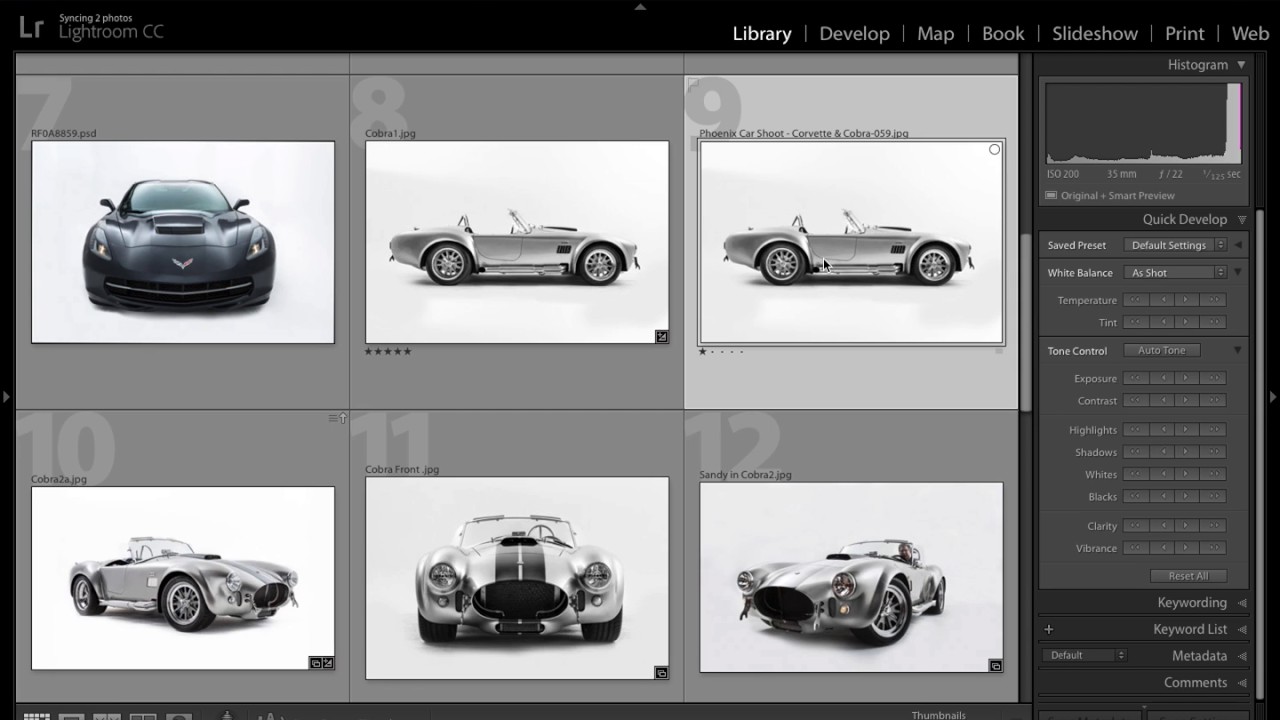
I have a bad habit of clicking things I don’t need to click. I’ll mouse all the way up to the module tabs to switch from Library to Develop, or hunt around for the star rating buttons in the toolbar, when the keyboard has been sitting there the whole time with faster answers built right in. Keyboard shortcuts in Lightroom aren’t exactly hidden, but the number-based ones specifically tend to get overlooked because they don’t show up in obvious places.

7 Lightroom Shortcuts That Actually Changed How I Edit (Breakdown of Pierre T. Lambert's Best Tips)

7 Lightroom Shortcuts That Actually Changed How I Edit (Breakdown of Pierre T. Lambert's Best Tips)

I’ll be honest with you: I spent the first two years of my Lightroom life doing everything the slow way. Clicking through menus, hunting for tools, dragging panels around like I was rearranging furniture. It wasn’t until I started watching other working photographers share their actual workflows that I realized how much time I was bleeding out of every editing session. The fixes were almost embarrassingly simple once I saw them.

RIP to the Done Button: What Lightroom Actually Wants You to Do Instead

RIP to the Done Button: What Lightroom Actually Wants You to Do Instead

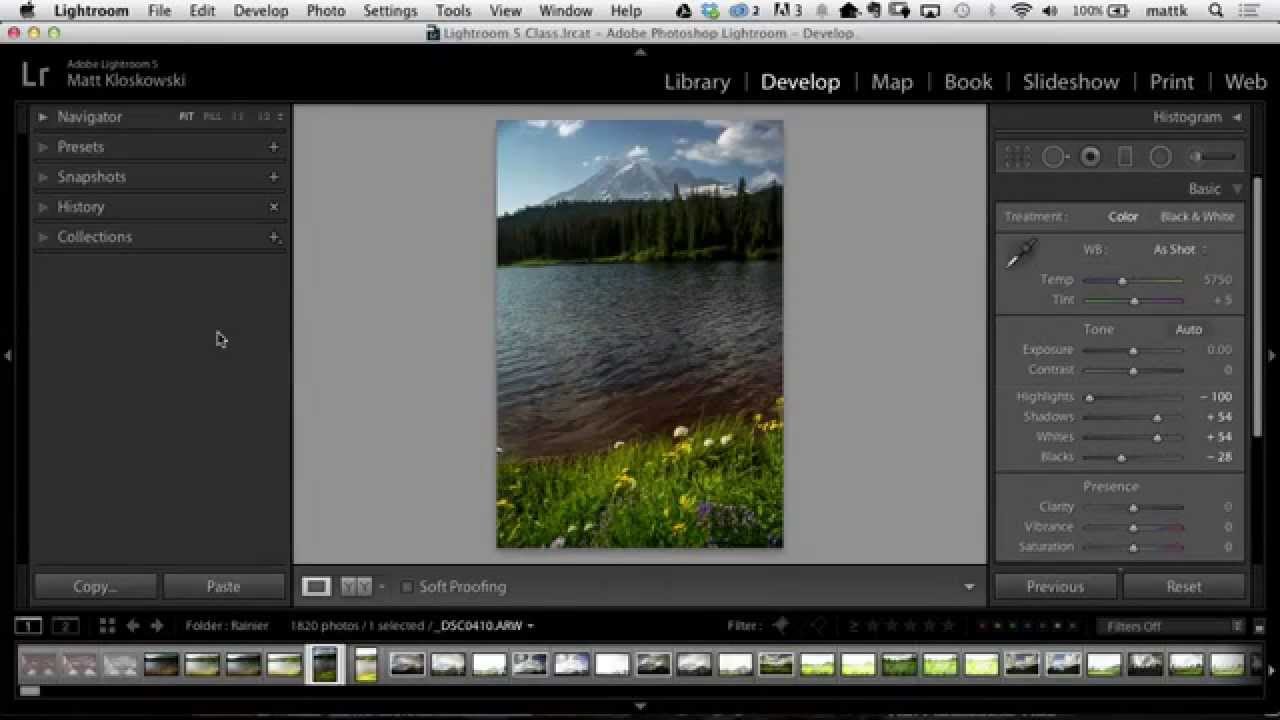
Every time Adobe quietly removes something from Lightroom Classic, my inbox fills up like a rain barrel in a Nashville thunderstorm. The Done button is the latest casualty, and honestly, I get it. When something you’ve clicked a thousand times just vanishes, it feels like Adobe rearranged your kitchen while you were sleeping. But after watching this Matt Kloskowski tutorial on exactly that topic, I walked away thinking less about the button itself and more about how many of us were doing things the hard way without even realizing it.

The Smart Collection Trick That Catches the Photos You Forgot to Flag

The Smart Collection Trick That Catches the Photos You Forgot to Flag

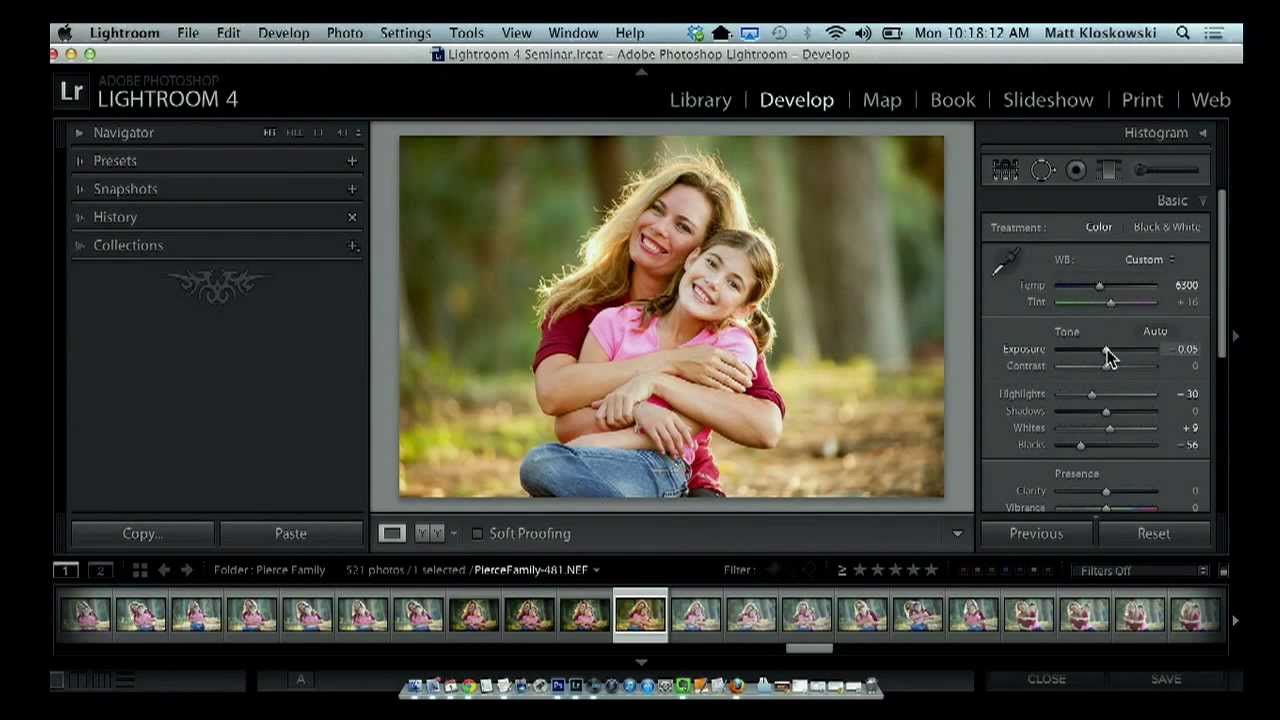
There’s a specific kind of frustration that doesn’t get talked about enough in photography circles. You upload a batch of photos, you’re excited about two or three of them, you jump into the Develop module and start pushing sliders around — the image is coming to life, it’s looking good — and then your phone buzzes, your dog needs to go out, life happens. You close Lightroom without flagging the photo, without adding it to a collection, without doing any of the responsible organizational things you know you should do.