Lightroom Classic 11 Finally Has AI Masking — Here's How to Actually Use It

Lightroom Classic 11 Finally Has AI Masking — Here's How to Actually Use It

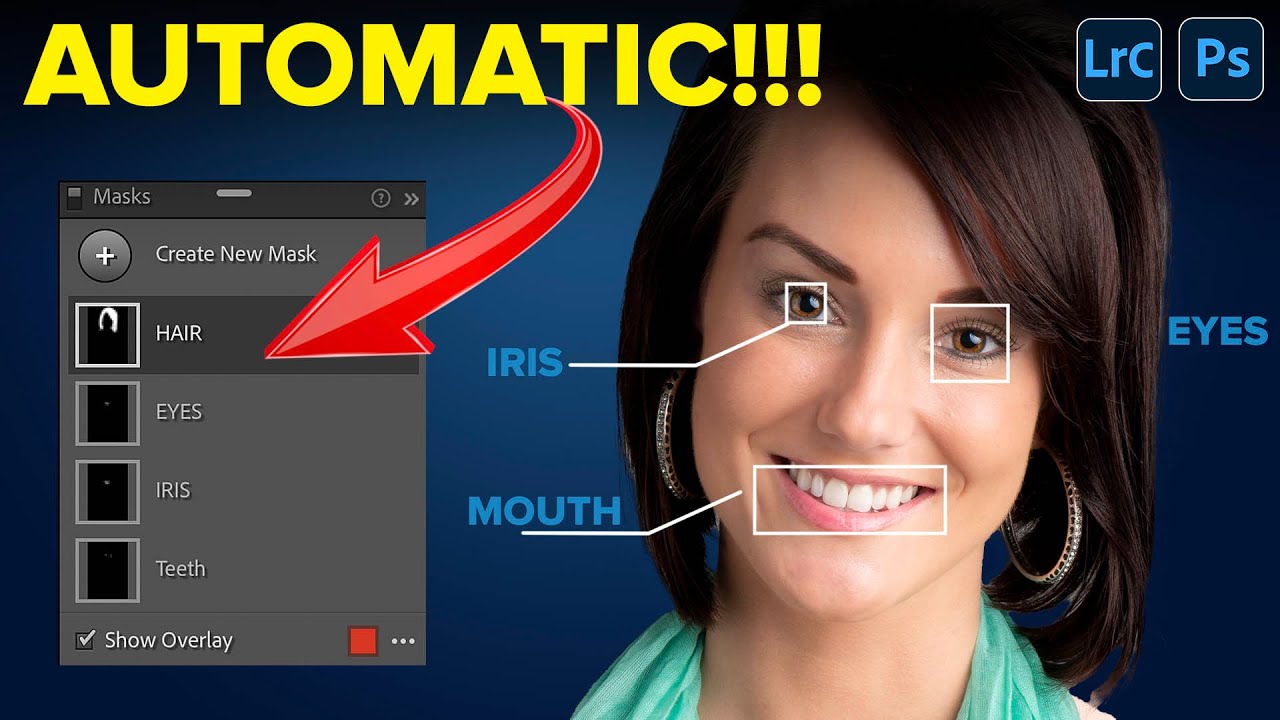
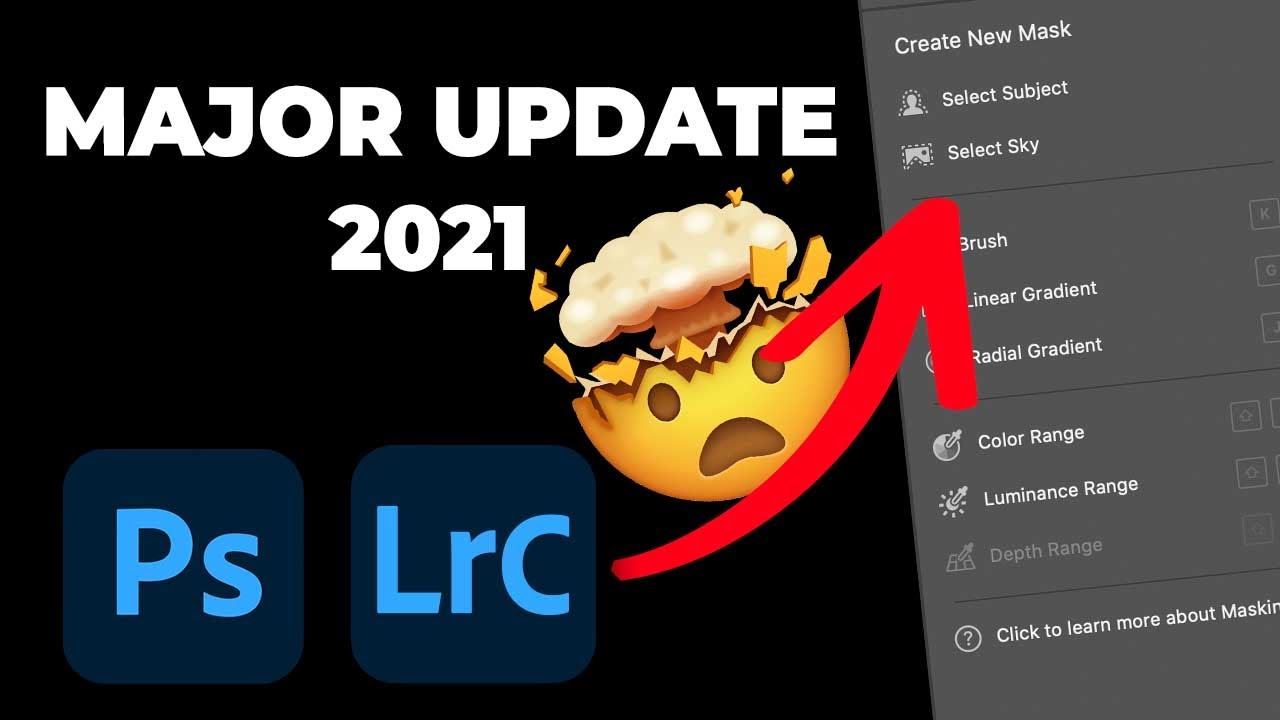
I spent years making selections the hard way. Brush a little here, erase a little there, zoom in to 200% to catch the stray pixels around someone’s hair, repeat until I questioned my career choices. If you edit portraits, landscapes, or really anything with a complicated edge, you know the feeling. So when the October 2021 Lightroom Classic update dropped and I saw what Adobe had quietly tucked into version 11, I genuinely stopped what I was doing and watched Matt Kloskowski’s breakdown twice.

Lightroom's AI Portrait Masking Just Changed How I Edit Every Single Face

Lightroom's AI Portrait Masking Just Changed How I Edit Every Single Face

Portrait retouching used to be the part of my workflow where I’d flip the record, make a cup of coffee, and mentally prepare for fifteen minutes of tedious mask-building before I could do anything creative. Painting in skin masks, dodging around hair, trying to isolate the whites of someone’s eyes without accidentally selecting their eyelid - it was the editing equivalent of untangling headphone cables. Necessary, fine, but nobody’s favorite part of the job.

Browse, Mask, Retouch: Lightroom Mobile's Newest Features Make On-the-Go Editing Actually Good

Browse, Mask, Retouch: Lightroom Mobile's Newest Features Make On-the-Go Editing Actually Good

My phone has about 4,000 unedited photos on it. Not because I’m lazy, but because the import-edit-export pipeline on mobile has always felt like homework. By the time I’ve pulled the images into Lightroom, I’ve lost the momentum I had when I took the shot. That friction is a creativity killer, and it’s the reason I kept defaulting to desktop even for quick edits I genuinely could have handled on my phone.

Adobe's New AI Masking Is the Local Adjustment Upgrade I Didn't Know I Needed

Adobe's New AI Masking Is the Local Adjustment Upgrade I Didn't Know I Needed

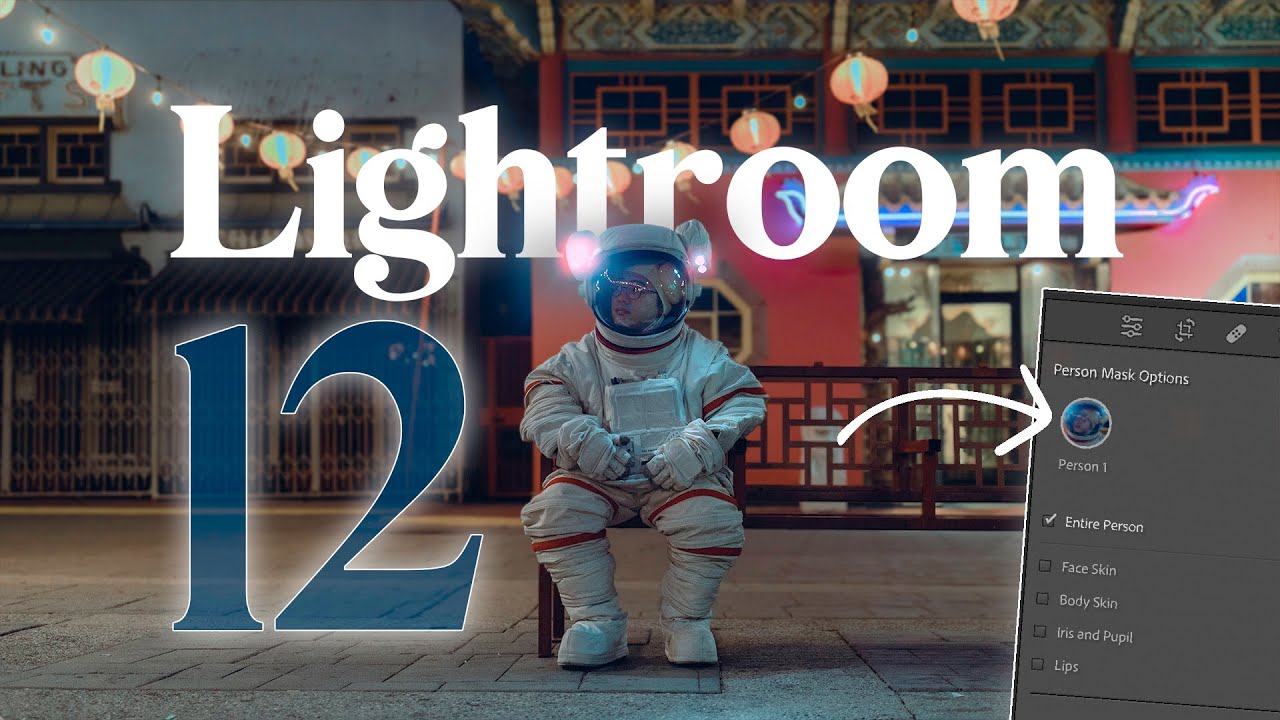
For years, my local adjustment workflow in Lightroom and Adobe Camera Raw felt like managing a cluttered desk. Pins scattered across the canvas, no clear visual reference for which adjustment was doing what, and a lot of hovering and guessing. I knew the tools were powerful, I just had to hold a lot of context in my head while using them. When Adobe rolled out their 2021 masking overhaul, I honestly didn’t expect it to change much.

Adobe Lightroom's New AI Masking Is Almost Too Easy (And I Have Feelings About That)

Adobe Lightroom's New AI Masking Is Almost Too Easy (And I Have Feelings About That)

Every few months Adobe drops an update that genuinely changes how I work, and every few months I have to decide whether I’m excited or quietly unsettled. Sometimes it’s both at once. When I saw the new masking features land in Lightroom recently, I opened the app, sat down with a coffee, and pulled up Watch the full tutorial on YouTube from Peter McKinnon, who had already done the work of poking around in the new tools and thinking out loud about them.
Beyond the Basics: The Advanced Lightroom Techniques That Actually Transform Your Images

Beyond the Basics: The Advanced Lightroom Techniques That Actually Transform Your Images

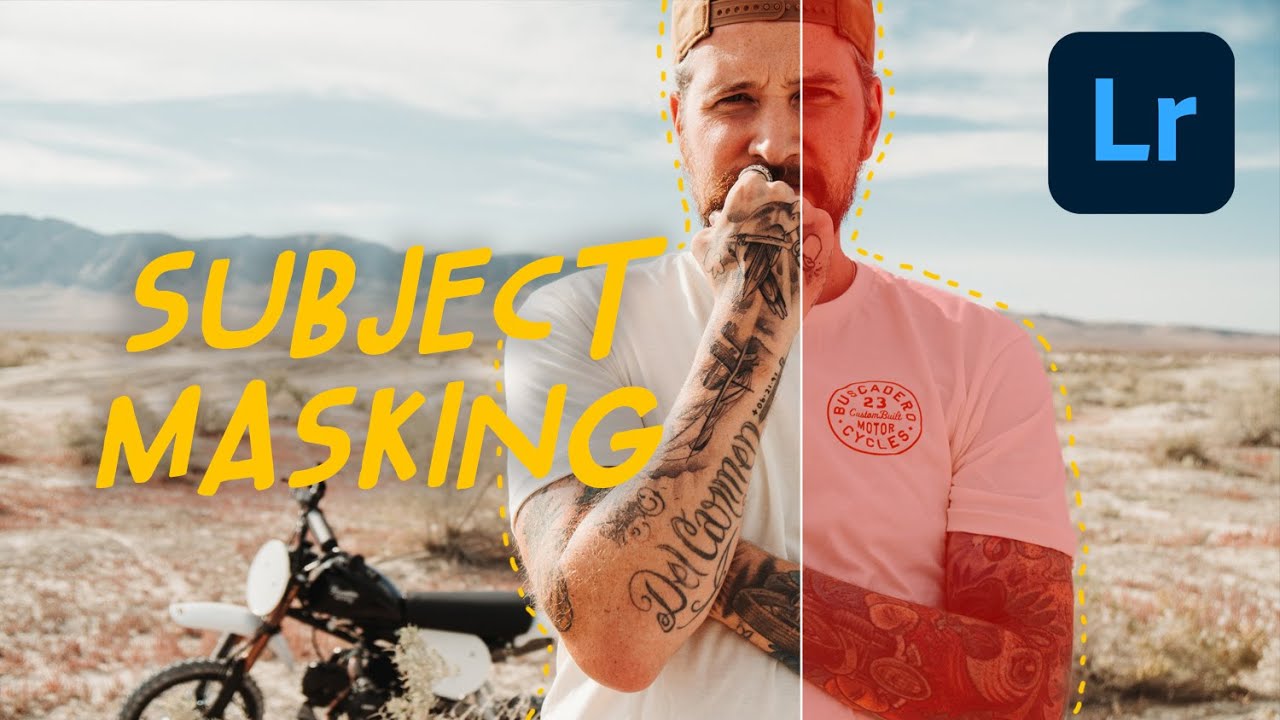
The Lightroom Skills Nobody Talks About Here’s something that hit me recently: most photographers are using Lightroom like they’re driving a Ferrari in first gear. The software has evolved so dramatically over the past decade, yet we’re often stuck doing the same basic adjustments our mentors taught us five years ago. After watching how experienced editors approach their craft, I’ve realized there’s a massive gap between “competent” Lightroom editing and the kind of work that makes people stop scrolling.