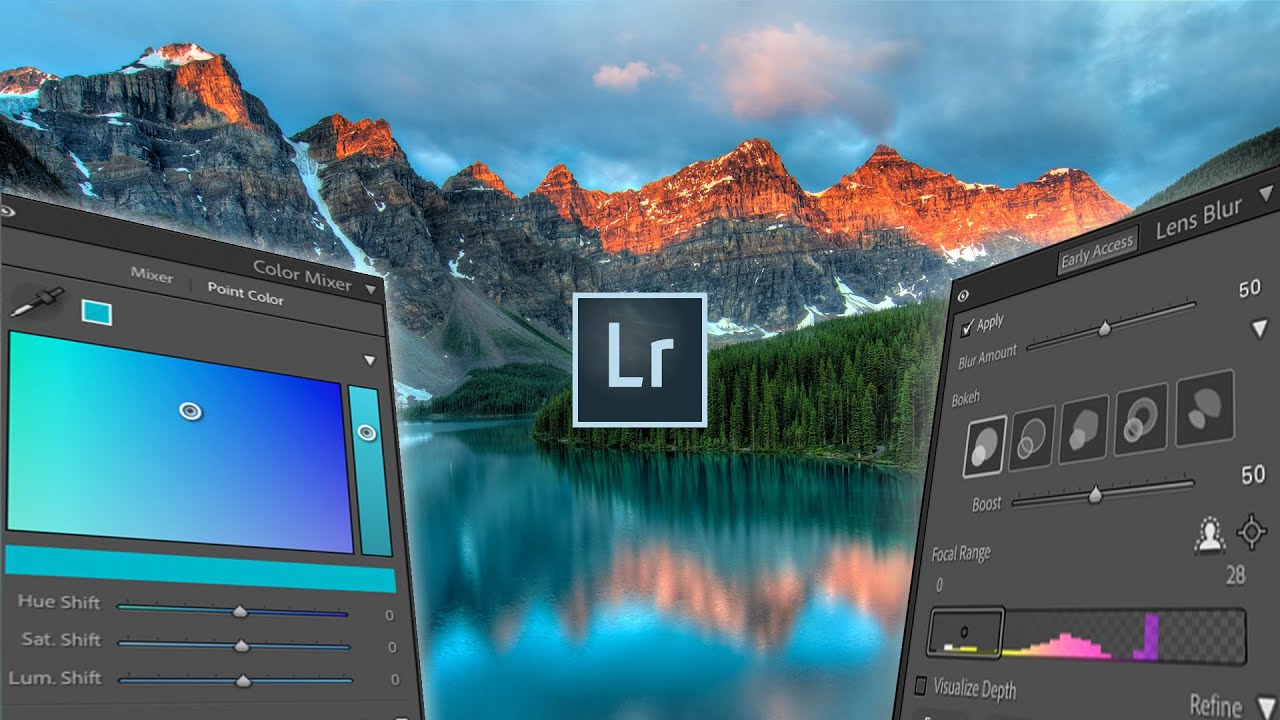
Lens Blur, Point Color, and HDR Editing: What Actually Changed in the Latest Lightroom Update

Lens Blur, Point Color, and HDR Editing: What Actually Changed in the Latest Lightroom Update

Every few months, Adobe drops an update and I spend the better part of an afternoon figuring out which features are genuinely useful and which ones exist mostly to fill a press release. This one, though, is different. The October Lightroom update landed with three additions that actually change how I work: a simulated lens blur tool, a point color panel, and native HDR editing support. I ran through all of them after watching Watch the full tutorial on YouTube from Mango Street, and I want to walk you through each feature in enough detail that you can follow along without having the video open beside you.

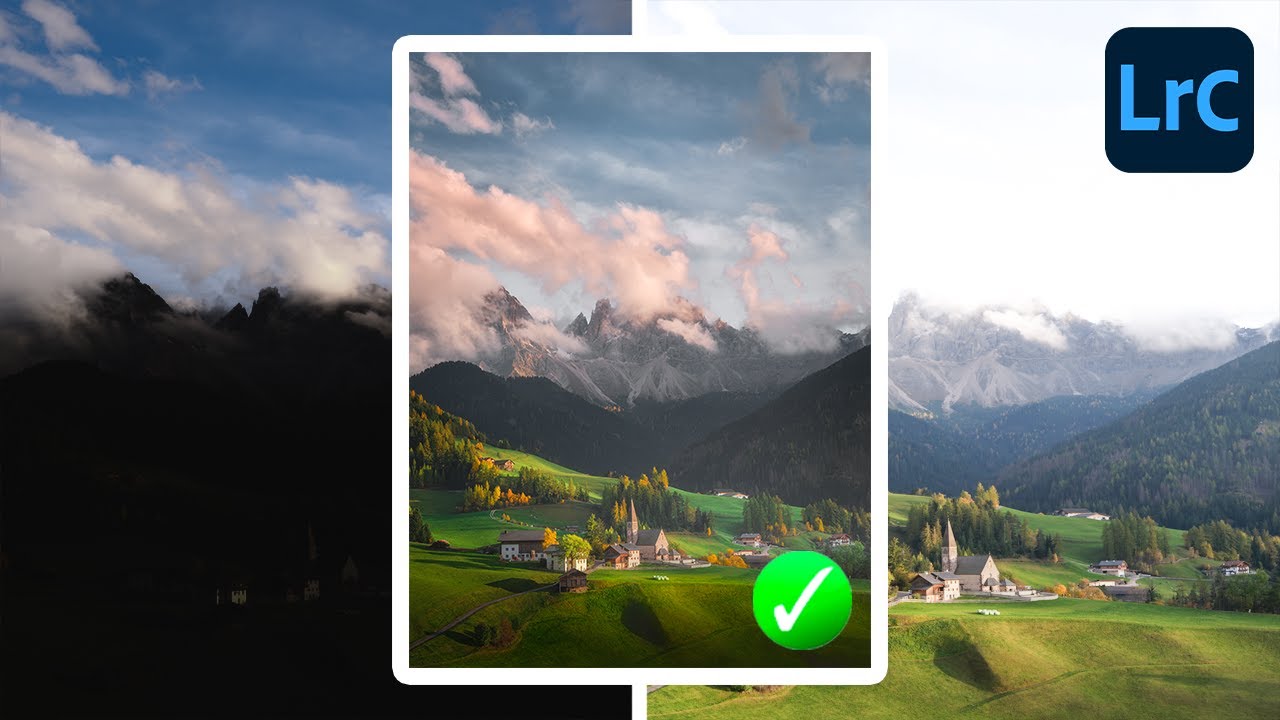
Stop Bracketing Your Shots and Hoping for the Best — Here's How to Build a Proper HDR in Lightroom

Stop Bracketing Your Shots and Hoping for the Best — Here's How to Build a Proper HDR in Lightroom

There’s a specific kind of frustration that comes from shooting a scene your eyes can see perfectly and your camera absolutely cannot. You know the one. Golden hour, gorgeous window light, a landscape where the sky is electric and the shadows are still full of detail. You look at the RAW file later and half of it is blown out or buried in noise. For years, the workaround was clunky: export to Photomatix, fight with tone mapping sliders, end up with something that looked like a painting of a sunset rather than a photograph of one.

Lightroom Can Actually Blend Exposures - Here's the Hidden Feature That Makes It Work

Lightroom Can Actually Blend Exposures - Here's the Hidden Feature That Makes It Work

There’s a conversation I end up having at least once a week, usually in the comments or over email: “Should I switch to Photoshop just to blend exposures?” And honestly, for a long time, my answer was a reluctant “kind of, yeah.” Lightroom has always been the better tool for the actual editing workflow, but the moment someone needs to combine a bright sky shot with a properly exposed foreground, the conversation usually detours into Photoshop, luminosity masks, and about three hours of frustration.

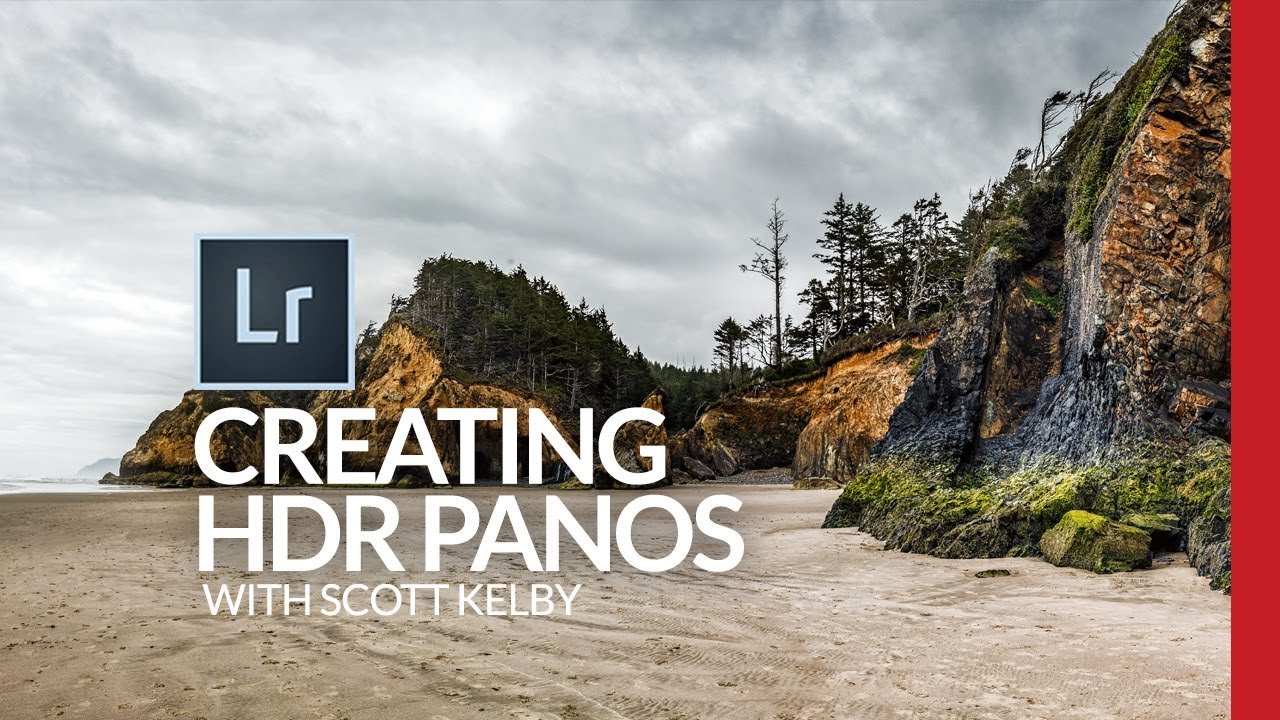
HDR Panoramas in Lightroom: The Bracketing Workflow That Actually Holds Up

HDR Panoramas in Lightroom: The Bracketing Workflow That Actually Holds Up

Landscape photographers talk about golden hour like it’s a guaranteed ticket to a great shot. It isn’t. The real problem with dramatic outdoor scenes isn’t the light itself, it’s the dynamic range. Bright skies, dark shadows, and everything in between crammed into a single frame that your sensor simply cannot capture in one exposure. HDR helps. Panoramas help. Combining them into a single HDR panorama? That’s where things get genuinely powerful.

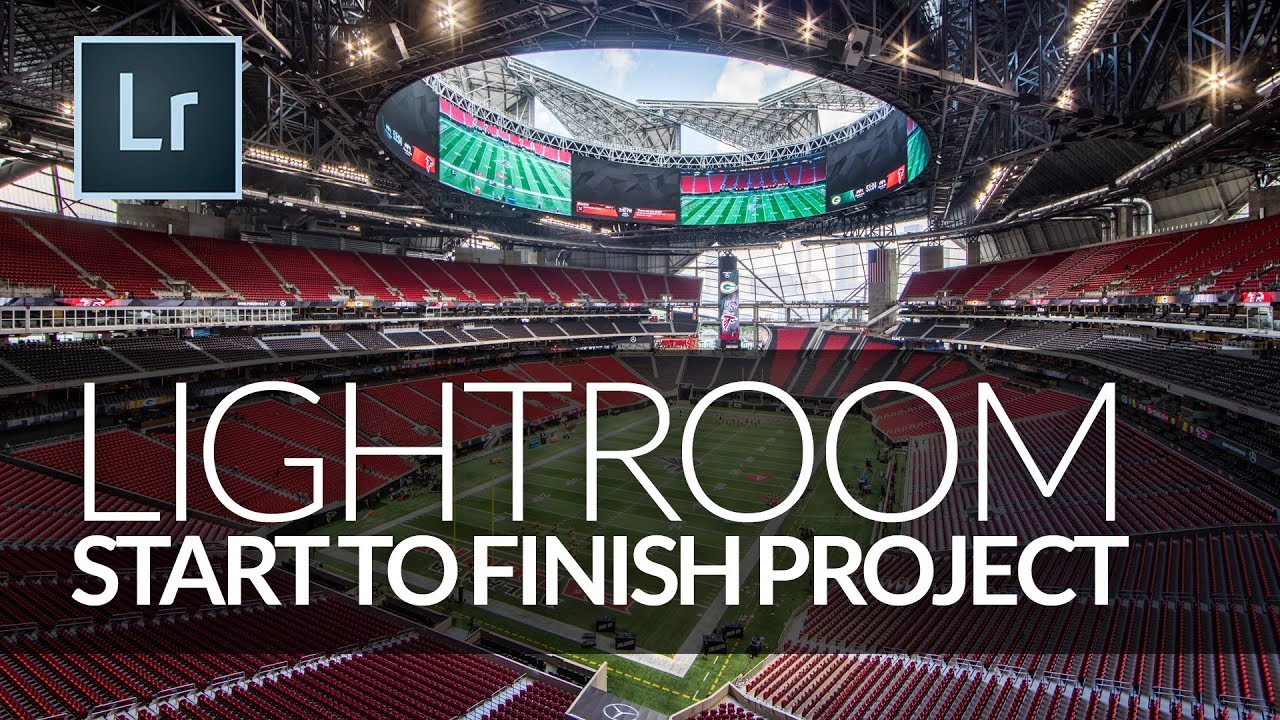
How to Edit Stadium Architecture Shots Using HDR Merge and Targeted Brushwork in Lightroom

How to Edit Stadium Architecture Shots Using HDR Merge and Targeted Brushwork in Lightroom

Shooting large interior spaces is one of those situations where a single exposure almost always fails you. The ceiling goes muddy, the sky through an open roof blows out, and the field sits somewhere in between looking like neither highlight nor shadow was handled correctly. It’s the kind of image that makes you feel like you did something wrong in camera, when really the problem is just dynamic range. Your sensor physically cannot capture it all in one shot.

Lightroom's HDR Merge Hides a Noise Reduction Superpower Most Photographers Miss

Lightroom's HDR Merge Hides a Noise Reduction Superpower Most Photographers Miss

I shoot a lot of musicians. Nashville is full of them, and a good chunk of my editing time is spent rescuing dark venue shots where the shadows look like someone shook a snow globe over the image. For years I treated Lightroom’s built-in HDR merge as a gimmick — something for real estate photographers and sunset chasers. Then I watched a KelbyOne tutorial that reframed the whole feature, and I felt that particular flavor of embarrassed that comes from ignoring a tool that was sitting right there.