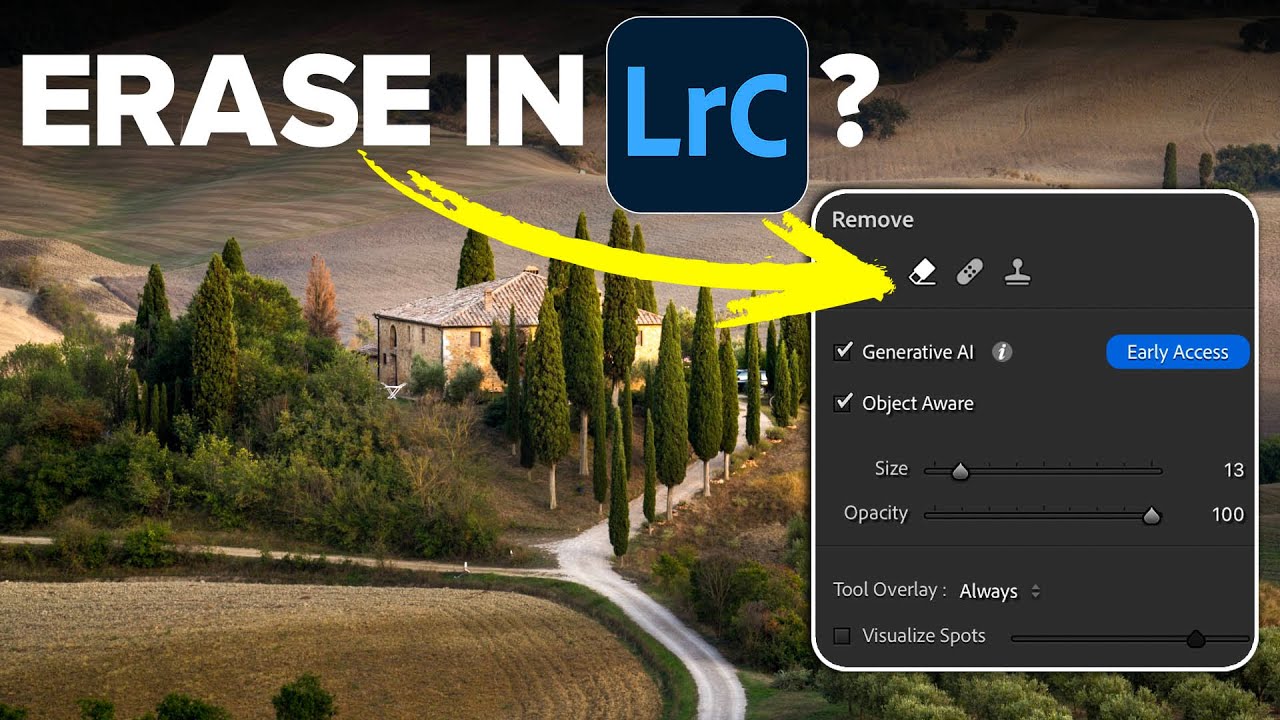
Adobe Finally Gave Lightroom an AI Eraser That's Actually Worth Using

Adobe Finally Gave Lightroom an AI Eraser That's Actually Worth Using

Every Lightroom user has a version of the same story. You spend twenty minutes getting a raw file exactly right, the tones are balanced, the colors are singing, and then you notice the power line cutting across the sky. Or the tourist walking through the background. Or the trash can that somehow ended up in the perfect composition. And just like that, you’re exporting to Photoshop, doing the thing, exporting back, and now you’ve got a TIFF sitting next to your raw file like a receipt you didn’t want.

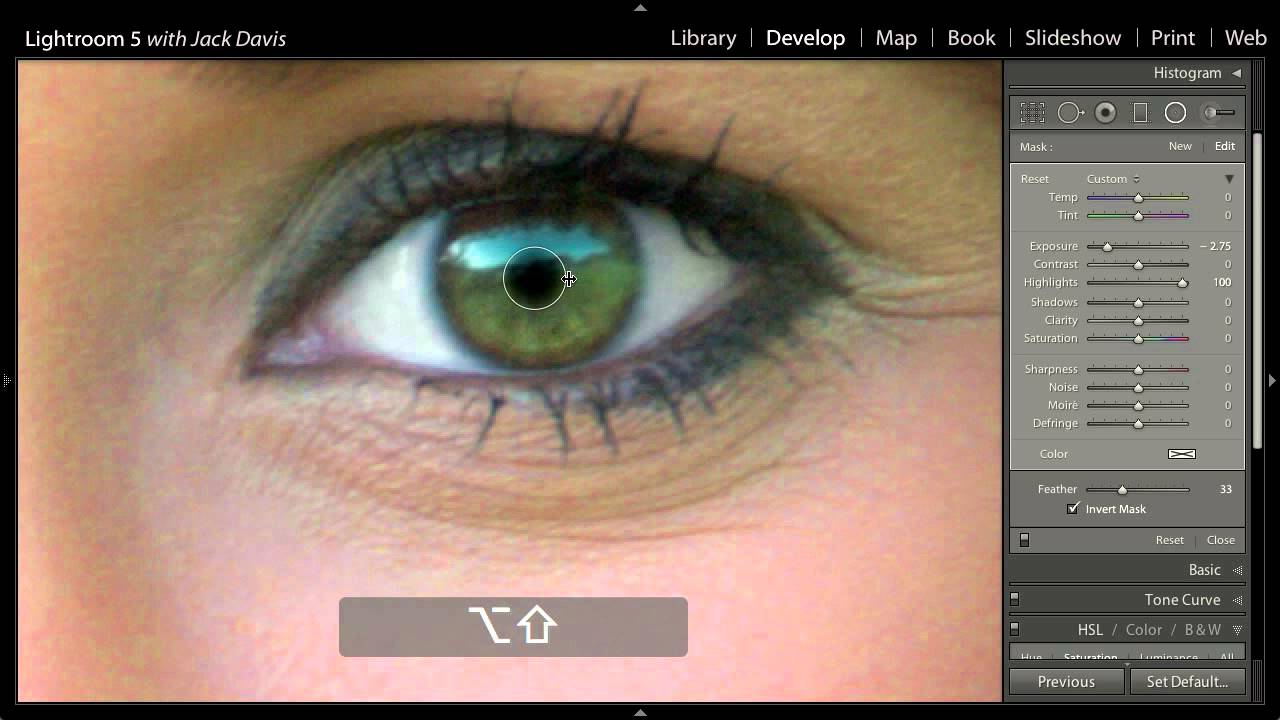
Bring Portraits to Life in Lightroom: Enhancing Eyes and Hair with the Adjustment Brush

Bring Portraits to Life in Lightroom: Enhancing Eyes and Hair with the Adjustment Brush

There’s a specific kind of portrait that haunts you. The light was perfect, the subject was stunning, and then you open the file and realize the hair has collapsed into a muddy shadow and the eyes look flat. I’ve been there more times than I’d like to admit. For a long time my reflex was to jump straight into Photoshop and start reaching for luminosity masks. It worked, but it was slow, and half the time I was overcomplicating something that didn’t need to be complicated.

Lightroom vs. Photoshop: How to Know When You've Hit the Wall

Lightroom vs. Photoshop: How to Know When You've Hit the Wall

For a long time, I was a “Lightroom only” person. Not out of principle, just practicality. I learned Lightroom because my band needed press shots and nobody else was going to edit them. Photoshop felt like a different universe, one I didn’t have a reason to visit. Then I started pushing Lightroom harder on portrait work and kept running into the same wall: the tools were there, technically, but I was spending 20 minutes doing something that would take 3 minutes elsewhere.

How to Remove Anyone From a Photo in Lightroom (Without Breaking a Sweat)

How to Remove Anyone From a Photo in Lightroom (Without Breaking a Sweat)

There’s a specific kind of frustration that comes with a technically perfect shot that has a stranger’s elbow in the corner, or a lighting assistant visible in the background. I’ve been there more times than I care to admit. Back when I was editing press photos for my band on a zero-dollar budget, every person in the background of a shot was a problem I had to solve in software, usually badly, usually late at night.

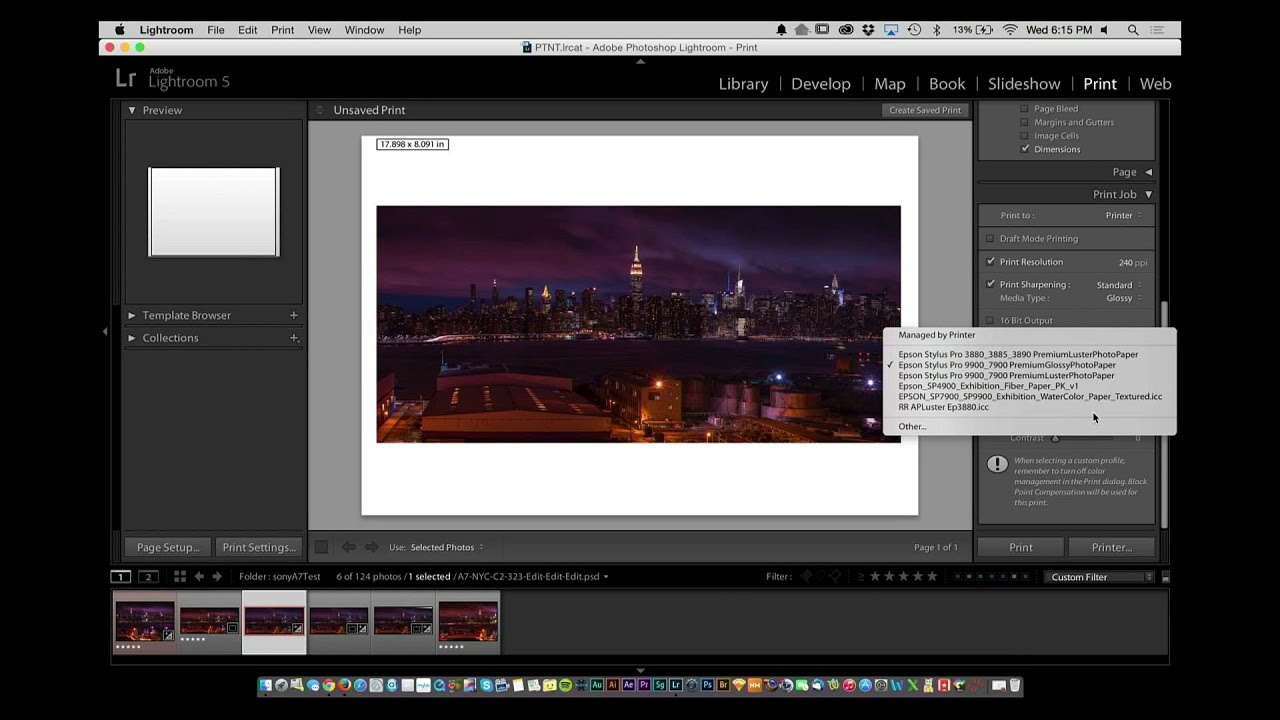
Stop Missing Sensor Spots Before You Print: The Lightroom Trick I Wish I'd Known Sooner

Stop Missing Sensor Spots Before You Print: The Lightroom Trick I Wish I'd Known Sooner

There is a specific kind of dread that only photographers know. It hits somewhere between handing someone a large print and watching their eyes drift to a smudge in the upper third of the image. Sensor dust. The gift that keeps giving, because whatever wrecked one frame wrecked every frame shot at that aperture. I have been editing seriously for almost a decade and I still catch myself skipping the spot-check step when I’m in a hurry.