Fix Mixed White Balance in One Shot — No Photoshop Required

Fix Mixed White Balance in One Shot — No Photoshop Required

There’s a specific kind of frustration that only photographers know: you’ve got a landscape shot where the sky looks exactly right, but the foreground is too cool, or you’ve nailed the warmth in the ground and the sky looks like it was shot through a yellow window. You move the temperature slider left and the foreground dies. You move it right and the sky turns the color of old mustard. For years I just accepted that this was a Photoshop problem, something to mask out in layers and blend manually.

Fix White Balance Across an Entire Shoot in Seconds (The Tethered and Non-Tethered Way)

Fix White Balance Across an Entire Shoot in Seconds (The Tethered and Non-Tethered Way)

There is a specific kind of misery that comes from finishing a three-hour portrait session, loading 400 images into Lightroom, and realizing the white balance is wrong on every single one. I’ve been there more times than I want to admit. Early on, when I was editing press shots for my band because we genuinely couldn’t afford to hire someone, I used to fix white balance manually, image by image, like some kind of digital monk.

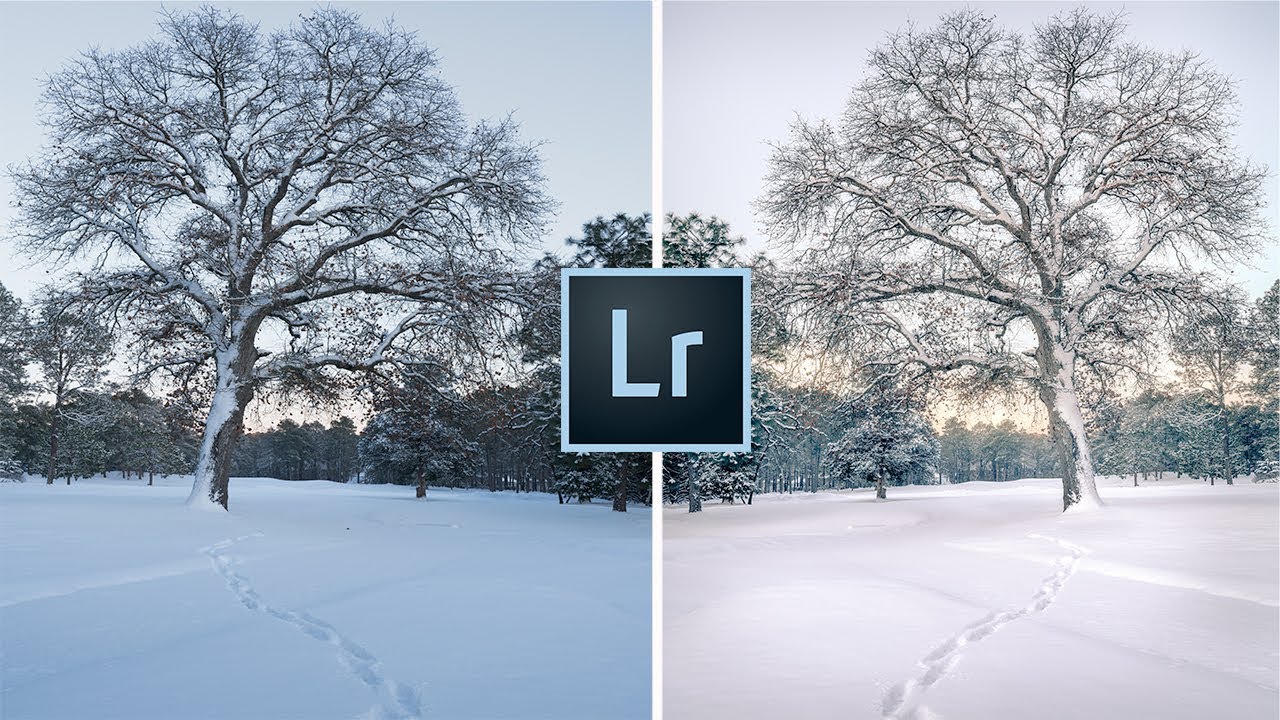
White Snow, Warm Mess: 7 Lightroom Fixes That Actually Work on Winter Photos

White Snow, Warm Mess: 7 Lightroom Fixes That Actually Work on Winter Photos

Every January I open a folder of winter shots and think the same thing: why does my snow look like a gas station slushie? Sometimes it’s blue from a clear sky acting as a giant overhead reflector. Sometimes it’s that flat, greenish-gray you get from overcast light. Either way, the camera captured it faithfully and Lightroom handed me a problem to solve. Winter editing isn’t hard in the way that, say, compositing is hard.

From Crooked Columns to Clean Architecture: A Lightroom Intermediate Editing Walkthrough

From Crooked Columns to Clean Architecture: A Lightroom Intermediate Editing Walkthrough

There’s a specific kind of photo that lives in everyone’s archive: technically salvageable, visually promising, but currently a disaster. Bad white balance, geometry that looks like a funhouse mirror, and some mystery fringing along the edges for good measure. I keep a folder full of them. They’re the images I shot years ago before I knew what I was doing, and every time I open them I have to decide whether they’re worth the fight.

The Lightroom Color Tool You're Probably Not Using (And Why It Should Be Your First Stop)

The Lightroom Color Tool You're Probably Not Using (And Why It Should Be Your First Stop)

There’s a specific frustration I’ve run into more times than I can count: you nail the exposure on a shot, everything looks clean and balanced, and then you try to push the color in a creative direction using the Temperature slider. Suddenly your highlights are clipping, your tones are shifting, and what was a clean edit is now a mess you have to chase back down. I always assumed this was just the cost of doing business with white balance.

Lightroom Color Editing Finally Makes Sense — Here's the Tool You're Probably Ignoring

Lightroom Color Editing Finally Makes Sense — Here's the Tool You're Probably Ignoring

Color questions are the ones that fill my inbox. Not exposure, not sharpening, not even masking. Color. People want to know why their images look muddy, why the greens feel fake, why the sky went from moody to neon the second they touched the saturation slider. I spent years answering those questions one reply at a time before I realized the real problem: most photographers learn color tools in isolation, without ever understanding how each one interacts with the others.