How to Edit Community Photos in Lightroom Mobile: Cropping, Graduated Filters, and Color Grading on iPad

How to Edit Community Photos in Lightroom Mobile: Cropping, Graduated Filters, and Color Grading on iPad

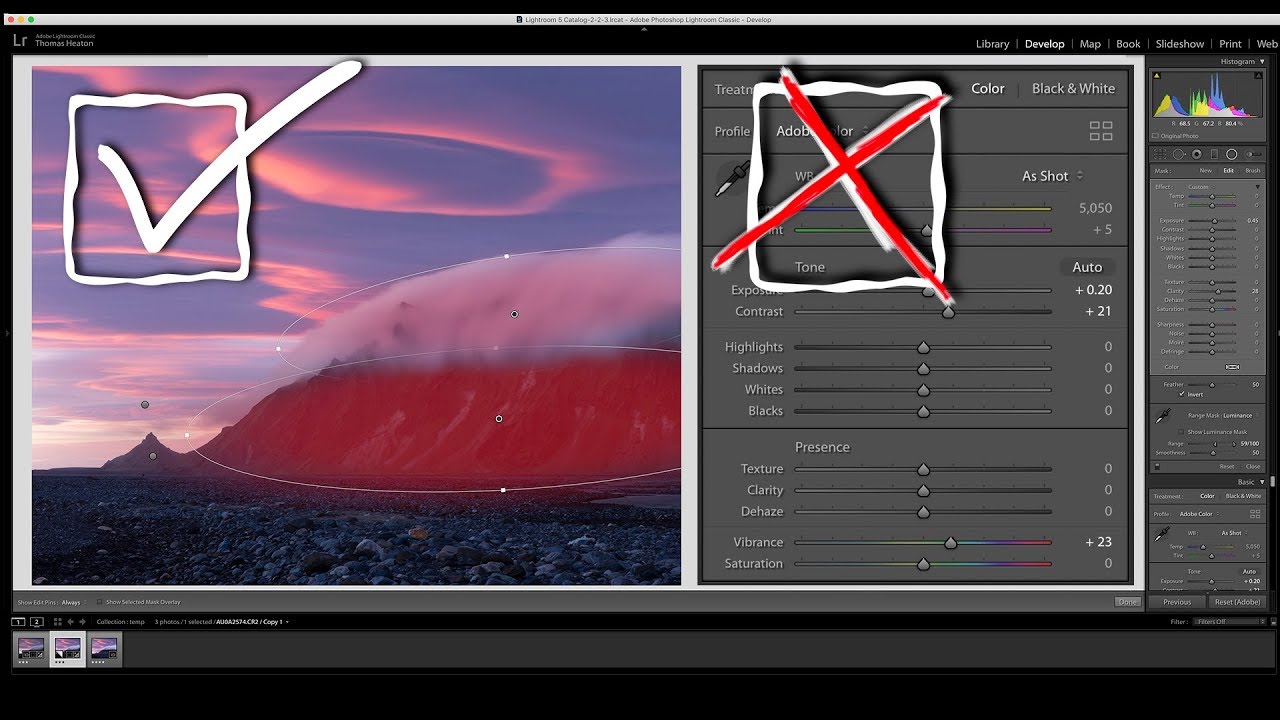
Every so often I watch another editor work through photos live and walk away genuinely recalibrating something I thought I already had figured out. I learned Lightroom years ago because someone had to edit my band’s press shots and we couldn’t afford to hire anyone. That scrappy, problem-solving approach to editing never really left me. So when I came across this Nigel Danson tutorial where he works through viewer-submitted RAW files on an iPad in real time, I paid attention.

Lightroom 8.4's Hidden Performance Boosters (And the Batch HDR Feature That Changed My Workflow)

Lightroom 8.4's Hidden Performance Boosters (And the Batch HDR Feature That Changed My Workflow)

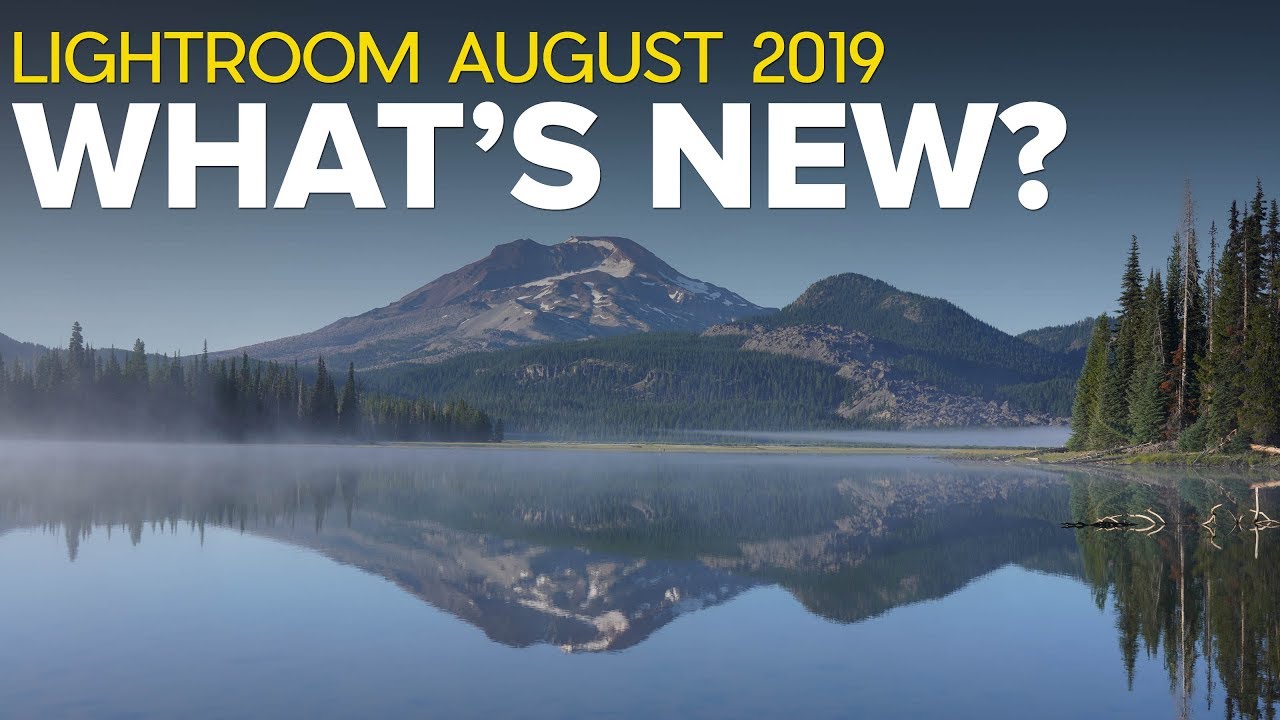
Every few months Adobe drops a Lightroom update and I do the same thing: I skim the release notes, nod vaguely, and go back to whatever edit I was in the middle of. Then a week later someone in a workshop asks me why their HDR merging takes forever and I have to admit I skipped the part of the update that would have fixed it. That’s exactly what happened with Lightroom 8.

Why Your Digital Photos Look Too Clean (And How Film Emulation Fixes It)

Why Your Digital Photos Look Too Clean (And How Film Emulation Fixes It)

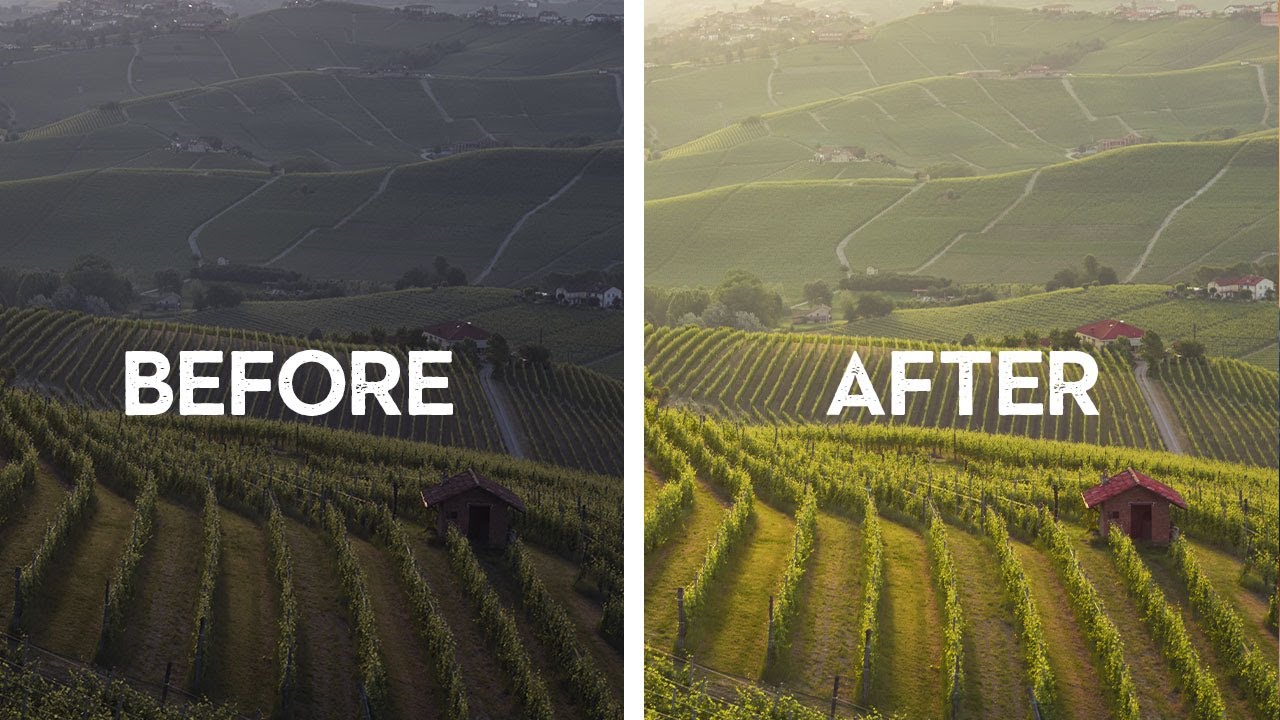
I have a preset I built two years ago called “Rumors.” Named after the Fleetwood Mac album, which was playing on my turntable when I made it. It’s a Kodak Portra 400 emulation, slightly warm, with lifted shadows and a subtle green shift in the midtones. It took me about four hours to dial in. It’s also one of the most-downloaded presets I’ve ever released, and most of the people who downloaded it couldn’t explain why they liked it, only that it made their photos feel more “real.

Why Lightroom Feels Sluggish (And the Import Setting That Fixes Most of It)

Why Lightroom Feels Sluggish (And the Import Setting That Fixes Most of It)

There’s a certain irony in spending more time waiting for Lightroom to load a photo than you spent actually taking it. I’ve been there more times than I’d like to admit. Early in my editing career, I chalked slow performance up to some cosmic tax on creative work. Turns out, most of it was self-inflicted. A few wrong settings, an underpowered drive, and a catalog stored in the worst possible location will bring even a capable machine to its knees.

The Lightroom Tricks I Wish I'd Known Before Wasting 500 Hours Editing the Hard Way

The Lightroom Tricks I Wish I'd Known Before Wasting 500 Hours Editing the Hard Way

Every editor has a turning point. Mine came embarrassingly late. I was two years into editing photos for a local music scene in Nashville, spending 45 minutes per image tweaking sliders I didn’t fully understand, when a photographer friend leaned over my shoulder and said, “Why are you doing it that way?” Turns out I had been fighting Lightroom’s architecture instead of working with it. That experience is exactly why I keep coming back to tutorials from creators who clearly live inside this software.

TourBox Dynamic Panel V2 Transforms Lightroom Into a Distraction-Free Editing Studio

TourBox Dynamic Panel V2 Transforms Lightroom Into a Distraction-Free Editing Studio

TourBox Dynamic Panel V2 Transforms Lightroom Into a Distraction-Free Editing Studio When I first heard about TourBox’s Dynamic Panel plugin last year, I thought it was solving a problem I didn’t know I had. But after spending time with the updated V2 version, I’ve completely changed my tune. This is genuinely one of the smartest approaches to Lightroom editing I’ve seen in years. The Full-Screen Dream We’ve All Wanted Let’s be honest: Lightroom’s interface can feel cramped sometimes.