How to Rescue a Blown-Out Sunset Photo Using Lightroom's Tone Controls (Start to Finish)

How to Rescue a Blown-Out Sunset Photo Using Lightroom's Tone Controls (Start to Finish)

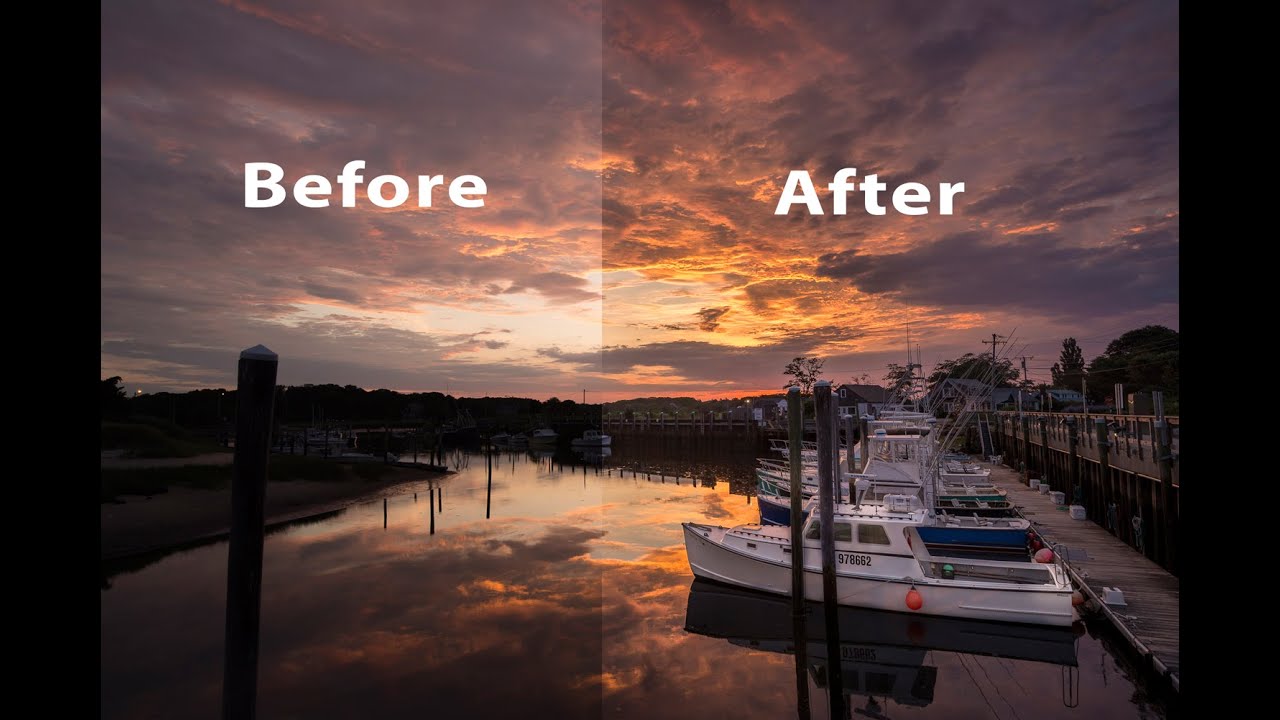
Sunset photos are the ones that fool you into thinking you nailed it in camera. The light is gorgeous, the composition feels right, and then you open the RAW file and the sky looks like a nuclear event while the dock is a silhouette. I’ve been there more times than I want to count. It’s one of the most common problems I hear about from readers, and it’s also one of the most solvable ones once you understand how Lightroom’s tone controls actually work together.

How to Edit a Rocky Beach Sunset Photo: A Full Lightroom-to-Photoshop Walkthrough

How to Edit a Rocky Beach Sunset Photo: A Full Lightroom-to-Photoshop Walkthrough

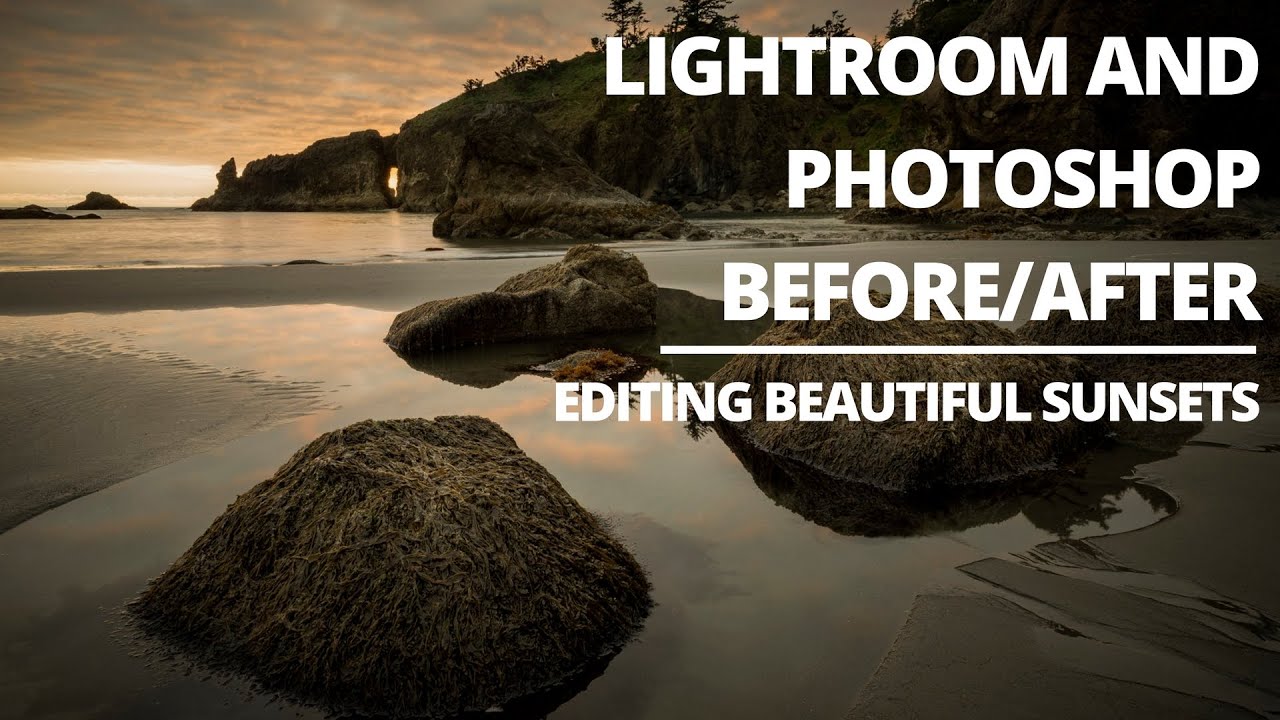
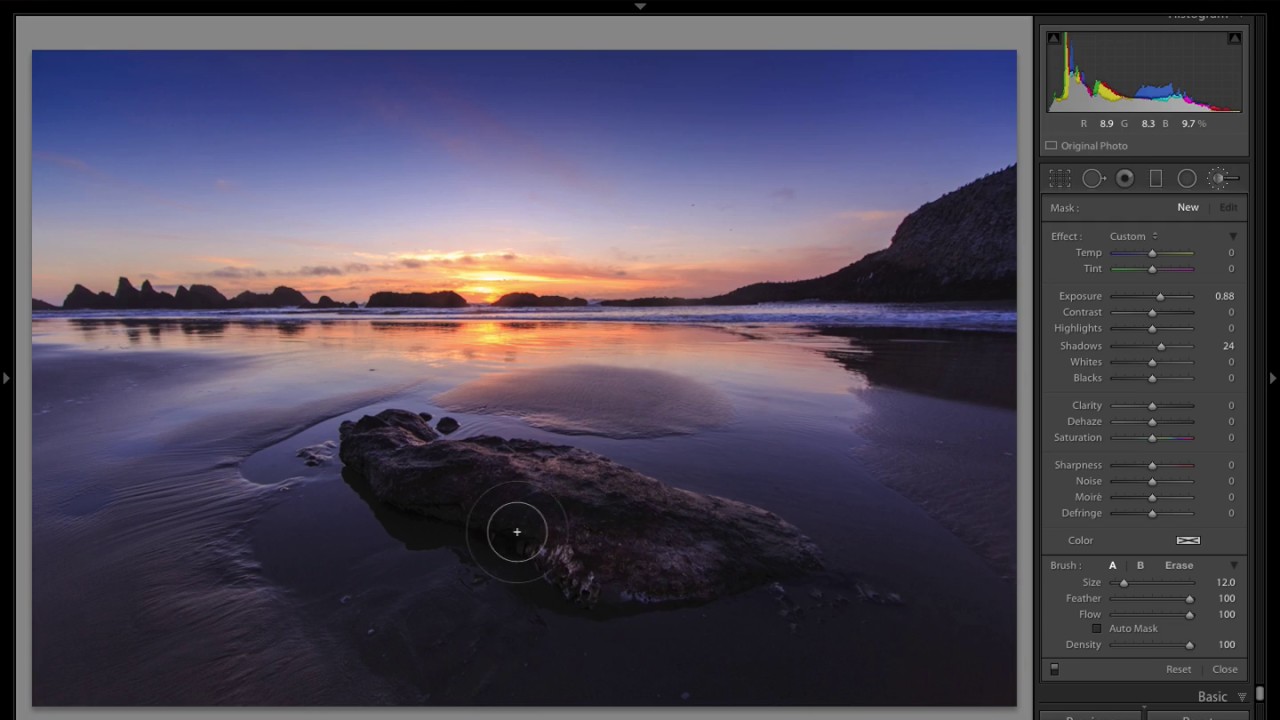
Sunset beach shots are the ones that make you look like a genius or expose you as someone who just dragged the Vibrance slider to 100 and called it a day. The challenging part isn’t the golden light, it’s the dynamic range. You’ve got a blown-out sky threatening to clip on one end and a shadowy foreground swallowing all your rock detail on the other. Every time I pull one of these into Lightroom, I feel the same pull in two directions, and the edit can go sideways fast if you don’t have a clear workflow.

How to Edit Moody Landscape Photos in Lightroom: 6 Steps That Actually Work

How to Edit Moody Landscape Photos in Lightroom: 6 Steps That Actually Work

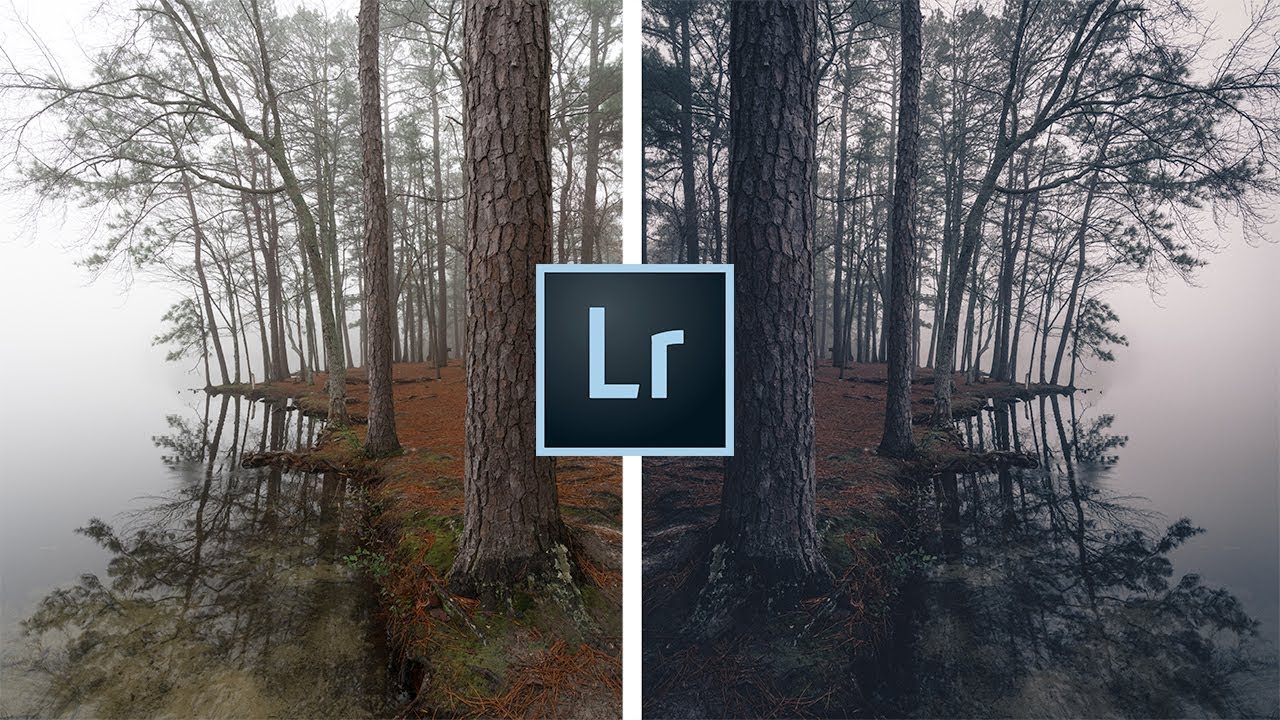
There’s a specific kind of landscape photo that stops you mid-scroll. Dark, atmospheric, a little unsettling. The kind of image where the fog does half the storytelling and the edit does the other half. I’ve been chasing that look for years, and I’ll admit I used to think it was mostly about being in the right place at the right time. It’s not. It’s mostly about knowing what to do with the raw file once you’re back home.

Three Photos, No Rules: What Matt Kloskowski's Editing Process Actually Teaches You

Three Photos, No Rules: What Matt Kloskowski's Editing Process Actually Teaches You

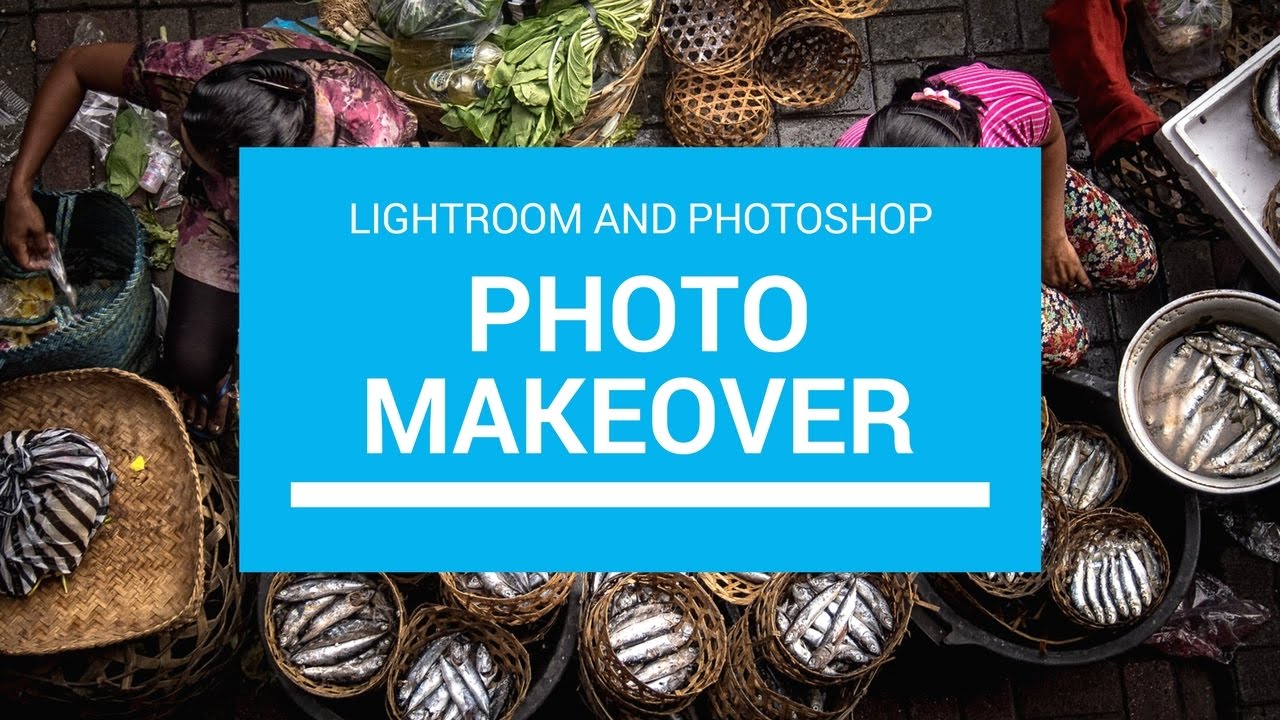
Every few months I’ll watch another working photographer edit in real time, not because I need the basics refreshed, but because the decisions are where the education lives. Anyone can list sliders. Watching someone decide which slider matters, and why, is a different thing entirely. That’s what pulled me into Matt Kloskowski’s new Photo Makeover series. Watch the full tutorial on YouTube and you’ll see what I mean within the first two minutes.

Two Clicks Before You Touch a Single Slider: A Lightroom Landscape Editing Walkthrough

Two Clicks Before You Touch a Single Slider: A Lightroom Landscape Editing Walkthrough

There’s a specific kind of frustration I know well: you shoot a landscape at golden hour, the light is incredible, and then you pull the RAW file up in Lightroom and it looks like a screenshot from Google Maps. Flat, weirdly curved, corners darkening like something went wrong with the sensor. That gap between what your eyes saw and what the file shows is where most people either give up or start yanking sliders randomly and wonder why nothing looks right.