Lightroom Mobile Is More Powerful Than You Think — Here's the Proof

Lightroom Mobile Is More Powerful Than You Think — Here's the Proof

I resisted Lightroom’s cloud-based desktop and mobile app for an embarrassingly long time. I had my Classic catalog, my folder structure, my backup drives humming under my desk like old friends. The idea of handing my raw files over to the cloud felt like trading a filing cabinet for a promise. Then I actually started using it, and I owe a small apology to the app I ignored for two years.
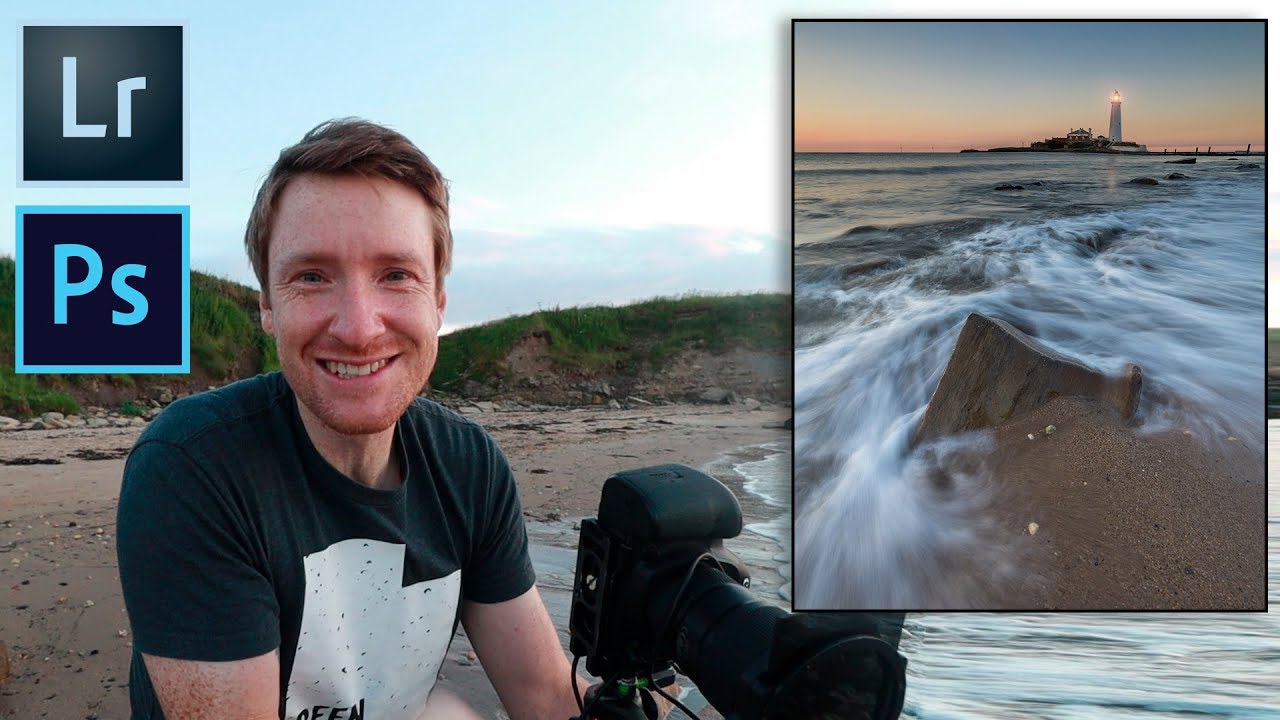
From Familiar to Extraordinary: Thomas Heaton's One-Shot Workflow (Location to Lightroom)

From Familiar to Extraordinary: Thomas Heaton's One-Shot Workflow (Location to Lightroom)

There’s a trap I fell into early in my editing career, and I see it constantly in the forums. People assume great landscape photography requires a passport, a red-eye flight, and a location they’ve never seen before. Thomas Heaton dismantles that assumption in about ten minutes of footage. In this Thomas Heaton tutorial, he heads out to St. Mary’s Lighthouse in Northumberland, a place he’s photographed so many times he almost talks himself out of going.

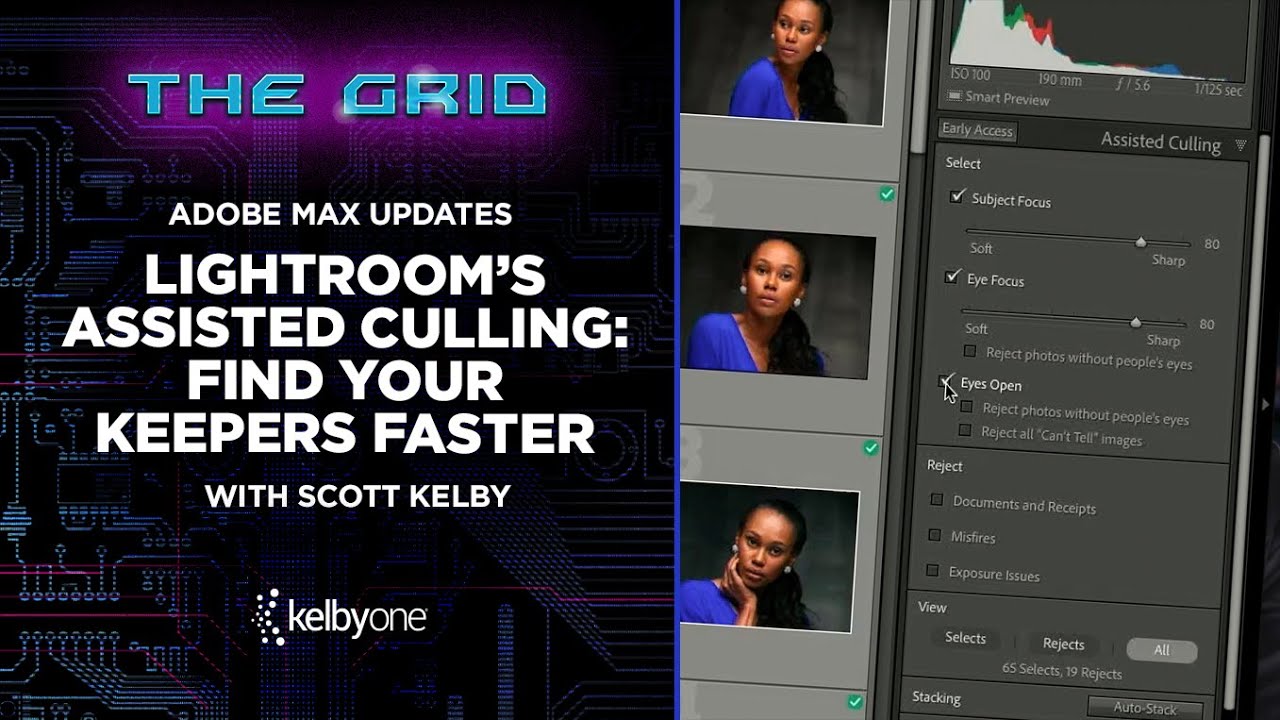
Stop Drowning in Rejected Shots: How Lightroom's AI Culling Actually Works

Stop Drowning in Rejected Shots: How Lightroom's AI Culling Actually Works

Culling is the part of my workflow I like least. I will spend an entire Sunday afternoon obsessing over a single preset’s tone curve, but asking me to sit down and reject 800 near-identical frames from a portrait session? That’s where motivation goes to die. After a while, you stop making real decisions and start clicking randomly, which defeats the whole point. So when Adobe dropped their Adobe Max announcements and Scott Kelby broke down the new Assisted Culling feature in a recent KelbyOne tutorial, I watched it twice before my coffee finished brewing.

Lightroom Mobile Just Got Real: Star Ratings, iPhone Support, and the $9.99 Plan That's Here to Stay

Lightroom Mobile Just Got Real: Star Ratings, iPhone Support, and the $9.99 Plan That's Here to Stay

I remember the exact moment I realized my culling workflow was broken. I was on location, had about 400 frames on my iPad, and zero way to mark the keepers with anything more meaningful than a flag. Flags are fine, but they’re binary. A photo either has one or it doesn’t. The whole star rating system I’d built my desktop workflow around was completely absent on mobile, so I’d come home, re-import everything to Lightroom, and start the sorting process from scratch like I hadn’t already spent an hour on the train doing exactly that.

Your Phone Is a Darkroom: How to Actually Edit Photos in Lightroom Mobile Without Losing Your Mind

Your Phone Is a Darkroom: How to Actually Edit Photos in Lightroom Mobile Without Losing Your Mind

I was sitting at a coffee shop in East Nashville last spring, waiting on a friend, when I noticed I had 47 unedited photos from a shoot sitting in my camera roll. My laptop was at home. The shoot was for a client who needed selects by end of day. So I opened Lightroom Mobile, synced the raw files through Creative Cloud, and edited the whole batch on my phone in about 40 minutes.

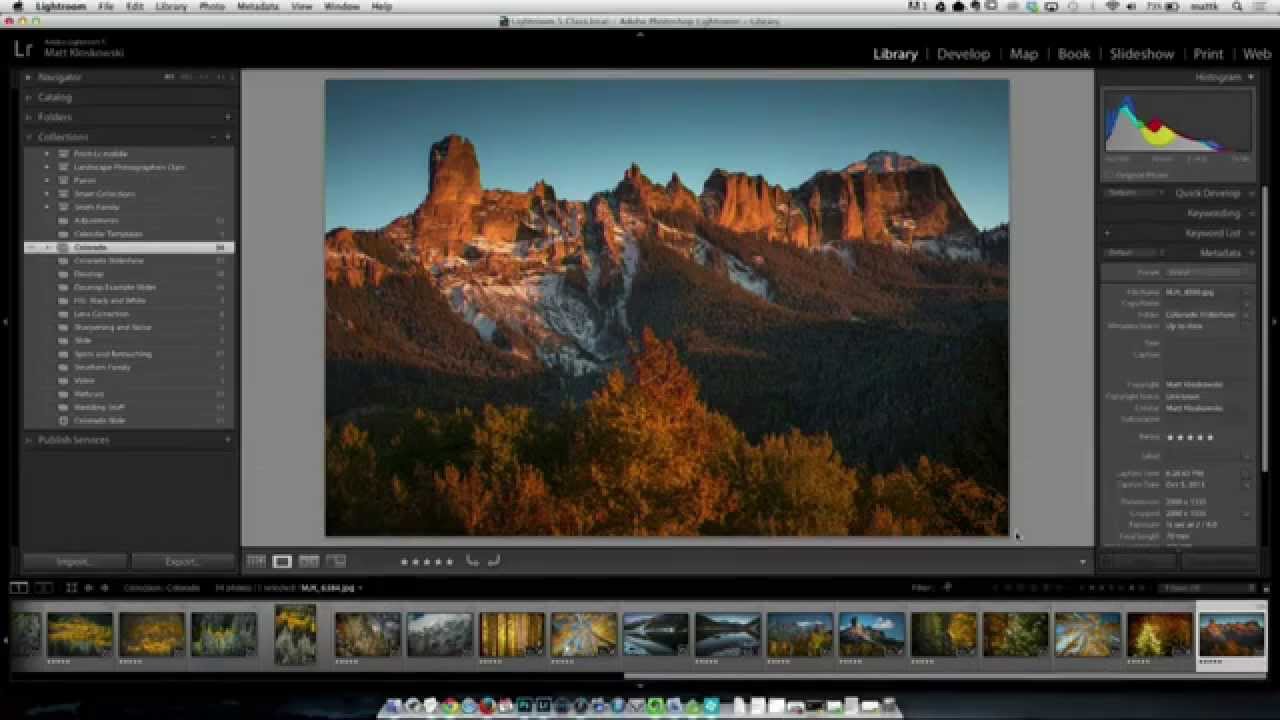
Bridge Isn't Dead: 5 Things It Does That Lightroom Still Can't

Bridge Isn't Dead: 5 Things It Does That Lightroom Still Can't

I used to dismiss Adobe Bridge the same way I dismiss genre labels for music - confidently, and without much actual evidence. It felt like the old, clunky thing you used before Lightroom existed. Then I started shooting more on weekends for fun, not for clients, and I found myself resenting the Lightroom import process every single time I wanted to glance at a handful of raw files. Nobody wants to sit through a catalog import just to grab one good frame from a Saturday afternoon shoot.

How to Build Custom Portrait Proof Sheets in Lightroom's Print Module

How to Build Custom Portrait Proof Sheets in Lightroom's Print Module

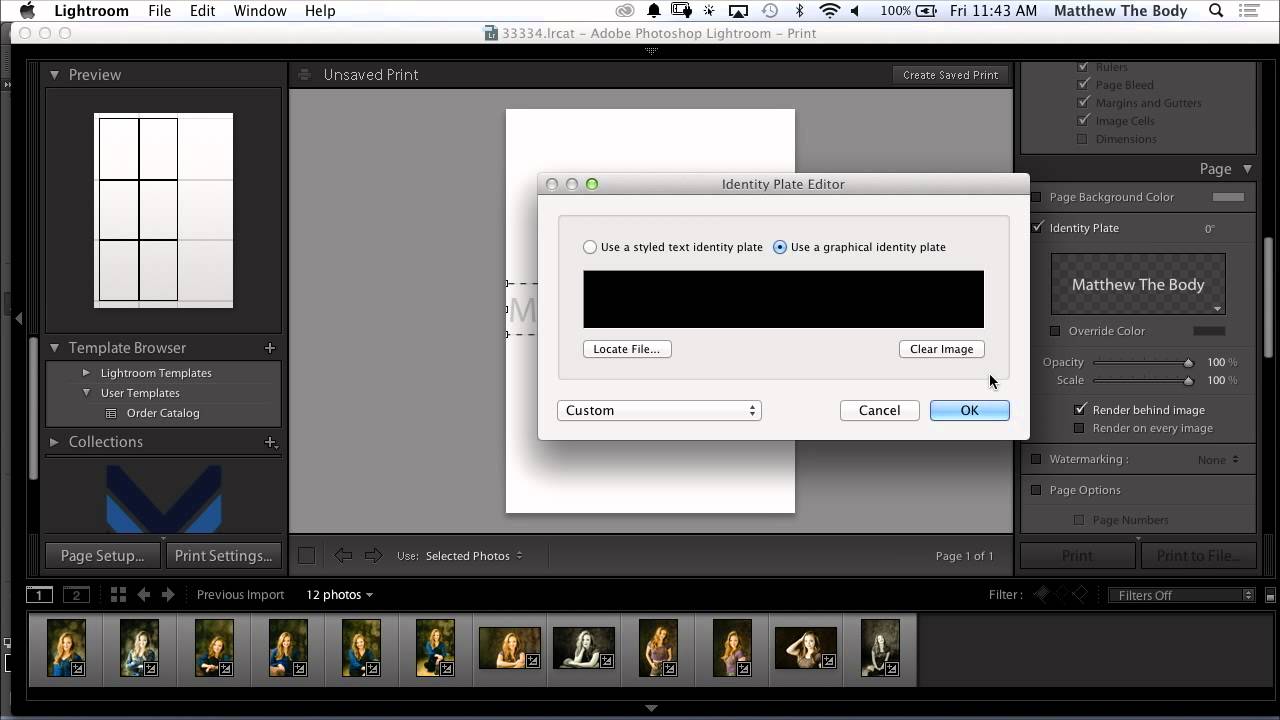
Every photographer I know has a version of the same problem: clients want to see options before committing to a final selection, and sending a folder of 200 JPEGs feels about as professional as handing someone a shoebox of prints. For a long time I was exporting contact sheets from a separate app, which added steps and broke my flow right in the middle of a session. Then I watched this CreativeLive tutorial on customizing portrait proof sheets entirely inside Lightroom, and I realized I’d been ignoring a tool that was sitting in front of me the whole time.

Bridge Meets Lightroom: What Actually Happens When Your Workflows Collide

Bridge Meets Lightroom: What Actually Happens When Your Workflows Collide

There’s a particular kind of panic that hits when you realize you’ve been editing photos in two different programs and you have no idea which one is “winning.” I’ve been there. You’re browsing a folder in Adobe Bridge, you make a quick tweak in Camera Raw, and then you open Lightroom and stare at the screen wondering why nothing looks right. It’s not a fun place to be, especially mid-deadline.

How to Move Your Lightroom Catalog to a New Computer Without Losing Your Mind

How to Move Your Lightroom Catalog to a New Computer Without Losing Your Mind

Every few years, a new computer shows up and suddenly you’re staring at a migration project you were not mentally prepared for. I’ve been there. New laptop arrives, old one needs to go, and somewhere in the middle is your entire Lightroom catalog with years of edits, collections, and presets that you absolutely cannot afford to lose or rebuild from scratch. The process is not complicated once you understand what Lightroom actually is doing under the hood, but if you go in blind, you will end up with a library full of question marks and a very bad afternoon.

The Mobile-to-Desktop Lightroom Workflow That Actually Works for Travel Photographers

The Mobile-to-Desktop Lightroom Workflow That Actually Works for Travel Photographers

There is one workflow problem that used to wreck me every time I came home from a trip. My phone camera roll is a disaster of food photos, screenshots, and actual keepers all jumbled together. My Sony files are sitting on a card. And somewhere between those two worlds is a batch of photos I genuinely care about, waiting to get lost or forgotten. For a while my solution was “deal with it later,” which, as any photographer knows, is code for “never deal with it.

How I Finally Stopped Losing Weekends to Lightroom (And What Pierre T. Lambert Taught Me About It)

How I Finally Stopped Losing Weekends to Lightroom (And What Pierre T. Lambert Taught Me About It)

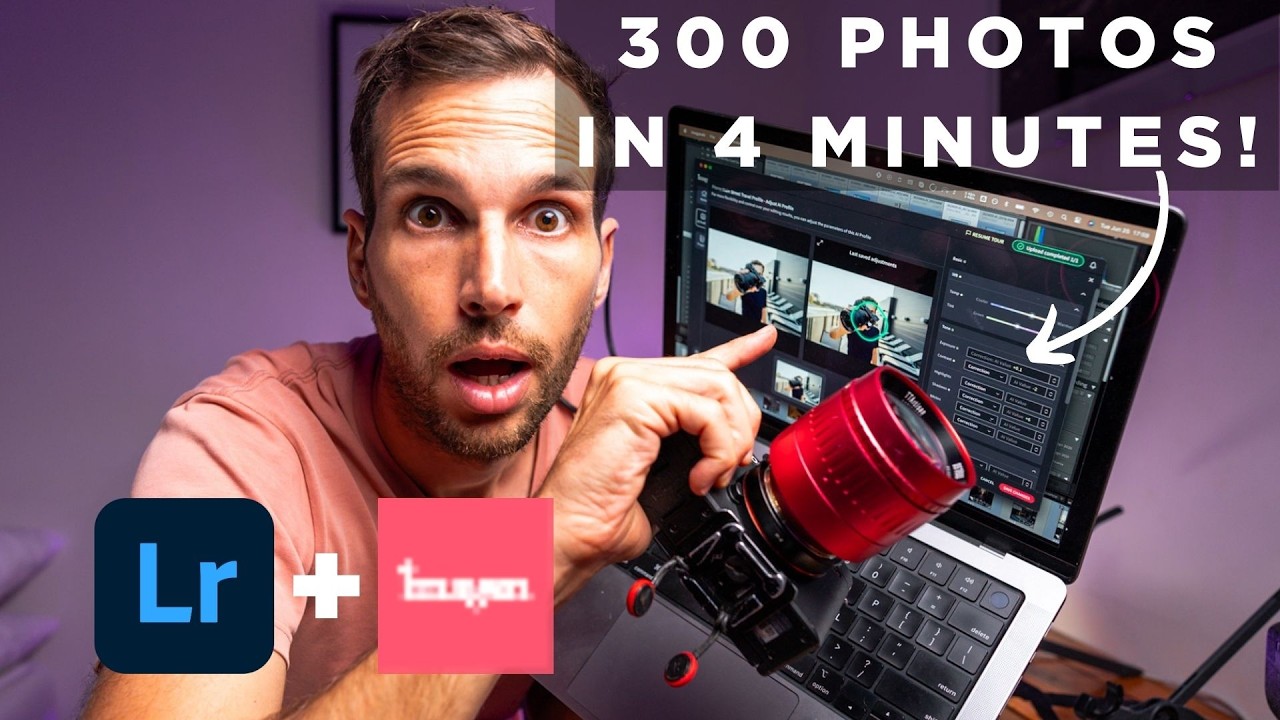
I used to joke that my editing backlog was its own form of cardio — the anxiety of staring down 800 unedited photos after a shoot kept my heart rate elevated for days. And the honest truth is, most of those hours in front of a screen weren’t making my photos dramatically better. They were just making me tired. If you shoot anything at volume, whether that’s weddings, travel, or even just personal projects you care about, the editing bottleneck is real and it compounds fast.