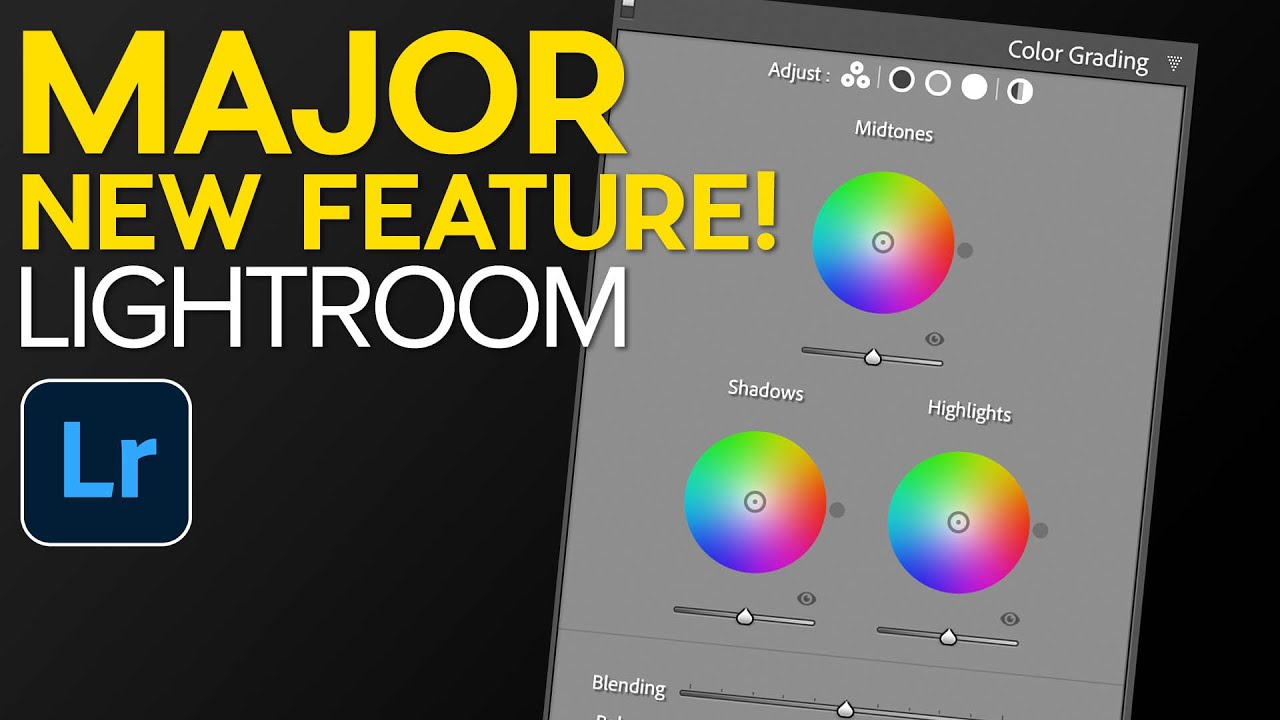
Lightroom Classic 7.5 Just Fixed Three Things That Were Driving Me Crazy

Lightroom Classic 7.5 Just Fixed Three Things That Were Driving Me Crazy

Every time Adobe drops a Lightroom update, I do the same thing. I open the release notes, skim past the “performance improvements,” and hunt for anything that actually changes how I work. Most updates are quiet. Version 7.5, which Adobe pushed out in the third week of August 2018, is not one of those quiet updates. It’s got three specific changes that solve problems I’ve been working around for months.

Lightroom Mobile Just Got Real: Star Ratings, iPhone Support, and the $9.99 Plan That's Here to Stay

Lightroom Mobile Just Got Real: Star Ratings, iPhone Support, and the $9.99 Plan That's Here to Stay

I remember the exact moment I realized my culling workflow was broken. I was on location, had about 400 frames on my iPad, and zero way to mark the keepers with anything more meaningful than a flag. Flags are fine, but they’re binary. A photo either has one or it doesn’t. The whole star rating system I’d built my desktop workflow around was completely absent on mobile, so I’d come home, re-import everything to Lightroom, and start the sorting process from scratch like I hadn’t already spent an hour on the train doing exactly that.

Lightroom 8.4's Hidden Performance Boosters (And the Batch HDR Feature That Changed My Workflow)

Lightroom 8.4's Hidden Performance Boosters (And the Batch HDR Feature That Changed My Workflow)

Every few months Adobe drops a Lightroom update and I do the same thing: I skim the release notes, nod vaguely, and go back to whatever edit I was in the middle of. Then a week later someone in a workshop asks me why their HDR merging takes forever and I have to admit I skipped the part of the update that would have fixed it. That’s exactly what happened with Lightroom 8.

The Glow Slider Game-Changer: How Camera Raw's Latest Update Transforms Soft Light Effects

The Glow Slider Game-Changer: How Camera Raw's Latest Update Transforms Soft Light Effects

The Soft-Focus Dream is Getting a Serious Upgrade I’ve been chasing that ethereal, Instagram-filter-meets-professional-photography aesthetic for years. You know the look—where light seems to bloom around your subject like they’re living in a perpetual golden hour. Getting there used to require juggling multiple sliders, layer masks, and enough trial-and-error to make you question your life choices. Then Camera Raw 18.6 dropped something genuinely useful: a dedicated glow slider. What Changed (And Why I’m Excited) The new glow control essentially bundles three separate techniques into one intuitive slider.

Lightroom 8.1 Just Let You Rearrange Everything — Here's What Actually Changed

Lightroom 8.1 Just Let You Rearrange Everything — Here's What Actually Changed

Every few months I find myself doing a version of the same ritual: a Lightroom update drops, I install it, and then I spend twenty minutes clicking around the Develop module trying to figure out what changed. Adobe is not exactly famous for dramatic release notes. The December 2018 update to Lightroom Classic CC - version 8.1 - was one of those quiet ones that turned out to matter more than the changelog suggested.

Lightroom Classic 11 Finally Has AI Masking — Here's How to Actually Use It

Lightroom Classic 11 Finally Has AI Masking — Here's How to Actually Use It

I spent years making selections the hard way. Brush a little here, erase a little there, zoom in to 200% to catch the stray pixels around someone’s hair, repeat until I questioned my career choices. If you edit portraits, landscapes, or really anything with a complicated edge, you know the feeling. So when the October 2021 Lightroom Classic update dropped and I saw what Adobe had quietly tucked into version 11, I genuinely stopped what I was doing and watched Matt Kloskowski’s breakdown twice.

Lightroom Classic CC Just Got Faster — Here's Everything That Actually Changed

Lightroom Classic CC Just Got Faster — Here's Everything That Actually Changed

There’s a specific kind of frustration that hits when you’re sitting at your desk on a Sunday afternoon, memory card full of weekend shoot files, watching Lightroom crawl through preview generation like it’s running on a potato. I’ve been there more times than I’d like to admit. My whole editing setup is dialed in, my vinyl is spinning, my presets are loaded, and Lightroom is the bottleneck. So when Adobe dropped Lightroom Classic CC as an update to Lightroom 6 and the previous Lightroom CC, I wanted to know immediately: does it actually fix that, or is this another changelog full of promises?

Lightroom 7.4 Updated Presets and Profiles Management — Here's What Actually Changed

Lightroom 7.4 Updated Presets and Profiles Management — Here's What Actually Changed

My preset panel used to look like a junk drawer. Adobe presets I never touched sitting next to film packs I use every day, next to the black-and-white collection I hadn’t opened in eight months. Every time I went to grab something fast on a deadline, I was scrolling past three folders I didn’t need. It’s a small friction point, but small friction points add up across a hundred-photo edit session.

Lightroom 8.2's Enhanced Details: What It Does, Who It's Actually For, and When to Skip It

Lightroom 8.2's Enhanced Details: What It Does, Who It's Actually For, and When to Skip It

Every February, Adobe quietly drops a point update to Lightroom. No splashy keynote, no Twitter hype cycle. Just a line item in the Creative Cloud updater that most people click past without reading. I almost did that with 8.2 until I caught Matt Kloskowski’s breakdown of what actually changed. Watch the full tutorial on YouTube before we dig in, because watching him toggle the before/after preview live makes the problem this feature solves click in a way that screenshots alone can’t.

Lightroom Classic 10: What Actually Changed and Why the Catalog Upgrade Is Smarter Than You Think

Lightroom Classic 10: What Actually Changed and Why the Catalog Upgrade Is Smarter Than You Think

Every October, Adobe throws their Max conference and drops a round of updates across the Creative Cloud suite. For Lightroom Classic users, that usually means a new version number, a mandatory catalog upgrade, and a scramble to figure out what actually changed. I’ve been through this cycle enough times that I used to dread it. A new catalog always felt like handing your library to a slot machine and hoping everything came out intact.

Lightroom Classic Is Here: Speed Upgrades and Range Masks That Actually Change How You Edit

Lightroom Classic Is Here: Speed Upgrades and Range Masks That Actually Change How You Edit

There’s a specific kind of frustration that every working photographer knows. You come back from a shoot with 800 RAW files, you sit down to cull, and Lightroom moves like it’s running on dial-up. Every right-arrow keypress feels like a small act of patience. I used to put on a full record side just to get through the culling process without losing my mind. So when Adobe pushed significant speed improvements in October 2017 alongside a structural name change and a genuinely useful new masking tool, I paid attention.

Lightroom's February 2018 Update: The Folder Tools You Didn't Know You Needed

Lightroom's February 2018 Update: The Folder Tools You Didn't Know You Needed

My catalog is a disaster. Not a “creative chaos” disaster — a genuine, scroll-for-forty-seconds-to-find-the-right-folder disaster. I organize everything by shoot name, not by date, because I think in terms of subjects and places, not years. Ask me when I shot something and I’ll have no idea. Ask me what the folder is called and I’ll get you there eventually. The problem is “eventually” adds up fast when you’re jumping between jobs.