Lightroom's Creative Profiles and LUTs Just Changed How I Edit Everything

Lightroom's Creative Profiles and LUTs Just Changed How I Edit Everything

Every few years, something shifts in Lightroom that makes me stop mid-edit and actually pay attention. Not a UI refresh, not a slider rename — something that changes how I think about the whole workflow. I’ve been editing photos since my old band needed press shots and couldn’t afford anyone with a real portfolio, so I learned Lightroom out of necessity. That history means I’ve watched a lot of updates come and go without much fuss.


Stop Fighting Crooked Horizons: A Practical Guide to Lightroom's Upright Tool

Stop Fighting Crooked Horizons: A Practical Guide to Lightroom's Upright Tool

There’s a particular kind of frustration that comes from shooting architecture or interiors, loading the photos into Lightroom, and realizing that every single vertical line looks like it’s slowly falling over. I’ve been there more times than I want to count. Whether you’re tilting the camera up to catch a full building facade or shooting a doorway at a slight angle, perspective distortion creeps into the frame almost invisibly on location and becomes glaringly obvious on a 27-inch monitor.

The Tone Curve Isn't a Filter — It's the Whole Conversation

The Tone Curve Isn't a Filter — It's the Whole Conversation

I used to drag the Highlights slider down, lift the Shadows slider up, call it a day. My edits looked fine. Technically correct. Like a photo that had been to the dentist. Clean, but not exactly alive. The tone curve sat there in the Develop module, that little diagonal line, and I treated it like a sign I couldn’t read yet. That lasted longer than I’d like to admit. When I finally committed to understanding it, not just poking at it, it completely rewired how I think about light in an image.

How to Darken a Sky Without Wrecking Your Treeline in Lightroom

How to Darken a Sky Without Wrecking Your Treeline in Lightroom

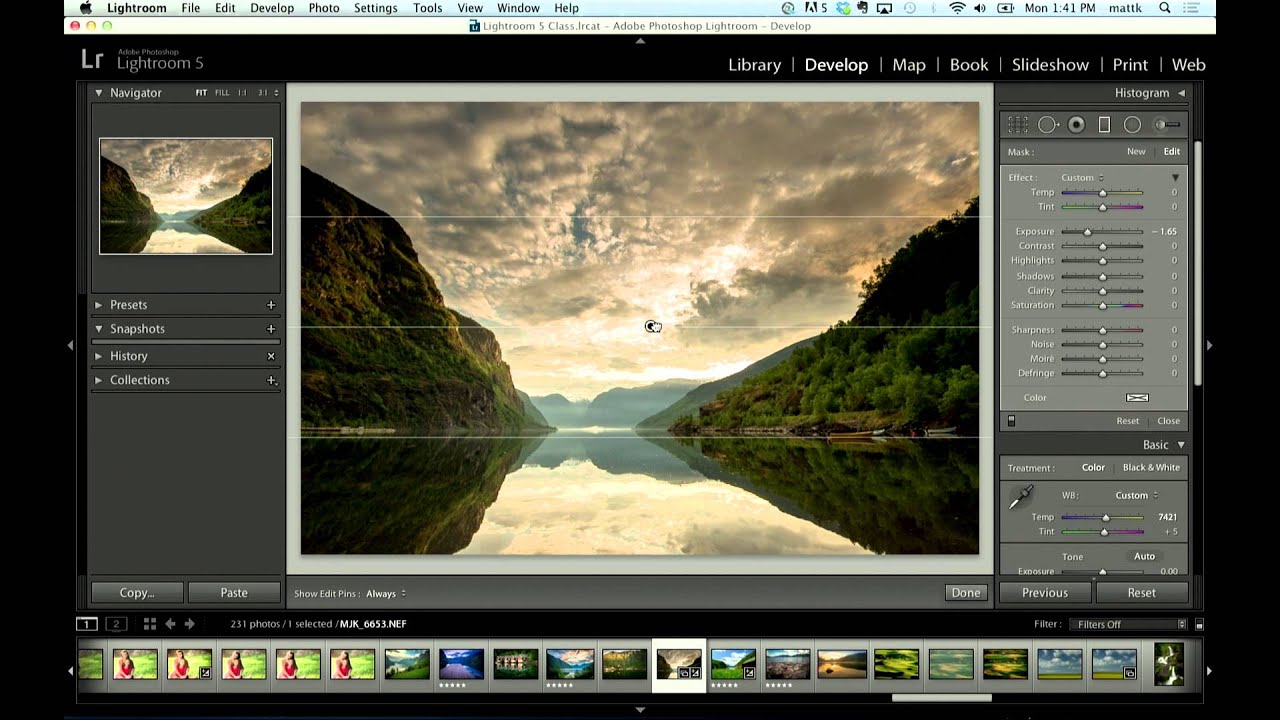
Sky editing is one of those things that sounds simple until you’re staring at a photo where the clouds are blown out and the foreground looks like it was shot at midnight. I’ve been in that exact situation more times than I want to count, and for a long time my fix was clunky at best. I’d pull down the overall exposure, hate what it did to the shadows, undo it, and then just… accept a mediocre sky.

Stop Drowning in 400,000 Unlabeled Photos — Let AI Find Them for You

Stop Drowning in 400,000 Unlabeled Photos — Let AI Find Them for You

I have a confession that will probably resonate with a lot of you: I have years of photo shoots sitting in Lightroom with zero keywords attached to them. Portraits from 2019, landscapes from a road trip through Montana, a whole session I did at a friend’s horse farm. All of it is technically “organized” in folders by date, which means finding any specific image involves either remembering the exact month I shot it or scrolling through thousands of thumbnails like it’s 2009.

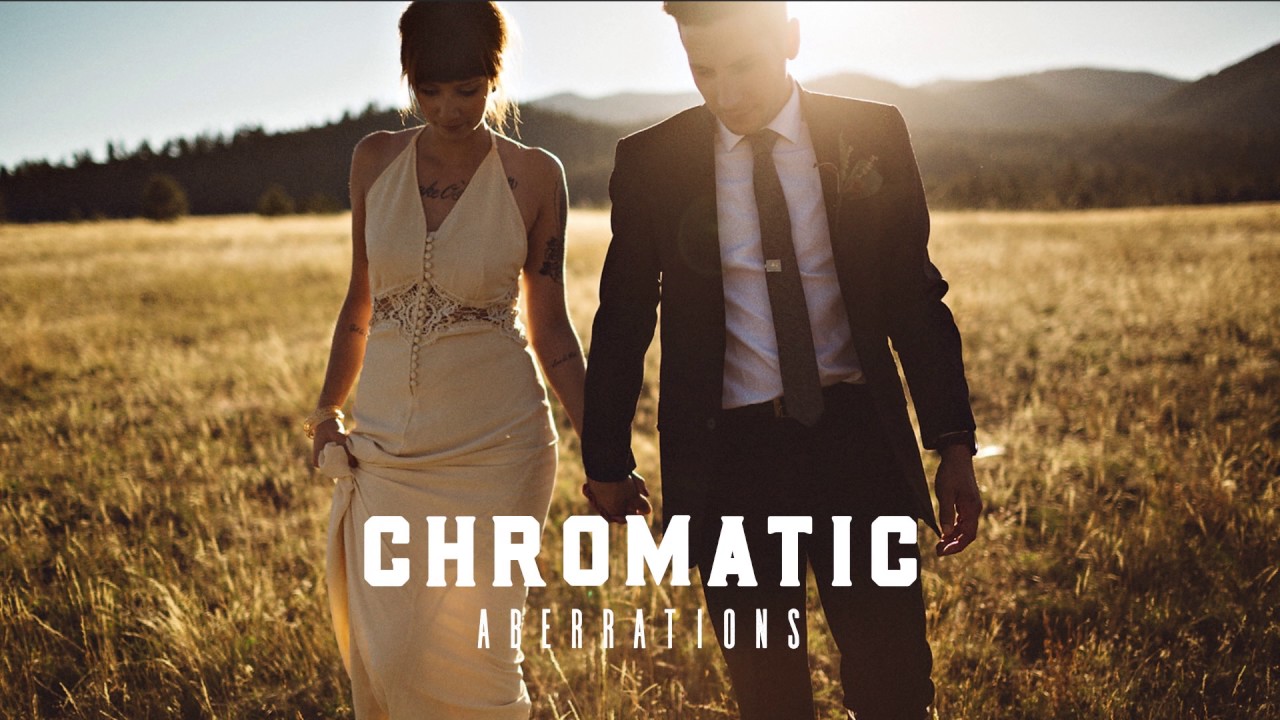
Fix Muddy Skin Tones, Lens Fringing, and Crooked Horizons in Lightroom — Three Moves That Actually Matter

Fix Muddy Skin Tones, Lens Fringing, and Crooked Horizons in Lightroom — Three Moves That Actually Matter

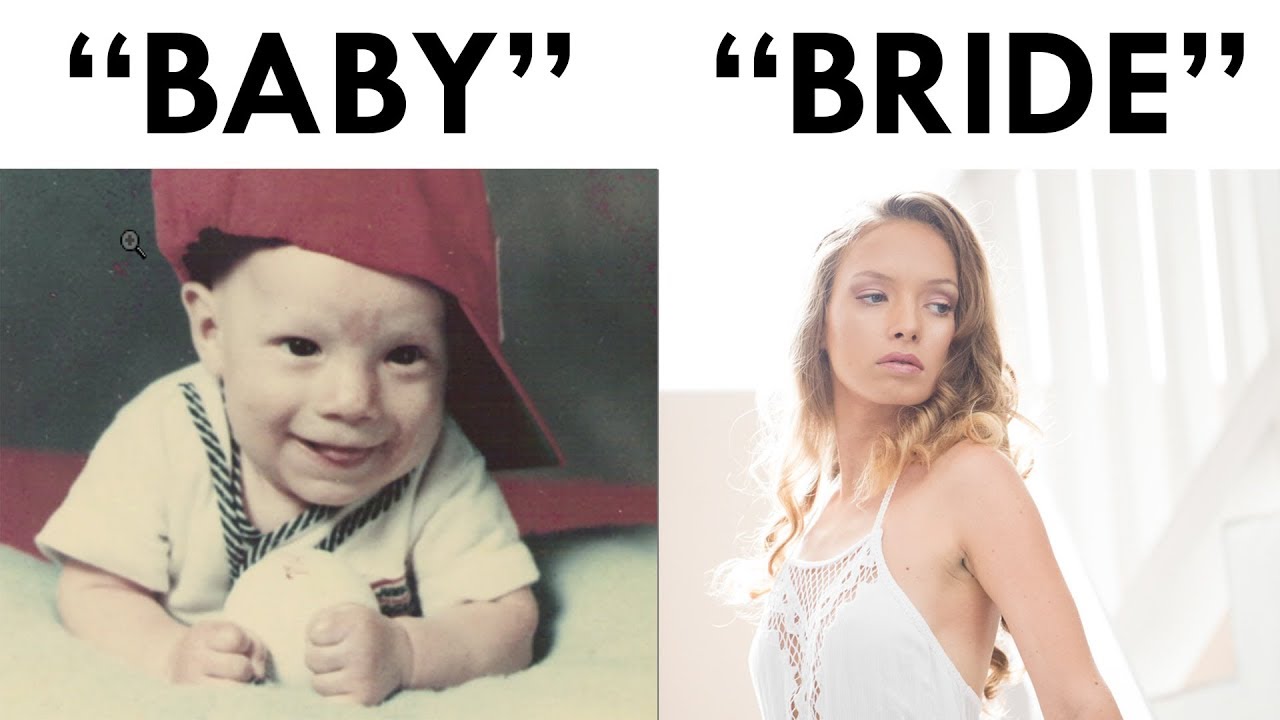
I used to make the mistake most beginners make: I’d apply a preset, think the edit was done, and export. Then I’d look at the photo two days later and wonder why the skin looked like someone had applied a Instagram filter from 2012. The problem wasn’t the preset itself. It was that I didn’t know how to dial it back in when something went wrong. That gap between “I applied a preset” and “I know what I’m doing” is exactly what this Mango Street tutorial covers, and it does it in under five minutes.

Split Toning Is the Secret Your Flat Edits Are Missing (Here's How to Actually Use It)

Split Toning Is the Secret Your Flat Edits Are Missing (Here's How to Actually Use It)

I used to think split toning was a filter. One of those things you slap on a photo to make it look “cinematic” and call it a day. I’d see other editors’ work with those warm golden highlights and cool blue shadows, assume they had some secret preset, and move on. It wasn’t until I spent a weekend reverse-engineering a look from a photographer I admired that I realized split toning wasn’t a shortcut at all.

How to Find Your Lightroom Editing Style (Instead of Just Copying Everyone Else's)

How to Find Your Lightroom Editing Style (Instead of Just Copying Everyone Else's)

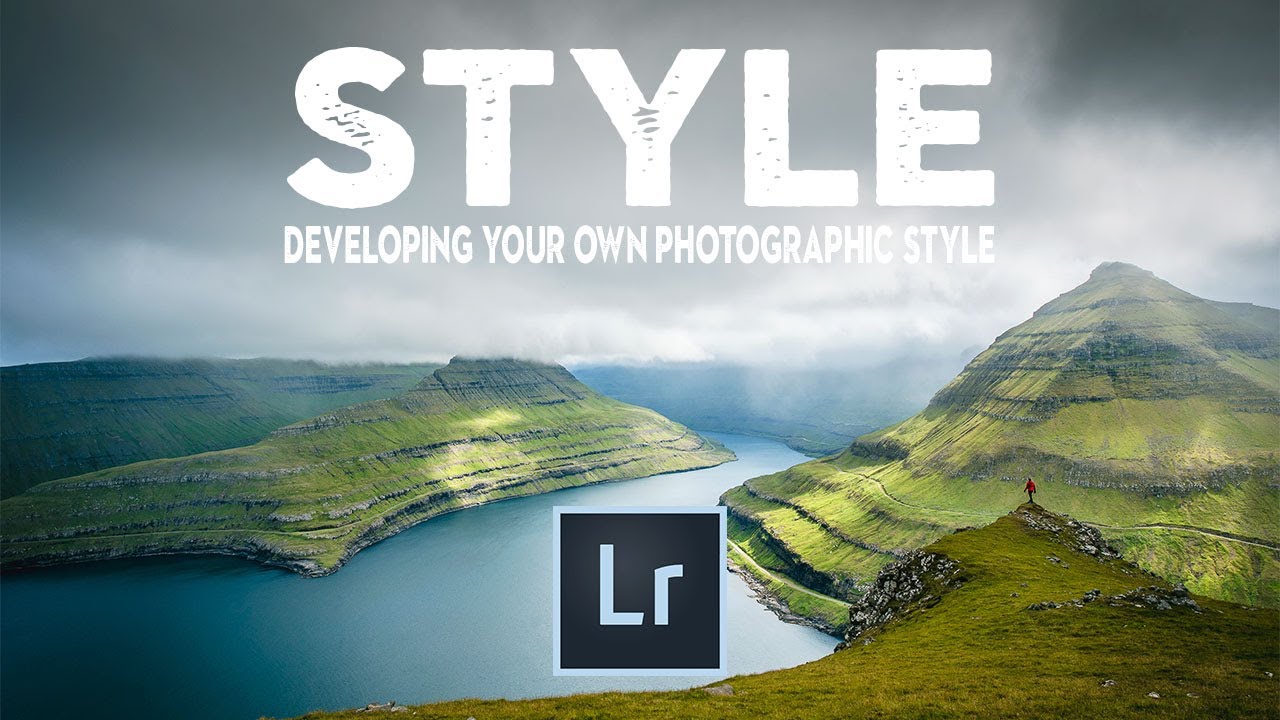
There’s a specific kind of frustration that hits when you open Instagram, scroll past three photographers whose work stops you cold, and then open your own Lightroom catalog and feel absolutely nothing. I spent a long time in that gap. I’d apply someone else’s preset, think “close enough,” and move on. The photos looked fine. They didn’t look like mine. The problem wasn’t technical skill. It was that I hadn’t done the work of figuring out what I actually wanted my images to feel like.

Update Your Lightroom Copyright Metadata Before You Import Another Photo in 2025

Update Your Lightroom Copyright Metadata Before You Import Another Photo in 2025

Every January I do the same thing: I spend way too long organizing my preset folders, rethinking my export settings, and completely forgetting the one administrative task that actually matters legally. I blow past the new year and import hundreds of photos before I realize my copyright metadata still reads the previous year. It’s not a disaster, but it’s also not nothing. Copyright information embedded in your files is your first line of defense if an image gets scraped, stolen, or published without permission.

Crop It Right: A Practical Guide to Lightroom's Crop, Straighten, and Perspective Tools

Crop It Right: A Practical Guide to Lightroom's Crop, Straighten, and Perspective Tools

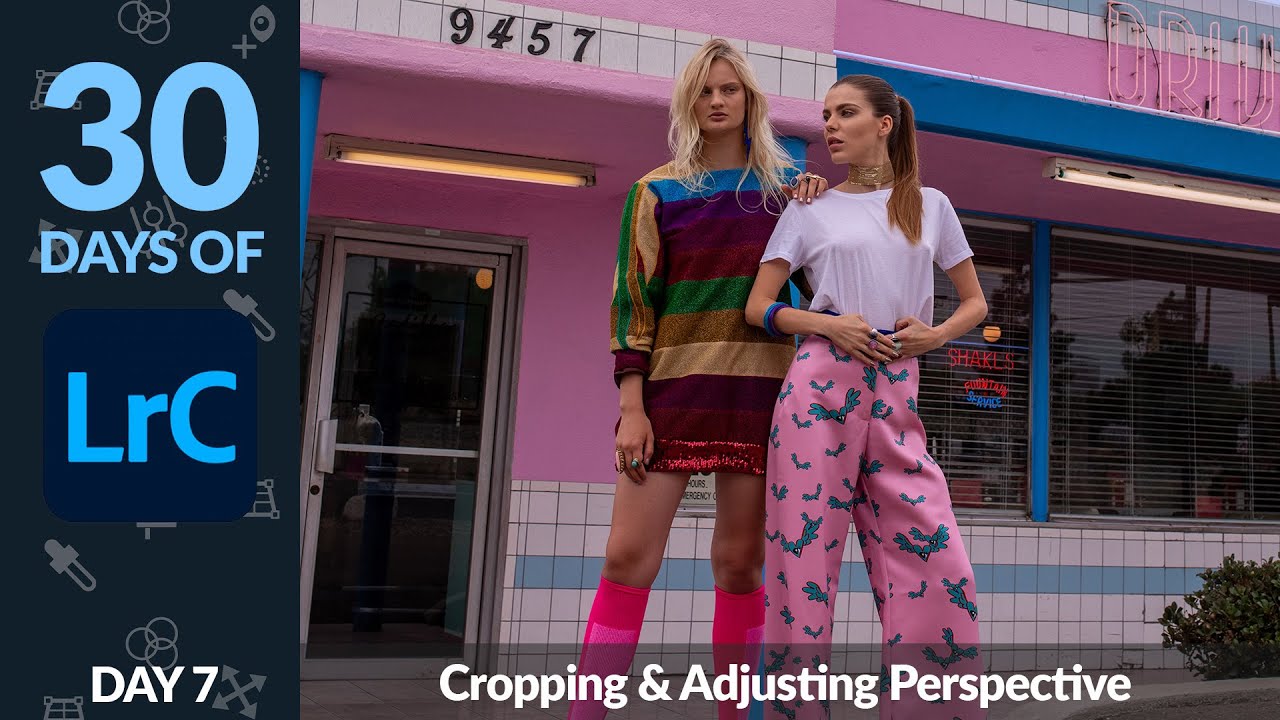
Every time I open a fresh batch of photos, at least a third of them need some kind of compositional fix before I even think about color. A slightly tilted horizon. A subject who’s technically centered but feels crowded. A shot I want to repurpose for print but the dimensions are all wrong. Cropping and straightening sounds like the boring part of editing, but get it wrong and no amount of color grading will save you.

The Laptop Deal That Changes Everything for Mobile Editors

The Laptop Deal That Changes Everything for Mobile Editors

The Laptop Deal That Changes Everything for Mobile Editors I’ve been watching the laptop market closely lately, and something genuinely interesting just happened. The Lenovo Slim 7i Aura Edition has dropped to a price point that’s forcing me to reconsider what “professional editing laptop” actually means in 2024. Here’s the thing: we’ve been conditioned to believe that serious color work requires serious Apple money. You drop $1,500+ on a MacBook Air, rationalize it as a business investment, and tell yourself the ecosystem justifies the premium.

When Lightroom Isn't Enough: 5 Reasons to Open Photoshop (And How to Do Each One)

When Lightroom Isn't Enough: 5 Reasons to Open Photoshop (And How to Do Each One)

I spend about 95% of my editing life inside Lightroom. It’s faster, it keeps me working directly on raw data, and honestly, it handles most of what landscape and portrait photographers actually need. But every once in a while, I hit a wall. There’s something in the frame that needs to disappear, or I’ve got two shots that need to become one, and suddenly Lightroom just shrugs at me. That’s when Photoshop earns its place in the subscription.