How to Build a Photo Calendar Inside Lightroom's Print Module (No InDesign Required)

How to Build a Photo Calendar Inside Lightroom's Print Module (No InDesign Required)

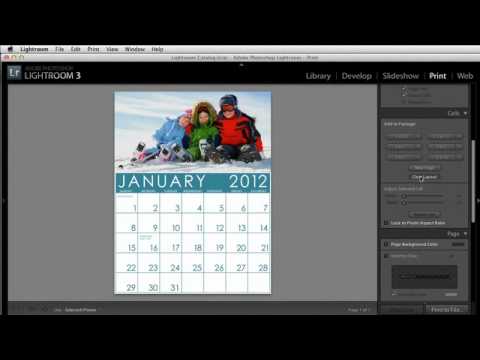
Every December I get at least three messages from photographers asking how to make a photo calendar as a client gift without paying for a web service that slaps its own logo on the back. I used to shrug and say “InDesign, probably.” Then I watched this KelbyOne tutorial and felt a little embarrassed that I hadn’t thought of the solution myself. Watch the full tutorial on YouTube before or after reading this, because the presenter moves fast and having this breakdown alongside it will save you some rewinds.
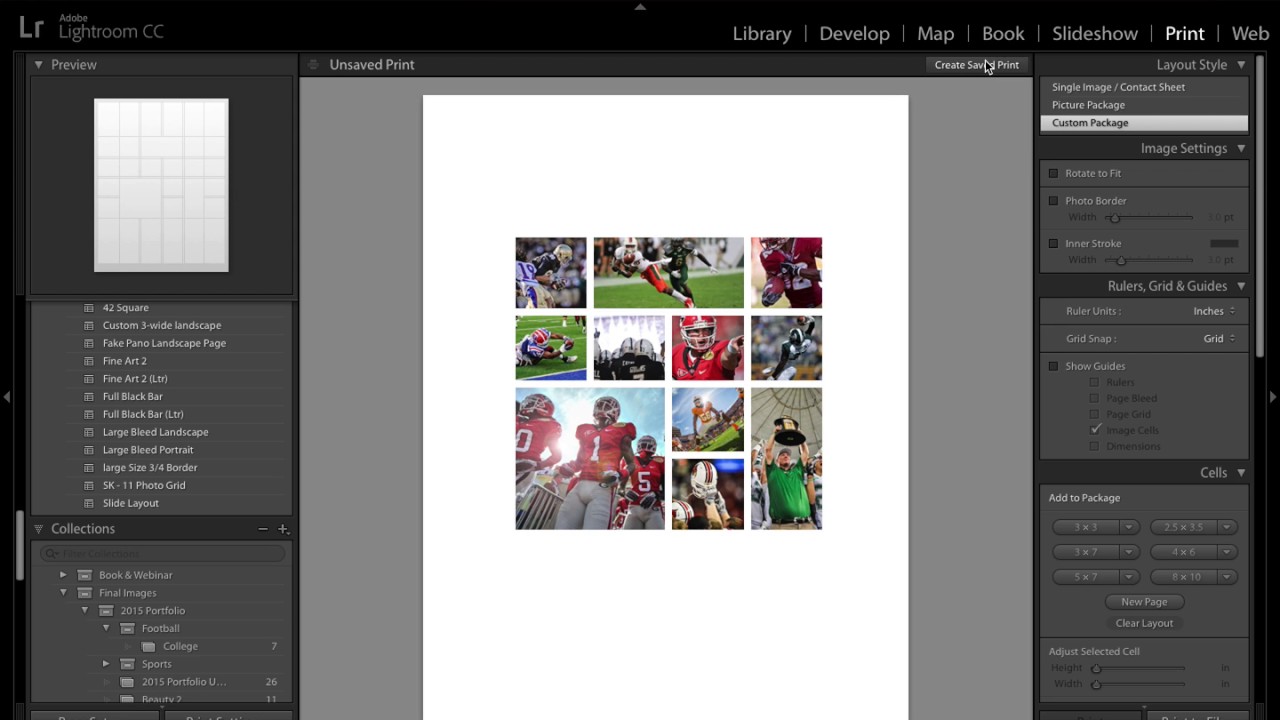
How to Build a 1+3 Print Layout in Lightroom (And Actually Save It This Time)

How to Build a 1+3 Print Layout in Lightroom (And Actually Save It This Time)

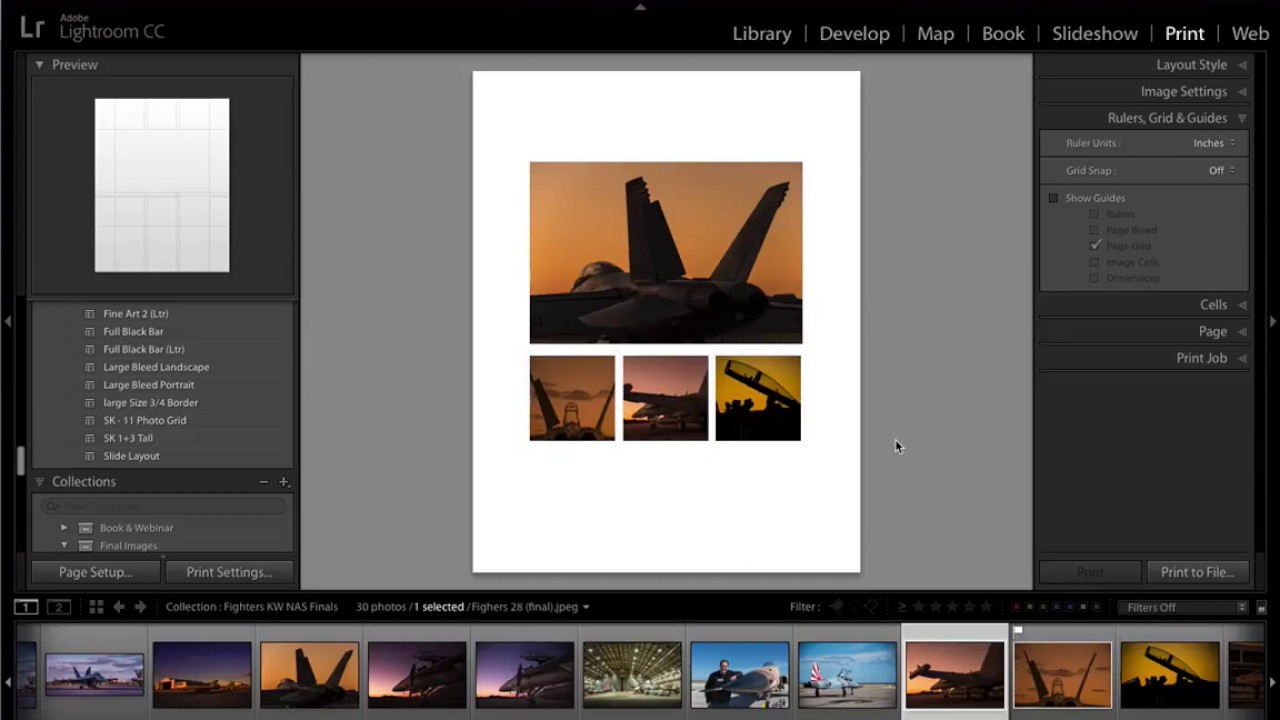
Every photographer I know has a folder somewhere called “for print” that contains exactly zero finished layouts. We shoot, we edit, we export JPEGs, and then the idea of printing somehow becomes a project we’ll get to later. The Print module in Lightroom is genuinely powerful, but it feels intimidating if you’ve never built a custom layout from scratch. Most people click in there once, feel overwhelmed, and retreat back to Develop.

Turn Stock Holiday Graphics Into Pro Lightroom Print Templates (With a Little Photoshop Prep)

Turn Stock Holiday Graphics Into Pro Lightroom Print Templates (With a Little Photoshop Prep)

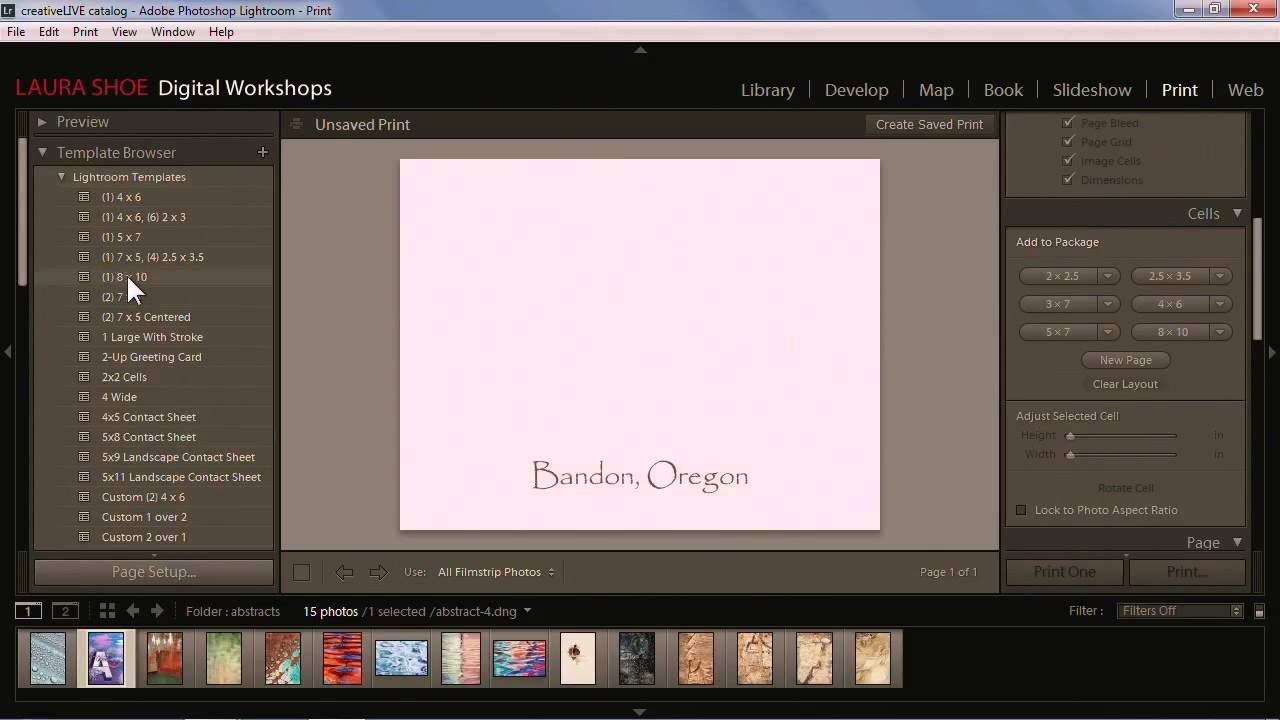
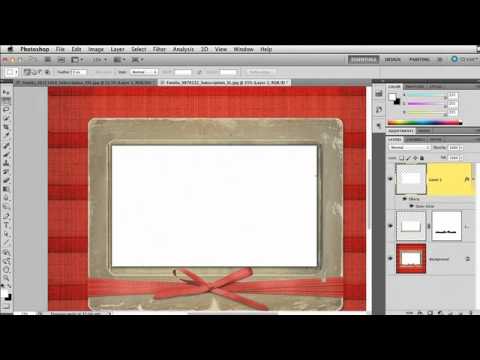
Every December I get the same question from readers: “How do I make my holiday cards look like something other than a Walgreens kiosk special?” The answer I keep coming back to involves Lightroom’s Print module, which is genuinely one of the most underused tools in the whole application. Most people think of it as the thing you click when you just want to send a file to a printer. It’s actually a surprisingly powerful layout engine, and when you feed it a well-prepared graphic, the results look custom without requiring a graphic design degree.

Lightroom's Print Module Hides a Pixel-Sizing Trick Most People Never Find

Lightroom's Print Module Hides a Pixel-Sizing Trick Most People Never Find

There’s a particular kind of frustration that lives inside the Lightroom Print module. You’ve done the work. The image looks exactly right in the Develop module. Then you try to export for a specific platform or send it to a printer and everything falls apart. The sizing is off. The colors shift. The output doesn’t match what you’ve been staring at for the last hour. I’ve been in that place more times than I want to admit, usually late at night with a deadline attached.

Stop Rebuilding From Scratch: How to Actually Save and Reuse Lightroom Print Templates

Stop Rebuilding From Scratch: How to Actually Save and Reuse Lightroom Print Templates

There’s a specific kind of frustration that only photographers know: a client emails six months after their session asking for reprints, and you’re staring at a blank Print module wondering how you ever arranged those eleven photos in the first place. You remember it looked great. You do not remember which images, which order, or what sizes you used. I’ve rebuilt the same layout from scratch more times than I want to admit, usually while a perfectly good record was skipping in the background because I was too annoyed to flip it.

How to Build Custom Portrait Proof Sheets in Lightroom's Print Module

How to Build Custom Portrait Proof Sheets in Lightroom's Print Module

Every photographer I know has a version of the same problem: clients want to see options before committing to a final selection, and sending a folder of 200 JPEGs feels about as professional as handing someone a shoebox of prints. For a long time I was exporting contact sheets from a separate app, which added steps and broke my flow right in the middle of a session. Then I watched this CreativeLive tutorial on customizing portrait proof sheets entirely inside Lightroom, and I realized I’d been ignoring a tool that was sitting in front of me the whole time.

From Print to Web to Book: Making Sense of Lightroom's Output Modules

From Print to Web to Book: Making Sense of Lightroom's Output Modules

There’s a moment most Lightroom users hit where editing feels great but actually delivering anything feels like navigating a foreign country without a map. You’ve got a gorgeous, color-graded image sitting in Develop. Now what? Print it? Export it? Build a gallery? The output side of Lightroom is where a lot of people quietly give up and just drag files into a folder. I was doing the same thing for longer than I’d like to admit.

Build a Custom 6-Up Wedding Album Layout in Lightroom's Print Module (No Templates Required)

Build a Custom 6-Up Wedding Album Layout in Lightroom's Print Module (No Templates Required)

There’s a specific kind of frustration that hits when you’re building a wedding album and the layout you have in your head simply does not exist in Lightroom’s default template library. You scroll through the Book Module options, nothing fits, and you end up compromising on a layout that’s “close enough” instead of the one the client actually needs. I’ve been there more times than I’d like to admit. The fix, it turns out, has been sitting in the Print Module the whole time, and once you know how to use it, you’ll stop settling for close enough.

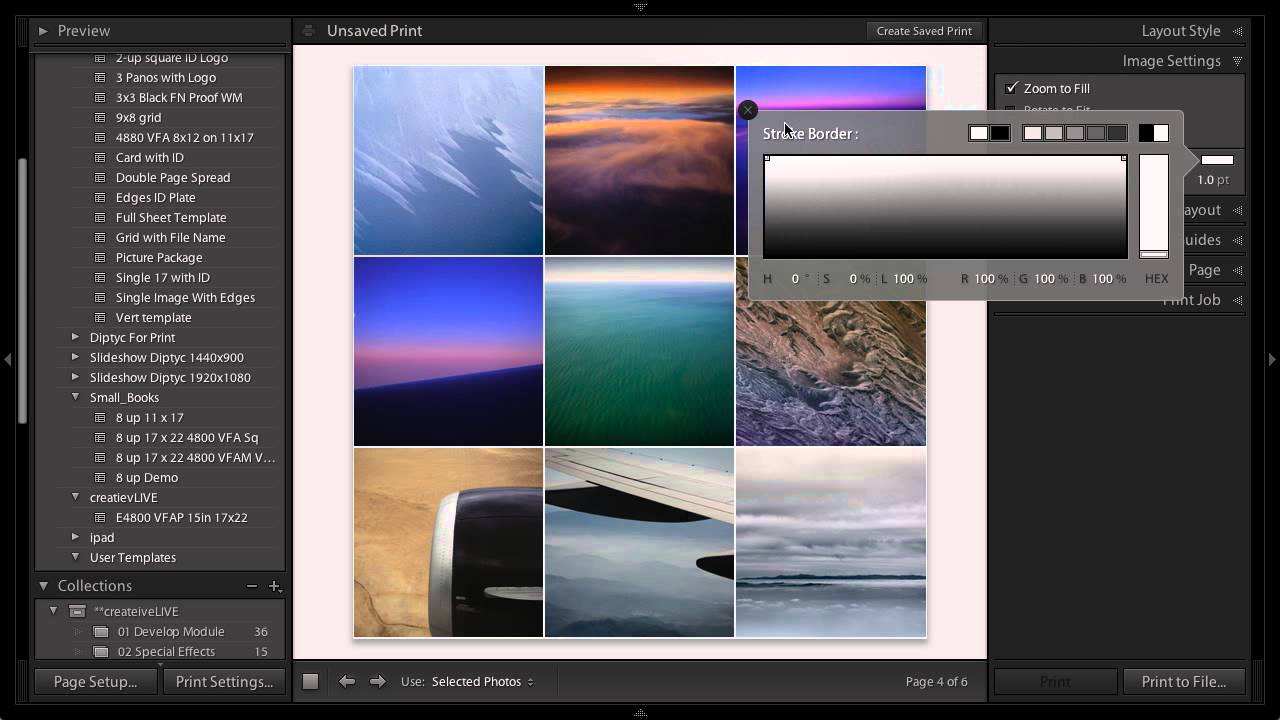
No Nine-Up Template? No Problem — How to Build One in Lightroom's Print Module

No Nine-Up Template? No Problem — How to Build One in Lightroom's Print Module

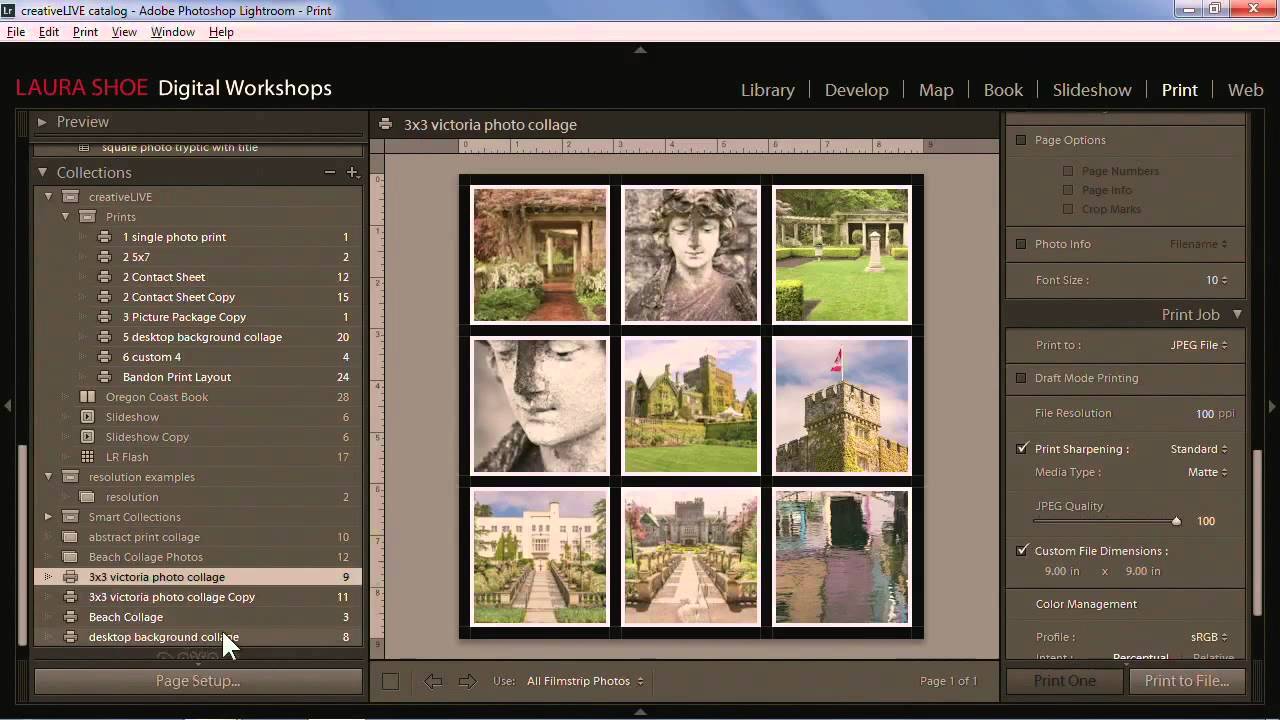
Every photographer hits that wall eventually. You need a specific layout, you open Lightroom’s template browser, and the exact thing you want simply isn’t there. I ran into this myself not long ago while building a contact sheet for a client who wanted nine square crops displayed in a clean grid, nothing fancy, nothing with decorative borders. Lightroom’s built-in templates had plenty of options with stylized edges and ornate frames, but a straightforward 3x3 grid?

Build a Photography Calendar in Lightroom's Print Module (And Actually Use Your Best Shots)

Build a Photography Calendar in Lightroom's Print Module (And Actually Use Your Best Shots)

Every December I end up with the same problem. I have a folder full of my favorite shots from the year, a vague intention to do something meaningful with them, and then somehow a generic wall calendar from a gas station ends up in my kitchen anyway. Sound familiar? This year I finally did something about it, and the fix came from a surprisingly underused corner of Lightroom. In this Matt Kloskowski tutorial, he walks through how to use Lightroom’s Print Module to combine a free calendar template JPEG with your own photography into a shareable, printable image.

Print Your Own Lightroom Calendar for Free: A Step-by-Step Guide Using Ed Weaver's Templates

Print Your Own Lightroom Calendar for Free: A Step-by-Step Guide Using Ed Weaver's Templates

Every January I tell myself I’m going to do something meaningful with the thousands of photos sitting in my Lightroom catalog. Not just export them to a hard drive and forget they exist, but actually put them somewhere physical where people can see them. A printed calendar is one of the best answers to that problem, and it costs almost nothing if you know where to look. In this Scott Kelby tutorial, he walks through a workflow built around free calendar templates created annually by photographer Ed Weaver.

Stop Typing Blind in Lightroom's Print Module — Use This Copy-Paste Trick Instead

Stop Typing Blind in Lightroom's Print Module — Use This Copy-Paste Trick Instead

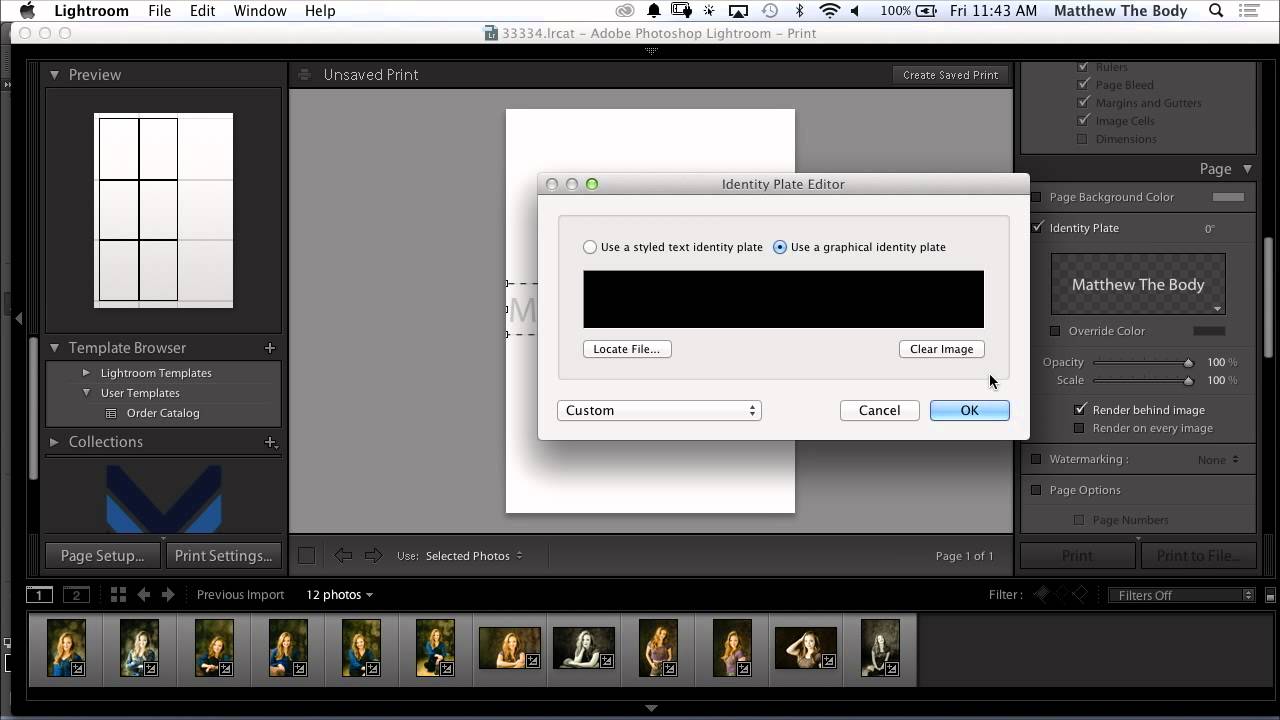
If you’ve ever tried to build a proper print layout in Lightroom and wanted to add more than a single line of text, you’ve probably hit the same wall I did. The identity plate field looks simple enough until you try to hit Return and Lightroom treats it like you just clicked OK. That’s it. Done. No line breaks, no centering, no tracking. Just a flat string of text sitting on your print like a name tag at a conference.