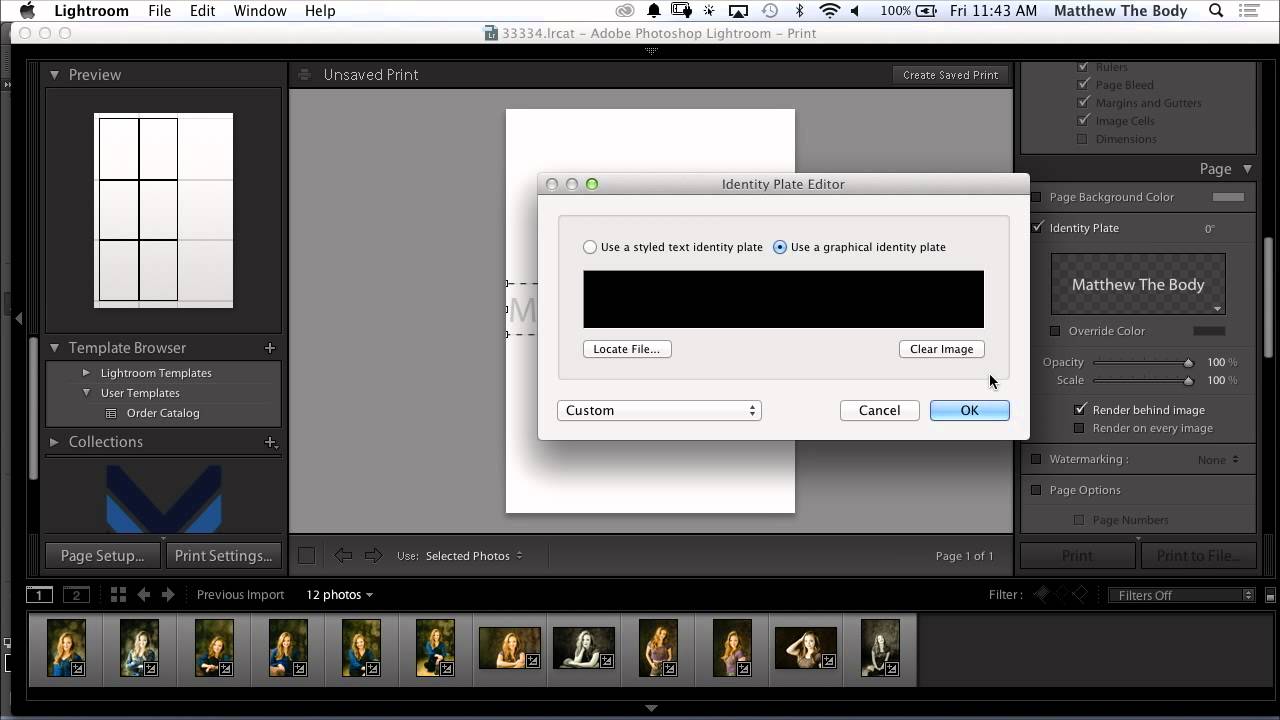
How to Build Custom Portrait Proof Sheets in Lightroom's Print Module

How to Build Custom Portrait Proof Sheets in Lightroom's Print Module

Every photographer I know has a version of the same problem: clients want to see options before committing to a final selection, and sending a folder of 200 JPEGs feels about as professional as handing someone a shoebox of prints. For a long time I was exporting contact sheets from a separate app, which added steps and broke my flow right in the middle of a session. Then I watched this CreativeLive tutorial on customizing portrait proof sheets entirely inside Lightroom, and I realized I’d been ignoring a tool that was sitting in front of me the whole time.
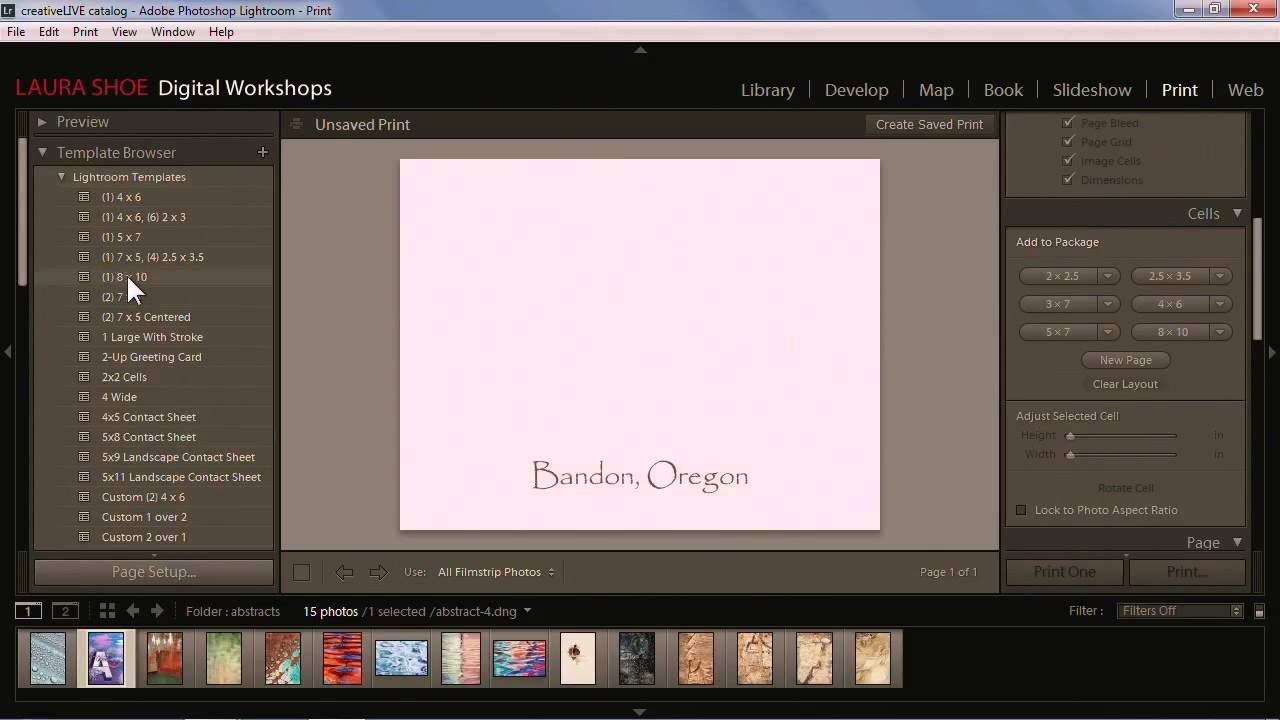
From Print to Web to Book: Making Sense of Lightroom's Output Modules

From Print to Web to Book: Making Sense of Lightroom's Output Modules

There’s a moment most Lightroom users hit where editing feels great but actually delivering anything feels like navigating a foreign country without a map. You’ve got a gorgeous, color-graded image sitting in Develop. Now what? Print it? Export it? Build a gallery? The output side of Lightroom is where a lot of people quietly give up and just drag files into a folder. I was doing the same thing for longer than I’d like to admit.

Build a Custom 6-Up Wedding Album Layout in Lightroom's Print Module (No Templates Required)

Build a Custom 6-Up Wedding Album Layout in Lightroom's Print Module (No Templates Required)

There’s a specific kind of frustration that hits when you’re building a wedding album and the layout you have in your head simply does not exist in Lightroom’s default template library. You scroll through the Book Module options, nothing fits, and you end up compromising on a layout that’s “close enough” instead of the one the client actually needs. I’ve been there more times than I’d like to admit. The fix, it turns out, has been sitting in the Print Module the whole time, and once you know how to use it, you’ll stop settling for close enough.

No Nine-Up Template? No Problem — How to Build One in Lightroom's Print Module

No Nine-Up Template? No Problem — How to Build One in Lightroom's Print Module

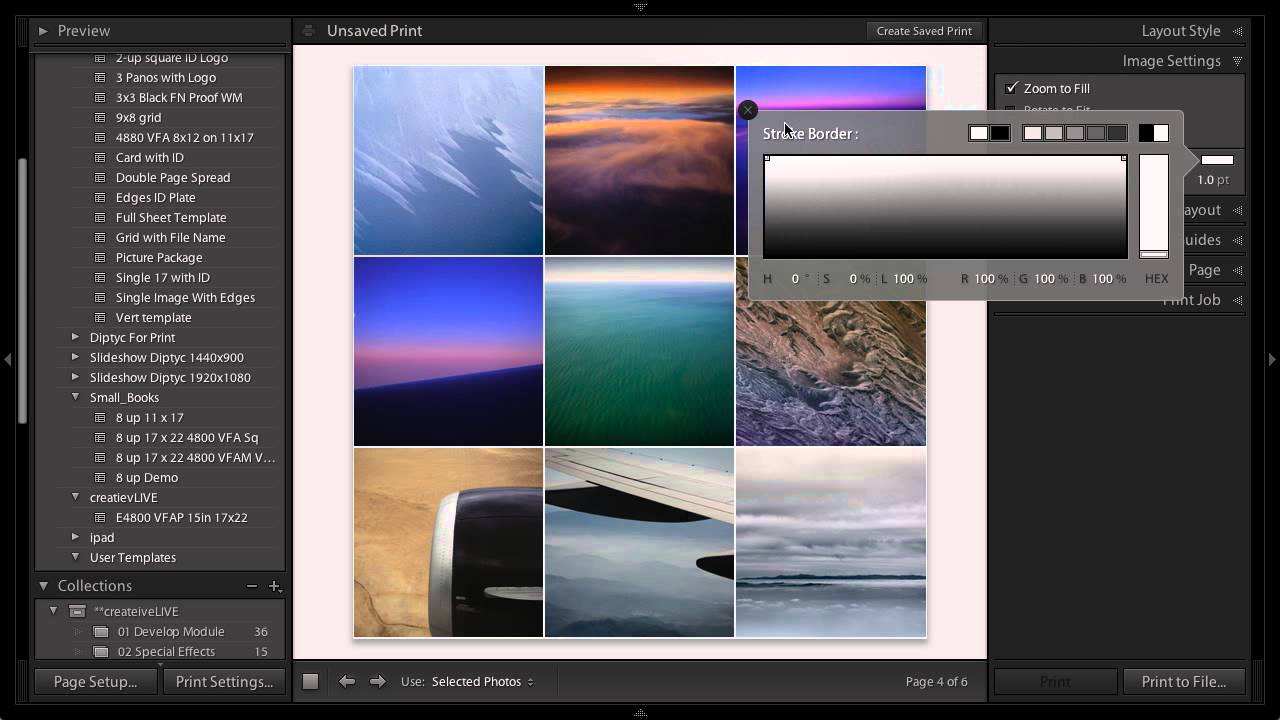
Every photographer hits that wall eventually. You need a specific layout, you open Lightroom’s template browser, and the exact thing you want simply isn’t there. I ran into this myself not long ago while building a contact sheet for a client who wanted nine square crops displayed in a clean grid, nothing fancy, nothing with decorative borders. Lightroom’s built-in templates had plenty of options with stylized edges and ornate frames, but a straightforward 3x3 grid?

Build a Photography Calendar in Lightroom's Print Module (And Actually Use Your Best Shots)

Build a Photography Calendar in Lightroom's Print Module (And Actually Use Your Best Shots)

Every December I end up with the same problem. I have a folder full of my favorite shots from the year, a vague intention to do something meaningful with them, and then somehow a generic wall calendar from a gas station ends up in my kitchen anyway. Sound familiar? This year I finally did something about it, and the fix came from a surprisingly underused corner of Lightroom. In this Matt Kloskowski tutorial, he walks through how to use Lightroom’s Print Module to combine a free calendar template JPEG with your own photography into a shareable, printable image.

Print Your Own Lightroom Calendar for Free: A Step-by-Step Guide Using Ed Weaver's Templates

Print Your Own Lightroom Calendar for Free: A Step-by-Step Guide Using Ed Weaver's Templates

Every January I tell myself I’m going to do something meaningful with the thousands of photos sitting in my Lightroom catalog. Not just export them to a hard drive and forget they exist, but actually put them somewhere physical where people can see them. A printed calendar is one of the best answers to that problem, and it costs almost nothing if you know where to look. In this Scott Kelby tutorial, he walks through a workflow built around free calendar templates created annually by photographer Ed Weaver.

Stop Typing Blind in Lightroom's Print Module — Use This Copy-Paste Trick Instead

Stop Typing Blind in Lightroom's Print Module — Use This Copy-Paste Trick Instead

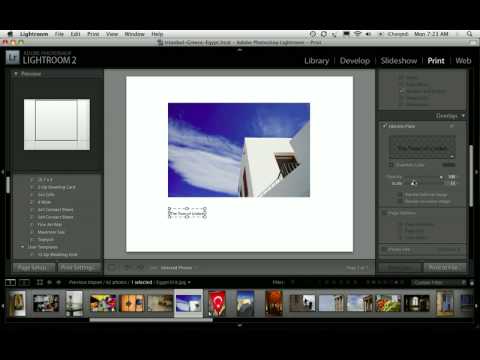
If you’ve ever tried to build a proper print layout in Lightroom and wanted to add more than a single line of text, you’ve probably hit the same wall I did. The identity plate field looks simple enough until you try to hit Return and Lightroom treats it like you just clicked OK. That’s it. Done. No line breaks, no centering, no tracking. Just a flat string of text sitting on your print like a name tag at a conference.

How to Build a Multi-Photo Car Poster Entirely in Lightroom (Then Finish It in Photoshop)

How to Build a Multi-Photo Car Poster Entirely in Lightroom (Then Finish It in Photoshop)

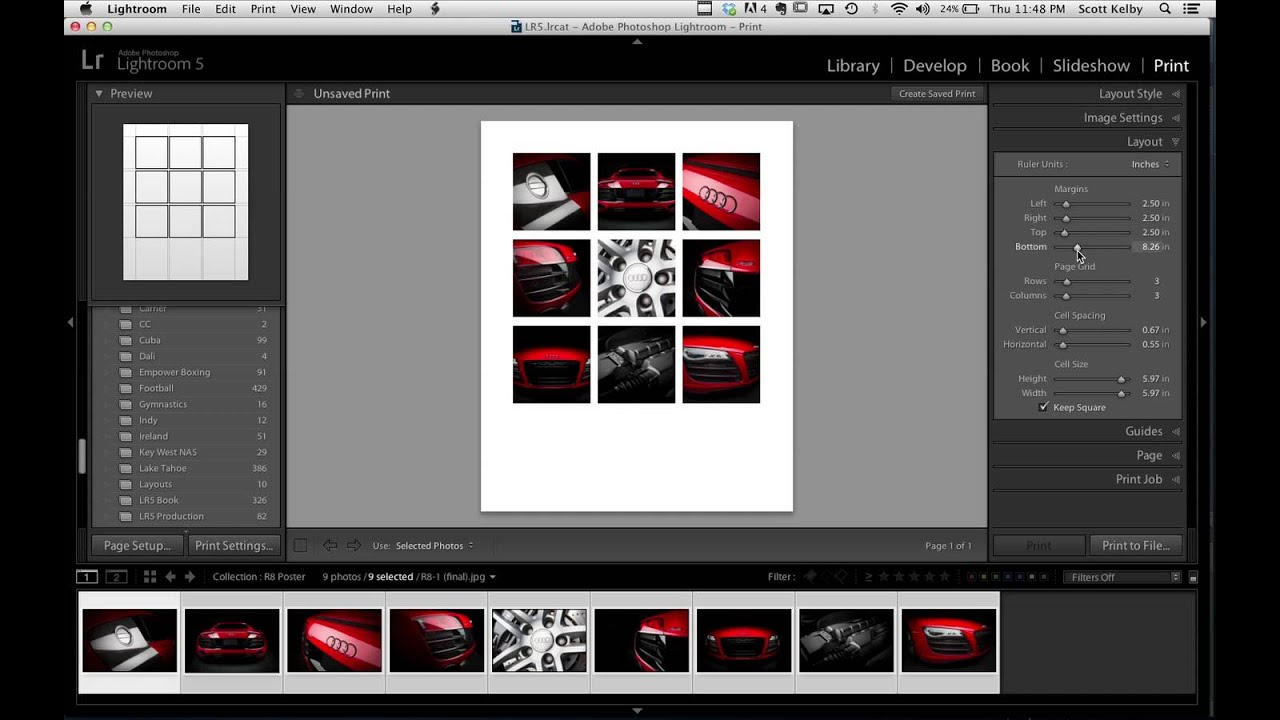
Every few months I’ll see someone post a finished image and my first reaction is “okay, that had to be a full Illustrator project.” Then I find out it was mostly Lightroom and I feel both humbled and relieved. That’s exactly what happened when Scott Kelby shared an Audi R8 poster he made for a client. Nine photos, grid layout, clean margins, big empty space for text at the bottom. It looked like a print ad.

How to Build a Photo Book Layout in Lightroom's Print Module (Without Buying Fancy Software)

How to Build a Photo Book Layout in Lightroom's Print Module (Without Buying Fancy Software)

Every time a client asks me about photo books, my first instinct is still to recommend some dedicated software with a subscription fee and a learning curve shaped like a cliff. Then I remember that Lightroom has been quietly capable of this the whole time, sitting right there in the Print module while everyone ignores it in favor of flashier tools. Watch the full tutorial on YouTube In this Scott Kelby tutorial, part two of his three-part photo book series, he walks through building photo book layouts entirely inside Lightroom’s Print module, using photos from a trip to Egypt, Istanbul, and Greece as the working example.

Build a Stunning 11-Photo Wedding Book Page in Lightroom's Print Module (Free Preset Included)

Build a Stunning 11-Photo Wedding Book Page in Lightroom's Print Module (Free Preset Included)

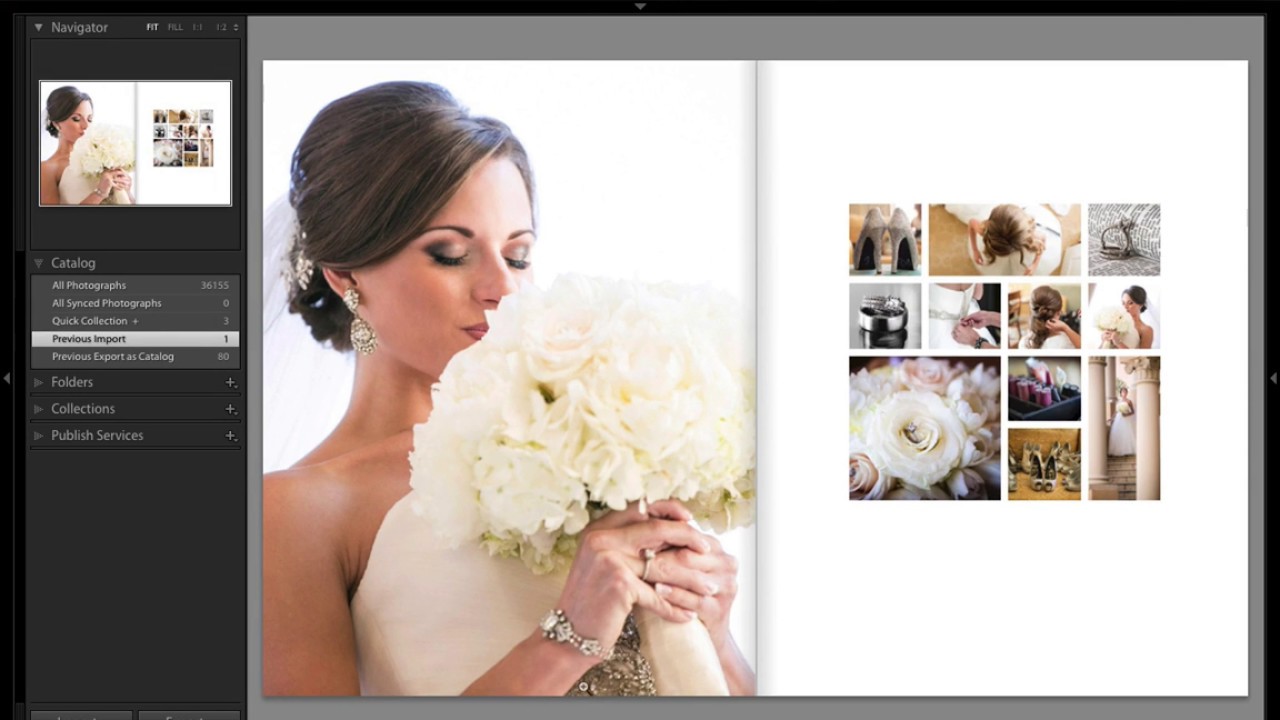
Every wedding photographer I know has a folder somewhere called “book layouts - FINAL” that is neither final nor organized. You know the drill: you want something that looks editorial, something that tells the story of an entire wedding day on a single spread, but building it from scratch feels like assembling furniture without instructions. I’ve been there more times than I want to admit. That’s why this tutorial from Scott Kelby over at KelbyOne stopped me mid-scroll.

Build Multi-Photo Print Layouts in Lightroom Classic (Faster Than You Think)

Build Multi-Photo Print Layouts in Lightroom Classic (Faster Than You Think)

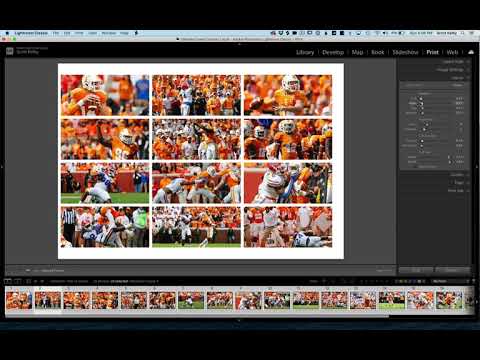
Every few months I get a message from someone asking how I put together those grid-style photo layouts — the kind you see on photographer portfolio pages, band promo sheets, or Instagram collages that actually look intentional. For the longest time I was doing it in Photoshop, dragging individual images onto a canvas and nudging them pixel by pixel. It worked, but it was the kind of workflow that makes you question your life choices around the third manual adjustment.