Batch AI Noise Reduction in Lightroom Classic Finally Works the Way It Should

Batch AI Noise Reduction in Lightroom Classic Finally Works the Way It Should

There’s a specific kind of frustration that comes from knowing a tool can do something, but making it do that thing requires jumping through hoops that feel completely backwards. For a while, batch AI noise reduction in Lightroom Classic was exactly that. You’d select your photos, run Denoise, and Lightroom would churn out a pile of duplicate DNG files alongside your originals. Your folder looked like a parking lot after a fender bender.

Why Your Digital Photos Look Wrong (And How Film Emulation Fixes It)

Why Your Digital Photos Look Wrong (And How Film Emulation Fixes It)

I was editing a portrait session last winter, and something felt off. The skin tones looked plasticky. The shadows were too clean. The whole image had this quality I can only describe as aggressively digital, like the camera had tried too hard to be accurate and landed somewhere sterile instead. I swapped in a film emulation preset I’d built based on Kodak Portra 400, and in one click, the image exhaled.

Lightroom 8.2's Enhanced Details: What It Does, Who It's Actually For, and When to Skip It

Lightroom 8.2's Enhanced Details: What It Does, Who It's Actually For, and When to Skip It

Every February, Adobe quietly drops a point update to Lightroom. No splashy keynote, no Twitter hype cycle. Just a line item in the Creative Cloud updater that most people click past without reading. I almost did that with 8.2 until I caught Matt Kloskowski’s breakdown of what actually changed. Watch the full tutorial on YouTube before we dig in, because watching him toggle the before/after preview live makes the problem this feature solves click in a way that screenshots alone can’t.

Split Toning Is the Reason Your Photos Look Flat (And the Fix Takes 90 Seconds)

Split Toning Is the Reason Your Photos Look Flat (And the Fix Takes 90 Seconds)

I once handed a raw wedding photo to a friend who edits casually, watched her spend twenty minutes pushing the Vibrance and Clarity sliders around, and then declare it “still kind of lifeless.” The exposure was fine. The whites were clean. But the image had no emotional temperature. It didn’t feel like anything. That’s usually a split toning problem. Split toning is one of those techniques that professional colorists use constantly and beginners overlook almost entirely because it doesn’t produce the dramatic before/after of a heavy preset.

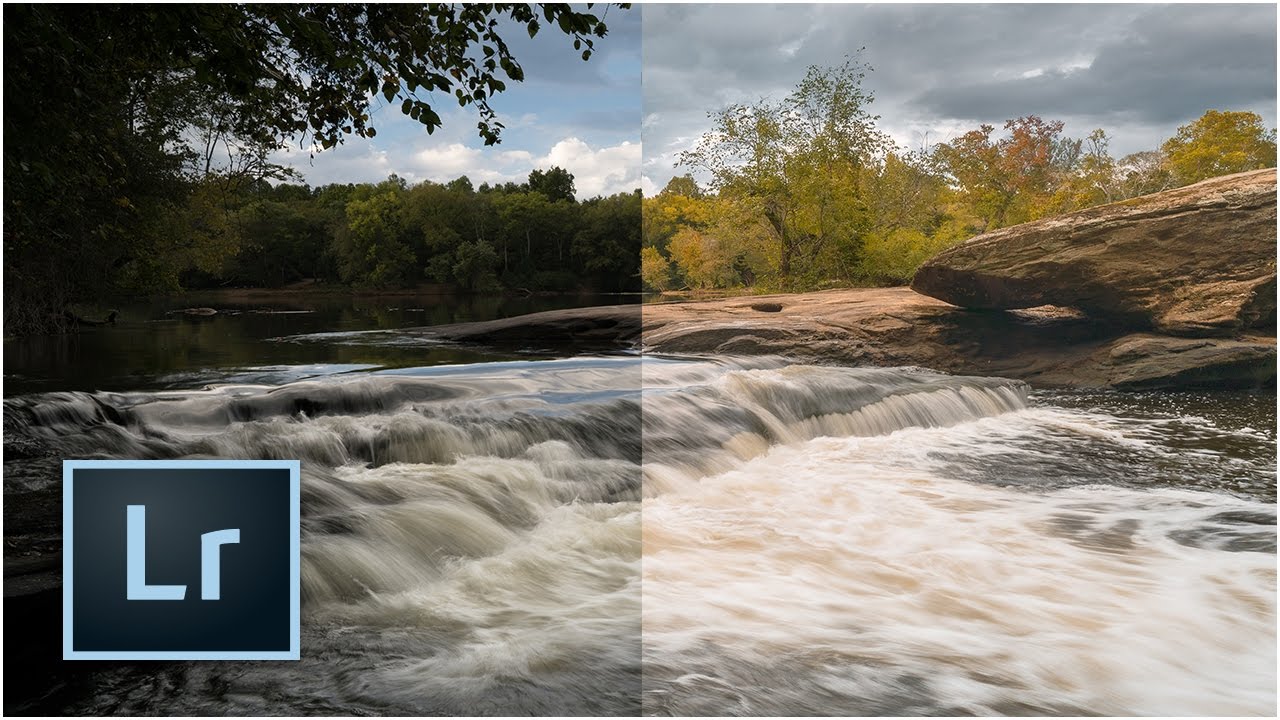
The 10-Minute Lightroom Landscape Workflow That Actually Holds Up

The 10-Minute Lightroom Landscape Workflow That Actually Holds Up

Every landscape photo I’ve edited in a hurry has the same problem: I rush the foundation. I skip lens correction, eyeball the exposure, and convince myself I’ll fix the color “later.” Later never comes, and the image ends up sitting in a reject folder next to seventeen other almost-good shots from a trip I was genuinely excited about. That’s why this tutorial from Mark Denney landed so well for me. It’s a Lightroom-only landscape workflow, no Photoshop, no plugins, no excuses.

Why Your Colors Look Flat After Editing (And the Lightroom Workflow That Fixes It)

Why Your Colors Look Flat After Editing (And the Lightroom Workflow That Fixes It)

I used to export a photo, post it, and immediately see what was wrong with it. The colors looked fine in Lightroom. On Instagram, everything went a little gray and dead. This happened to me for months before I finally slowed down and figured out why, and the answer wasn’t a better preset or a fancier monitor. It was the order in which I was doing things. Color grading in Lightroom isn’t just about moving sliders until something looks cool.

Lightroom CC Just Got Faster — Here's How to Actually Turn That Speed On

Lightroom CC Just Got Faster — Here's How to Actually Turn That Speed On

There’s a particular kind of frustration that comes from painting a local adjustment brush across a high-resolution RAW file and watching Lightroom chug along like it’s thinking really hard about your life choices. I’ve been there more times than I’d like to admit. It’s the kind of lag that makes you question your hardware, your file format, your entire career path. So when Adobe dropped Lightroom CC with a serious architecture overhaul under the hood, I paid attention immediately.

Lightroom 6/CC: An Honest Field Report on the Features Adobe Said Would Change Everything

Lightroom 6/CC: An Honest Field Report on the Features Adobe Said Would Change Everything

Every so often Adobe drops a major Lightroom release and the photography internet loses its mind. Speed boosts. AI features. Workflow revolution. I’ve been through enough of these cycles to know that the gap between the press release and the actual editing desk can be enormous. When Lightroom 6 and Lightroom CC landed, I was deep in the middle of editing a portrait session and genuinely needed to know whether upgrading mid-project was going to help me or blow up my afternoon.

HSL in Lightroom: The Adjustment Most Editors Treat Like a Finishing Touch (It Shouldn't Be)

HSL in Lightroom: The Adjustment Most Editors Treat Like a Finishing Touch (It Shouldn't Be)

I was staring at a portrait last week, one of those golden-hour shots where the skin tones look almost right but something is pulling the whole image toward orange sherbet. The tone curve was clean. The white balance was dialed. And I kept reaching for the saturation slider like it was going to solve something it was never designed to solve. The HSL panel fixed it in about forty seconds.

Virtual Copies in Lightroom: How to Deliver More Without Working More

Virtual Copies in Lightroom: How to Deliver More Without Working More

There’s a particular kind of client email I used to dread. The one that comes in two days after delivery asking if you can send “a few black and white versions too, and maybe one with a warmer feel?” Back when I was editing press shots for my band on a budget and no one else was going to do it, I learned fast that re-editing six photos three different ways could eat an entire afternoon.

Make Wildlife Eyes Pop in Lightroom: The Radial Gradient Trick That Changes Everything

Make Wildlife Eyes Pop in Lightroom: The Radial Gradient Trick That Changes Everything

There’s a specific kind of frustration that comes from a technically solid wildlife shot where the animal’s eye just looks dead. The exposure is right, the composition works, and you got the focus — but the eye is a dark void that pulls attention nowhere. I’ve been there more times than I’d like to admit, staring at a photo in Lightroom wondering why it feels flat when everything else checks out.

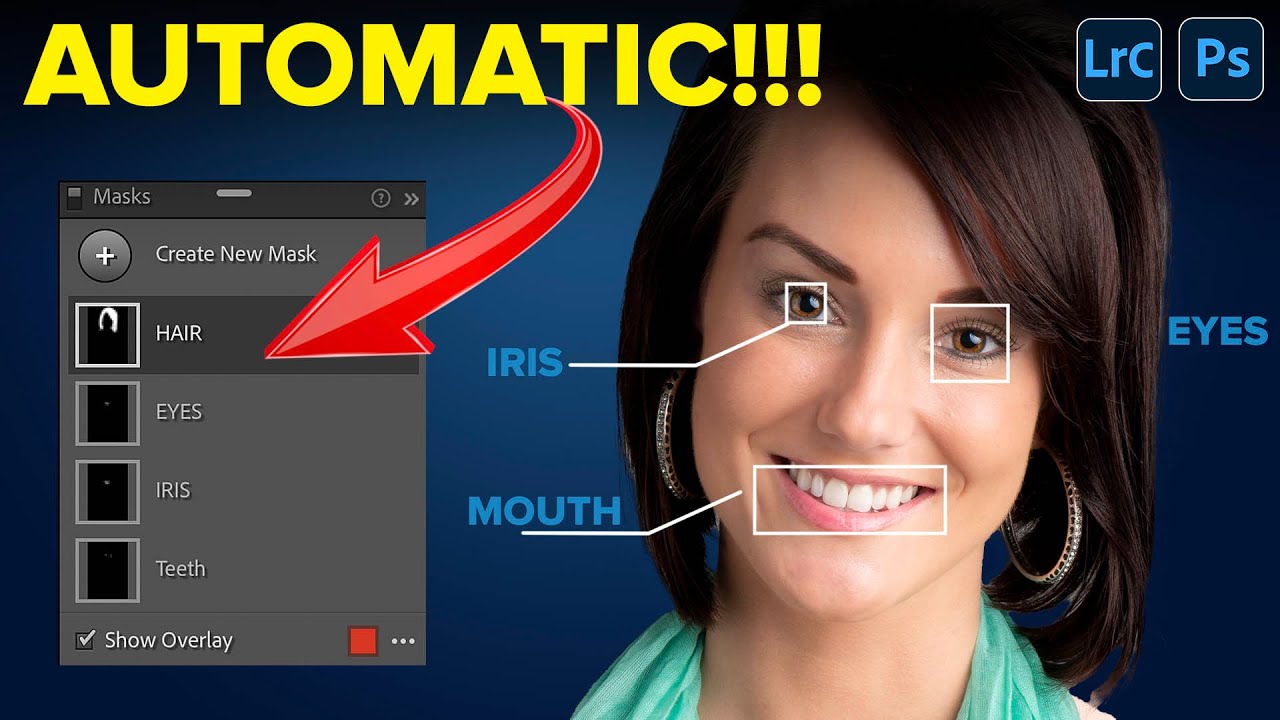
Lightroom's AI Portrait Masking Just Changed How I Edit Every Single Face

Lightroom's AI Portrait Masking Just Changed How I Edit Every Single Face

Portrait retouching used to be the part of my workflow where I’d flip the record, make a cup of coffee, and mentally prepare for fifteen minutes of tedious mask-building before I could do anything creative. Painting in skin masks, dodging around hair, trying to isolate the whites of someone’s eyes without accidentally selecting their eyelid - it was the editing equivalent of untangling headphone cables. Necessary, fine, but nobody’s favorite part of the job.