Lightroom Classic 10: What Actually Changed and Why the Catalog Upgrade Is Smarter Than You Think

Lightroom Classic 10: What Actually Changed and Why the Catalog Upgrade Is Smarter Than You Think

Every October, Adobe throws their Max conference and drops a round of updates across the Creative Cloud suite. For Lightroom Classic users, that usually means a new version number, a mandatory catalog upgrade, and a scramble to figure out what actually changed. I’ve been through this cycle enough times that I used to dread it. A new catalog always felt like handing your library to a slot machine and hoping everything came out intact.
Lightroom vs. Photoshop: How to Know When You've Hit the Wall

Lightroom vs. Photoshop: How to Know When You've Hit the Wall

For a long time, I was a “Lightroom only” person. Not out of principle, just practicality. I learned Lightroom because my band needed press shots and nobody else was going to edit them. Photoshop felt like a different universe, one I didn’t have a reason to visit. Then I started pushing Lightroom harder on portrait work and kept running into the same wall: the tools were there, technically, but I was spending 20 minutes doing something that would take 3 minutes elsewhere.

What Lightroom Presets Actually Do (And Why Most People Use Them Wrong)

What Lightroom Presets Actually Do (And Why Most People Use Them Wrong)

I named my first preset pack after a Wilco album. Not because it was clever branding, but because I made the whole thing in one weekend while “Yankee Hotel Foxtrot” played on repeat, and by Sunday night I couldn’t separate the two things in my memory. That pack got 50,000 downloads after I posted it for free in a Facebook group, which taught me two things: people are hungry for good presets, and almost nobody actually knows how to use them.

Adobe's New AI Masking Is the Local Adjustment Upgrade I Didn't Know I Needed

Adobe's New AI Masking Is the Local Adjustment Upgrade I Didn't Know I Needed

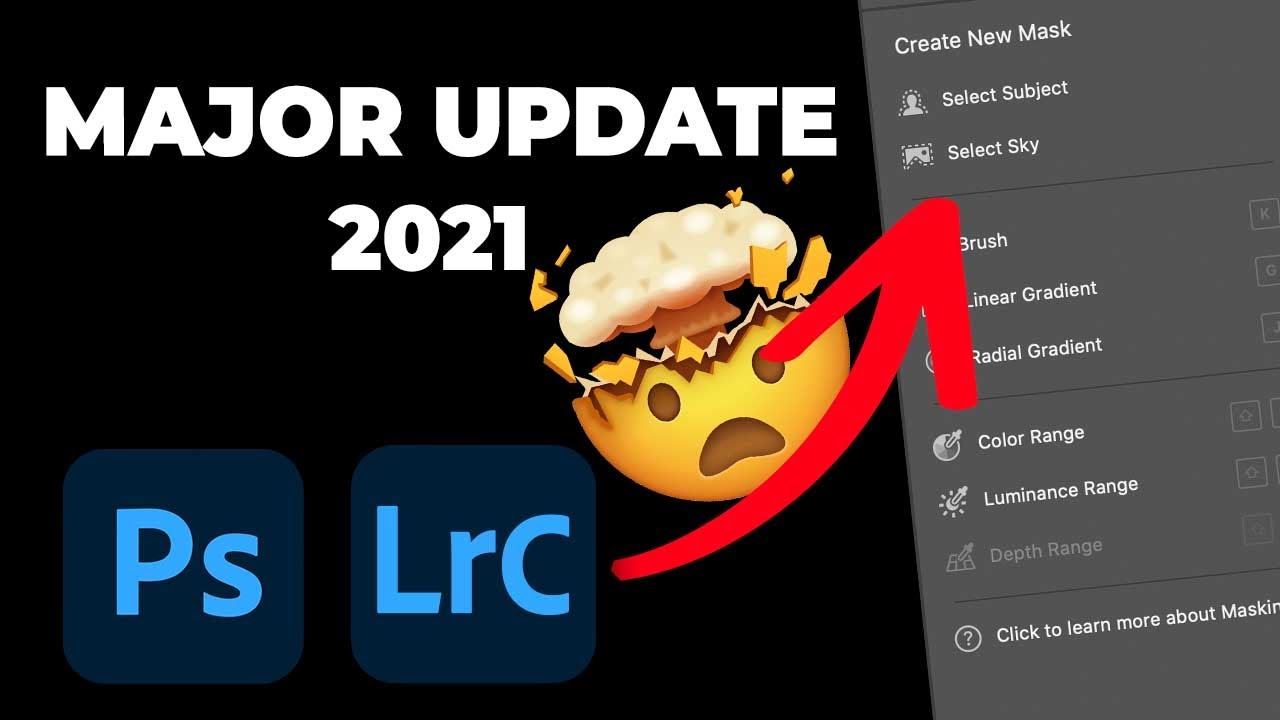
For years, my local adjustment workflow in Lightroom and Adobe Camera Raw felt like managing a cluttered desk. Pins scattered across the canvas, no clear visual reference for which adjustment was doing what, and a lot of hovering and guessing. I knew the tools were powerful, I just had to hold a lot of context in my head while using them. When Adobe rolled out their 2021 masking overhaul, I honestly didn’t expect it to change much.

Fix White Balance Across an Entire Shoot in Seconds (The Tethered and Non-Tethered Way)

Fix White Balance Across an Entire Shoot in Seconds (The Tethered and Non-Tethered Way)

There is a specific kind of misery that comes from finishing a three-hour portrait session, loading 400 images into Lightroom, and realizing the white balance is wrong on every single one. I’ve been there more times than I want to admit. Early on, when I was editing press shots for my band because we genuinely couldn’t afford to hire someone, I used to fix white balance manually, image by image, like some kind of digital monk.

How to Edit Stadium Architecture Shots Using HDR Merge and Targeted Brushwork in Lightroom

How to Edit Stadium Architecture Shots Using HDR Merge and Targeted Brushwork in Lightroom

Shooting large interior spaces is one of those situations where a single exposure almost always fails you. The ceiling goes muddy, the sky through an open roof blows out, and the field sits somewhere in between looking like neither highlight nor shadow was handled correctly. It’s the kind of image that makes you feel like you did something wrong in camera, when really the problem is just dynamic range. Your sensor physically cannot capture it all in one shot.

RIP to the Done Button: What Lightroom Actually Wants You to Do Instead

RIP to the Done Button: What Lightroom Actually Wants You to Do Instead

Every time Adobe quietly removes something from Lightroom Classic, my inbox fills up like a rain barrel in a Nashville thunderstorm. The Done button is the latest casualty, and honestly, I get it. When something you’ve clicked a thousand times just vanishes, it feels like Adobe rearranged your kitchen while you were sleeping. But after watching this Matt Kloskowski tutorial on exactly that topic, I walked away thinking less about the button itself and more about how many of us were doing things the hard way without even realizing it.

Stop Making Presets. Start Making Profiles: A Practical Guide to Building Your Own LUTs in Photoshop and Lightroom

Stop Making Presets. Start Making Profiles: A Practical Guide to Building Your Own LUTs in Photoshop and Lightroom

Every preset pack I’ve ever built started the same way: me fiddling with HSL sliders in Lightroom, convincing myself I could get exactly the tone I wanted if I just pushed the Aqua Luminance a little further. Sometimes it worked. Usually it didn’t. The controls in Lightroom are powerful, but they’re also a ceiling, and for years I bumped my head against that ceiling without realizing there was a door in it.

The Secret Color Grading Superpowers You Already Own

The Secret Color Grading Superpowers You Already Own

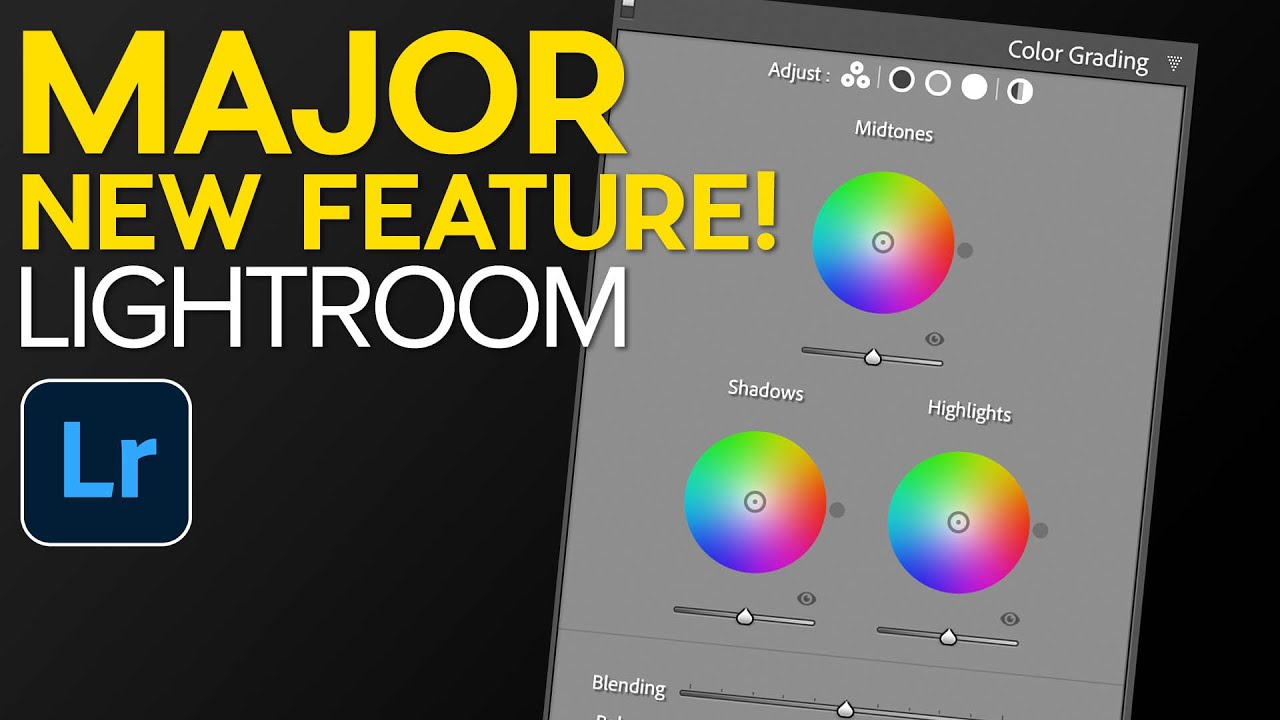
The Art of Mood Without the Mess I’ve been thinking about color grading a lot lately, and here’s what keeps me up at night: the difference between a stunning edit and a catastrophically oversaturated mess often comes down to one simple decision—knowing when to hold back. Color grading is like seasoning a dish. Too much and you’ve ruined dinner. But when you nail it? Magic happens. You can take two photographs of the exact same subject, shot under completely different lighting conditions, and make them tell the same visual story.

Adobe Lightroom's New AI Masking Is Almost Too Easy (And I Have Feelings About That)

Adobe Lightroom's New AI Masking Is Almost Too Easy (And I Have Feelings About That)

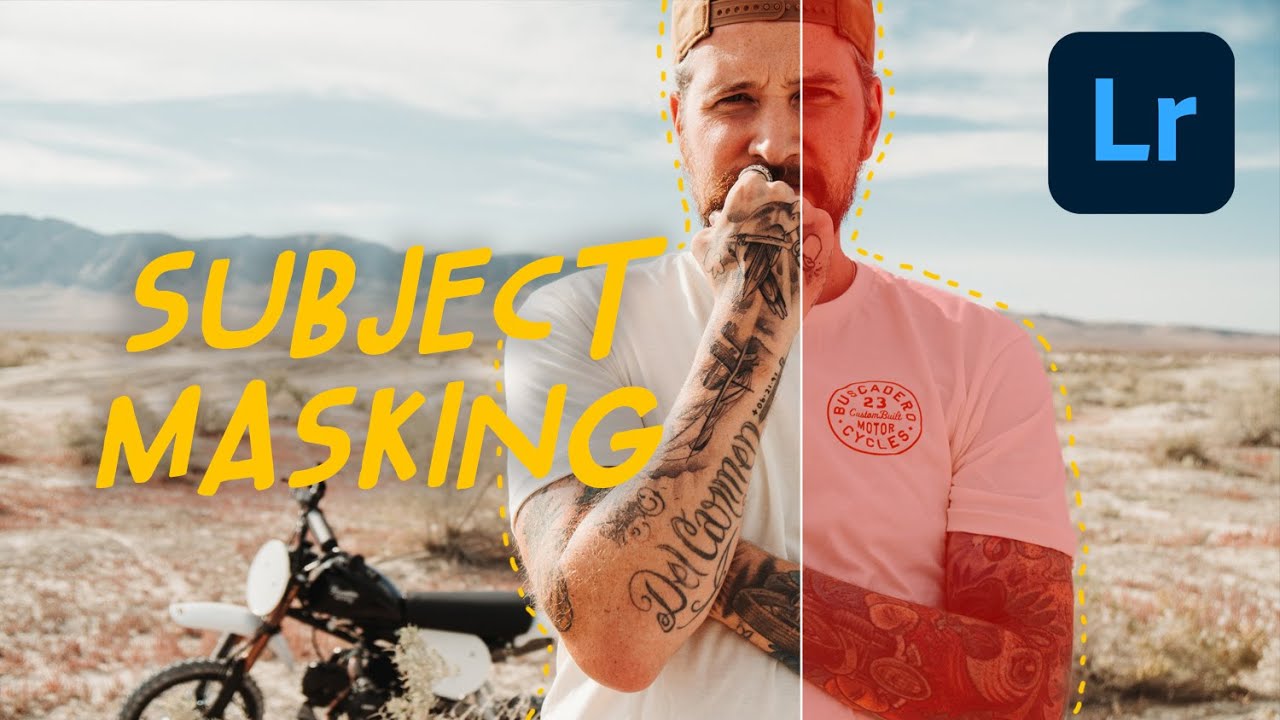
Every few months Adobe drops an update that genuinely changes how I work, and every few months I have to decide whether I’m excited or quietly unsettled. Sometimes it’s both at once. When I saw the new masking features land in Lightroom recently, I opened the app, sat down with a coffee, and pulled up Watch the full tutorial on YouTube from Peter McKinnon, who had already done the work of poking around in the new tools and thinking out loud about them.

Lightroom Mobile Got a Makeover — Here's What Actually Changed (And How to Use It)

Lightroom Mobile Got a Makeover — Here's What Actually Changed (And How to Use It)

If you edit photos on your phone with any regularity, you’ve probably opened Lightroom Mobile recently and thought, “Wait, did they move everything?” The answer is yes - and mostly for the better. The old interface had this horizontal strip at the bottom where you’d swipe left and right to hunt for settings, then interact with controls that never quite behaved the way you expected. It was functional, but it felt like a compromise.

Lightroom's HDR Merge Hides a Noise Reduction Superpower Most Photographers Miss

Lightroom's HDR Merge Hides a Noise Reduction Superpower Most Photographers Miss

I shoot a lot of musicians. Nashville is full of them, and a good chunk of my editing time is spent rescuing dark venue shots where the shadows look like someone shook a snow globe over the image. For years I treated Lightroom’s built-in HDR merge as a gimmick — something for real estate photographers and sunset chasers. Then I watched a KelbyOne tutorial that reframed the whole feature, and I felt that particular flavor of embarrassed that comes from ignoring a tool that was sitting right there.