The 10-Minute Lightroom Landscape Workflow That Actually Holds Up

The 10-Minute Lightroom Landscape Workflow That Actually Holds Up

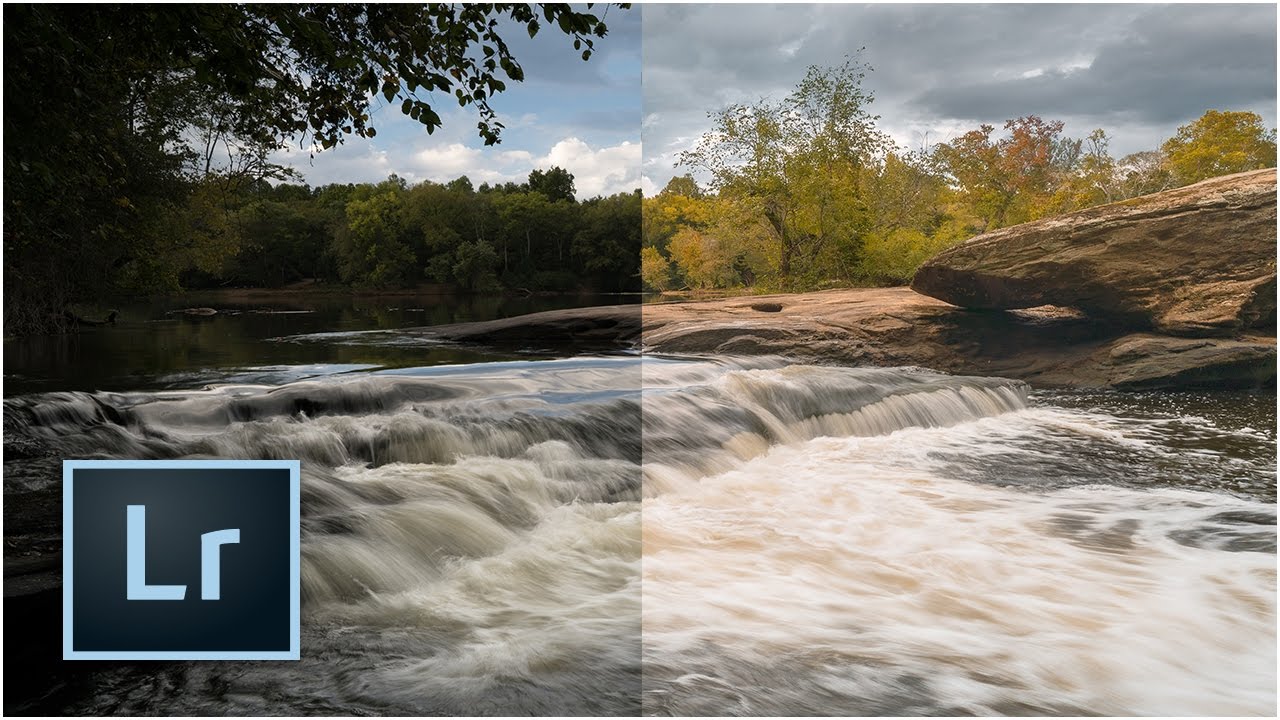
Every landscape photo I’ve edited in a hurry has the same problem: I rush the foundation. I skip lens correction, eyeball the exposure, and convince myself I’ll fix the color “later.” Later never comes, and the image ends up sitting in a reject folder next to seventeen other almost-good shots from a trip I was genuinely excited about. That’s why this tutorial from Mark Denney landed so well for me. It’s a Lightroom-only landscape workflow, no Photoshop, no plugins, no excuses.


How to Color Grade Video in Photoshop (And Why Your Photo Editing Skills Already Got You Halfway There)

How to Color Grade Video in Photoshop (And Why Your Photo Editing Skills Already Got You Halfway There)

Most of my work lives in Lightroom. Presets, tone curves, HSL panels — that’s my natural habitat. But clients don’t always hand me JPEGs anymore. More and more, they’re showing up with phone footage, drone clips, or short brand videos that need to match the look of the stills I’ve already edited for them. For a long time, I treated that as a separate problem requiring a separate tool. Turns out I was making it harder than it needed to be.

Lightroom CC Just Got Faster — Here's How to Actually Turn That Speed On

Lightroom CC Just Got Faster — Here's How to Actually Turn That Speed On

There’s a particular kind of frustration that comes from painting a local adjustment brush across a high-resolution RAW file and watching Lightroom chug along like it’s thinking really hard about your life choices. I’ve been there more times than I’d like to admit. It’s the kind of lag that makes you question your hardware, your file format, your entire career path. So when Adobe dropped Lightroom CC with a serious architecture overhaul under the hood, I paid attention immediately.

Lightroom 6/CC: An Honest Field Report on the Features Adobe Said Would Change Everything

Lightroom 6/CC: An Honest Field Report on the Features Adobe Said Would Change Everything

Every so often Adobe drops a major Lightroom release and the photography internet loses its mind. Speed boosts. AI features. Workflow revolution. I’ve been through enough of these cycles to know that the gap between the press release and the actual editing desk can be enormous. When Lightroom 6 and Lightroom CC landed, I was deep in the middle of editing a portrait session and genuinely needed to know whether upgrading mid-project was going to help me or blow up my afternoon.

Virtual Copies in Lightroom: How to Deliver More Without Working More

Virtual Copies in Lightroom: How to Deliver More Without Working More

There’s a particular kind of client email I used to dread. The one that comes in two days after delivery asking if you can send “a few black and white versions too, and maybe one with a warmer feel?” Back when I was editing press shots for my band on a budget and no one else was going to do it, I learned fast that re-editing six photos three different ways could eat an entire afternoon.

Make Wildlife Eyes Pop in Lightroom: The Radial Gradient Trick That Changes Everything

Make Wildlife Eyes Pop in Lightroom: The Radial Gradient Trick That Changes Everything

There’s a specific kind of frustration that comes from a technically solid wildlife shot where the animal’s eye just looks dead. The exposure is right, the composition works, and you got the focus — but the eye is a dark void that pulls attention nowhere. I’ve been there more times than I’d like to admit, staring at a photo in Lightroom wondering why it feels flat when everything else checks out.

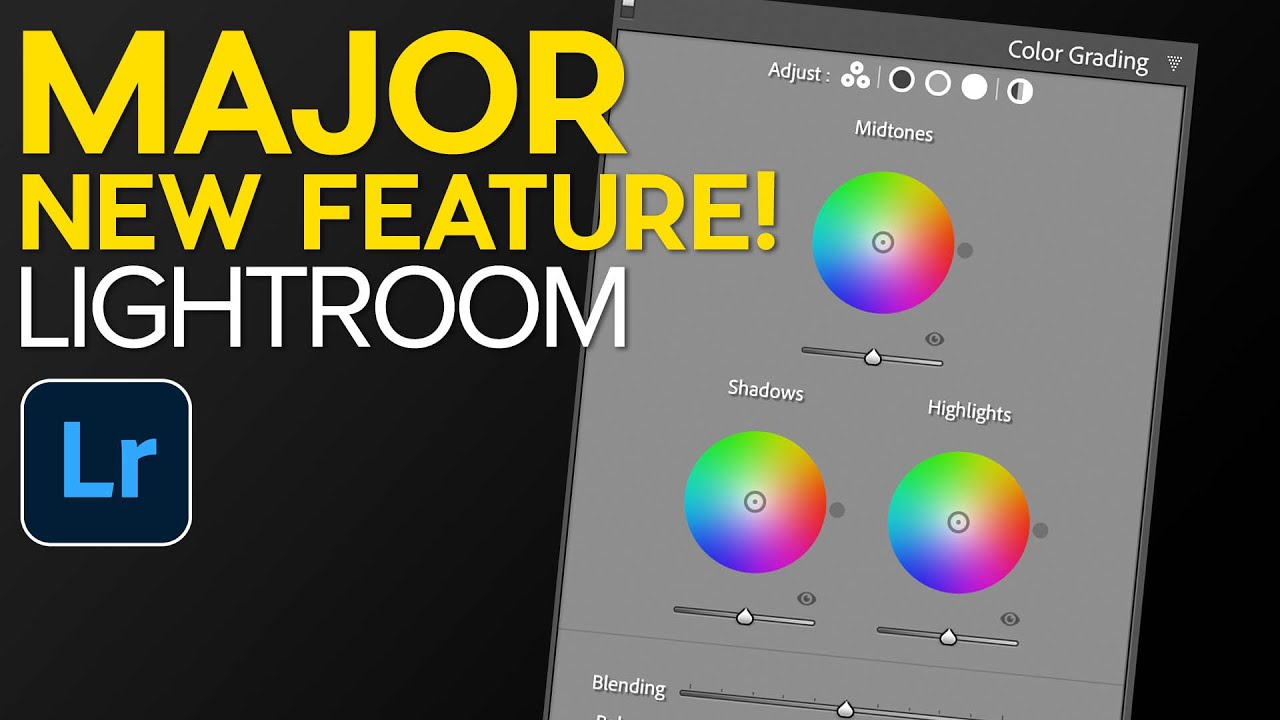
Lightroom's AI Portrait Masking Just Changed How I Edit Every Single Face

Lightroom's AI Portrait Masking Just Changed How I Edit Every Single Face

Portrait retouching used to be the part of my workflow where I’d flip the record, make a cup of coffee, and mentally prepare for fifteen minutes of tedious mask-building before I could do anything creative. Painting in skin masks, dodging around hair, trying to isolate the whites of someone’s eyes without accidentally selecting their eyelid - it was the editing equivalent of untangling headphone cables. Necessary, fine, but nobody’s favorite part of the job.

Lightroom Classic 10: What Actually Changed and Why the Catalog Upgrade Is Smarter Than You Think

Lightroom Classic 10: What Actually Changed and Why the Catalog Upgrade Is Smarter Than You Think

Every October, Adobe throws their Max conference and drops a round of updates across the Creative Cloud suite. For Lightroom Classic users, that usually means a new version number, a mandatory catalog upgrade, and a scramble to figure out what actually changed. I’ve been through this cycle enough times that I used to dread it. A new catalog always felt like handing your library to a slot machine and hoping everything came out intact.

Share a Photo Gallery With Anyone in Minutes Using Lightroom Classic's Built-In Web Feature

Share a Photo Gallery With Anyone in Minutes Using Lightroom Classic's Built-In Web Feature

Every December I edit a batch of photos I’ll never sell, never print, and never submit anywhere. They’re family shots, gig photos, candid stuff from the year. For a long time those images just lived on my hard drive in RAW format, which means they effectively didn’t exist as far as anyone else was concerned. I’d tell myself I’d get around to exporting them, uploading them somewhere, maybe building a little gallery.

Lightroom vs. Photoshop: How to Know When You've Hit the Wall

Lightroom vs. Photoshop: How to Know When You've Hit the Wall

For a long time, I was a “Lightroom only” person. Not out of principle, just practicality. I learned Lightroom because my band needed press shots and nobody else was going to edit them. Photoshop felt like a different universe, one I didn’t have a reason to visit. Then I started pushing Lightroom harder on portrait work and kept running into the same wall: the tools were there, technically, but I was spending 20 minutes doing something that would take 3 minutes elsewhere.

No Nine-Up Template? No Problem — How to Build One in Lightroom's Print Module

No Nine-Up Template? No Problem — How to Build One in Lightroom's Print Module

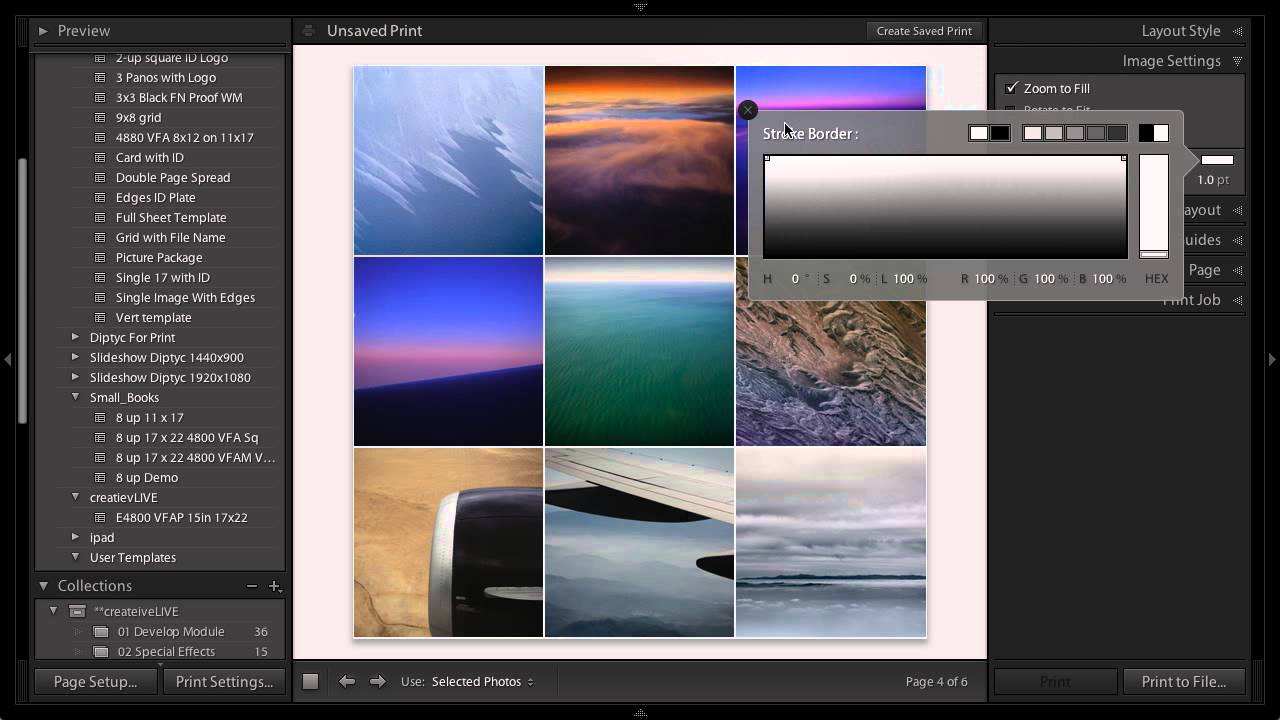
Every photographer hits that wall eventually. You need a specific layout, you open Lightroom’s template browser, and the exact thing you want simply isn’t there. I ran into this myself not long ago while building a contact sheet for a client who wanted nine square crops displayed in a clean grid, nothing fancy, nothing with decorative borders. Lightroom’s built-in templates had plenty of options with stylized edges and ornate frames, but a straightforward 3x3 grid?

How to Edit a Rocky Beach Sunset Photo: A Full Lightroom-to-Photoshop Walkthrough

How to Edit a Rocky Beach Sunset Photo: A Full Lightroom-to-Photoshop Walkthrough

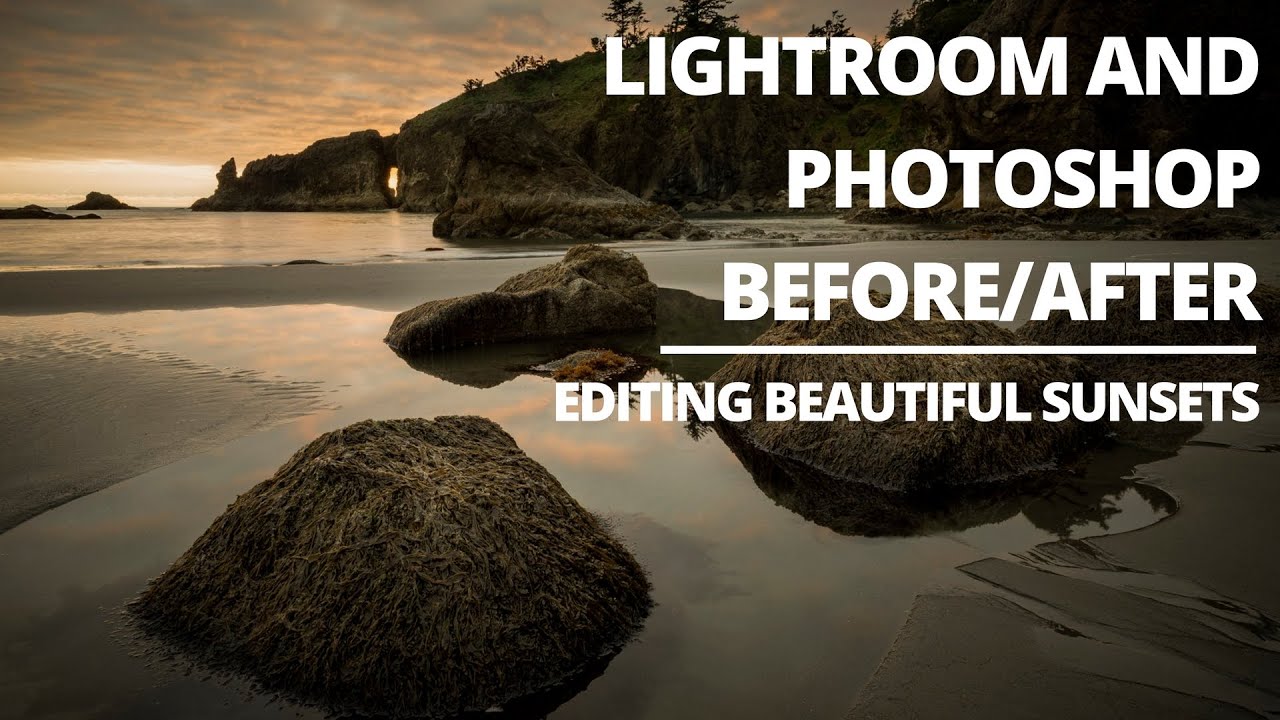
Sunset beach shots are the ones that make you look like a genius or expose you as someone who just dragged the Vibrance slider to 100 and called it a day. The challenging part isn’t the golden light, it’s the dynamic range. You’ve got a blown-out sky threatening to clip on one end and a shadowy foreground swallowing all your rock detail on the other. Every time I pull one of these into Lightroom, I feel the same pull in two directions, and the edit can go sideways fast if you don’t have a clear workflow.