How to Edit Moody Landscape Photos in Lightroom: 6 Steps That Actually Work

How to Edit Moody Landscape Photos in Lightroom: 6 Steps That Actually Work

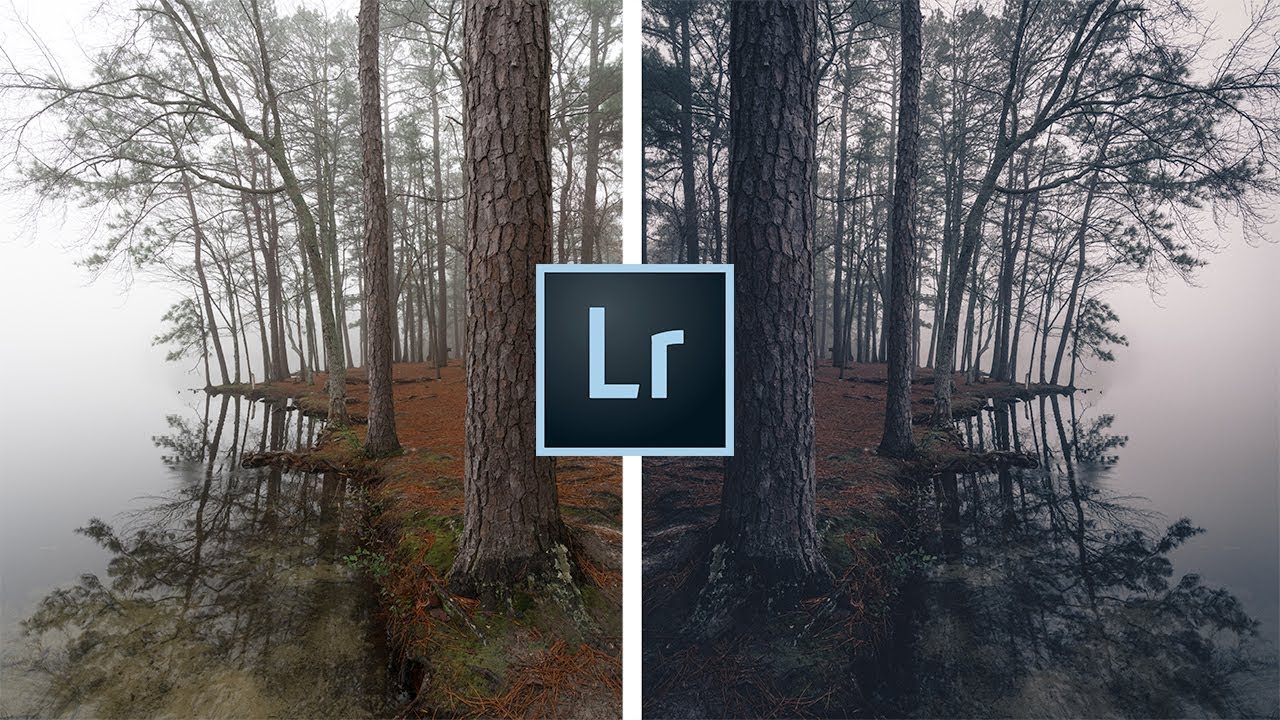
There’s a specific kind of landscape photo that stops you mid-scroll. Dark, atmospheric, a little unsettling. The kind of image where the fog does half the storytelling and the edit does the other half. I’ve been chasing that look for years, and I’ll admit I used to think it was mostly about being in the right place at the right time. It’s not. It’s mostly about knowing what to do with the raw file once you’re back home.


How to Remove Anyone From a Photo in Lightroom (Without Breaking a Sweat)

How to Remove Anyone From a Photo in Lightroom (Without Breaking a Sweat)

There’s a specific kind of frustration that comes with a technically perfect shot that has a stranger’s elbow in the corner, or a lighting assistant visible in the background. I’ve been there more times than I care to admit. Back when I was editing press photos for my band on a zero-dollar budget, every person in the background of a shot was a problem I had to solve in software, usually badly, usually late at night.

Adobe Lightroom's New AI Masking Is Almost Too Easy (And I Have Feelings About That)

Adobe Lightroom's New AI Masking Is Almost Too Easy (And I Have Feelings About That)

Every few months Adobe drops an update that genuinely changes how I work, and every few months I have to decide whether I’m excited or quietly unsettled. Sometimes it’s both at once. When I saw the new masking features land in Lightroom recently, I opened the app, sat down with a coffee, and pulled up Watch the full tutorial on YouTube from Peter McKinnon, who had already done the work of poking around in the new tools and thinking out loud about them.

Lightroom 12.3 Just Changed How I Handle Noise and Masking — Here's What You Need to Know

Lightroom 12.3 Just Changed How I Handle Noise and Masking — Here's What You Need to Know

Every few months Adobe drops an update that makes me reconsider a chunk of my workflow. Most of the time it’s incremental, a slider moved, a panel reorganized. But the April 2023 release of Lightroom Classic 12.3 landed differently. It touched two areas I deal with constantly: noise reduction and masking. And in both cases, the changes weren’t cosmetic. In this Matt Kloskowski tutorial, he walks through the new Denoise button and the expanded masking options that shipped with version 12.

Lightroom 2025's Generative Remove Tool Just Made My Retouching Workflow Embarrassingly Fast

Lightroom 2025's Generative Remove Tool Just Made My Retouching Workflow Embarrassingly Fast

Every fall I do the same thing. Adobe drops its annual updates, I spend a Saturday going through the changelogs, and I try to figure out which features will actually change how I work versus which ones will quietly collect dust in a menu I never open. This year’s releases, Lightroom Classic version 14 and Lightroom Desktop version 8, landed with a few genuinely useful upgrades. The one I want to walk through here is the one I’ve already used more in two weeks than I used the old version in two years: the overhauled Generative Remove tool.

Stop Drowning in Bracket Photos: A Smarter Way to Manage HDR Shoots in Lightroom

Stop Drowning in Bracket Photos: A Smarter Way to Manage HDR Shoots in Lightroom

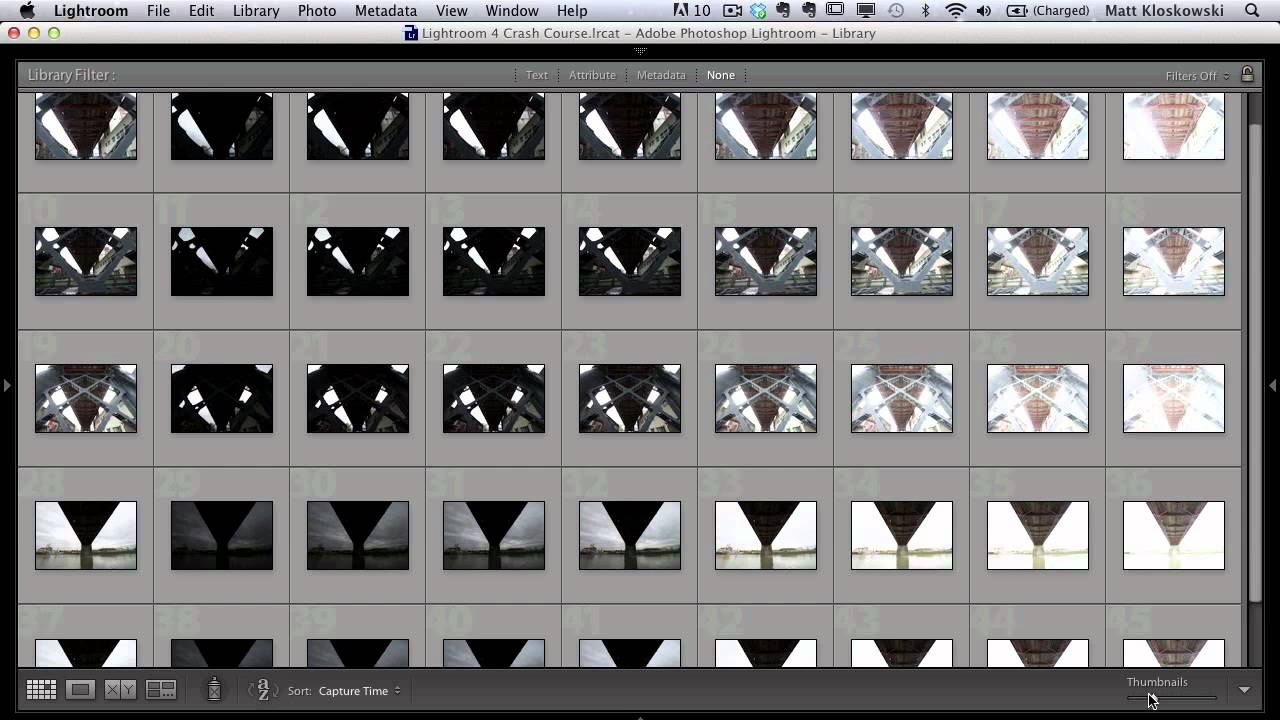
Every time I come back from a shoot with bracketed exposures, I face the same low-grade dread: opening Lightroom to find what feels like a thousand nearly identical frames staring back at me. Nine brackets per scene, multiplied across an afternoon of walking around downtown Nashville, and suddenly I’m not editing photos anymore. I’m just managing files. That’s not why I picked up a camera. This KelbyOne tutorial from Matt Kloskowski landed in my feed at exactly the right moment.

Lightroom Mobile Got a Makeover — Here's What Actually Changed (And How to Use It)

Lightroom Mobile Got a Makeover — Here's What Actually Changed (And How to Use It)

If you edit photos on your phone with any regularity, you’ve probably opened Lightroom Mobile recently and thought, “Wait, did they move everything?” The answer is yes - and mostly for the better. The old interface had this horizontal strip at the bottom where you’d swipe left and right to hunt for settings, then interact with controls that never quite behaved the way you expected. It was functional, but it felt like a compromise.

Lightroom's HDR Merge Hides a Noise Reduction Superpower Most Photographers Miss

Lightroom's HDR Merge Hides a Noise Reduction Superpower Most Photographers Miss

I shoot a lot of musicians. Nashville is full of them, and a good chunk of my editing time is spent rescuing dark venue shots where the shadows look like someone shook a snow globe over the image. For years I treated Lightroom’s built-in HDR merge as a gimmick — something for real estate photographers and sunset chasers. Then I watched a KelbyOne tutorial that reframed the whole feature, and I felt that particular flavor of embarrassed that comes from ignoring a tool that was sitting right there.

Stop Missing Sensor Spots Before You Print: The Lightroom Trick I Wish I'd Known Sooner

Stop Missing Sensor Spots Before You Print: The Lightroom Trick I Wish I'd Known Sooner

There is a specific kind of dread that only photographers know. It hits somewhere between handing someone a large print and watching their eyes drift to a smudge in the upper third of the image. Sensor dust. The gift that keeps giving, because whatever wrecked one frame wrecked every frame shot at that aperture. I have been editing seriously for almost a decade and I still catch myself skipping the spot-check step when I’m in a hurry.

Why You're Probably Shooting (and Stitching) Panoramas Wrong in Lightroom

Why You're Probably Shooting (and Stitching) Panoramas Wrong in Lightroom

There’s a particular kind of pain that comes from getting home after a long shoot, opening Lightroom, selecting your pano sequence, hitting Merge, and watching the result come out warped, misaligned, or with exposure banding across the frame. I’ve been there more times than I’d like to admit. The frustrating part is that the problem almost always started on location, not in the software. That’s why this tutorial from Mark Denney caught my attention immediately.

Lightroom Tips I Wish I'd Known in Year One (Peter McKinnon's 10-Tip Breakdown)

Lightroom Tips I Wish I'd Known in Year One (Peter McKinnon's 10-Tip Breakdown)

There’s a specific kind of frustration that comes from using a tool every day and slowly realizing you’ve been ignoring half of it. I came to Lightroom the hard way. Our band needed press shots, nobody wanted to pay a photographer, and I ended up being the guy who figured out post-processing by necessity. For years, I was dragging sliders around with no system, no shortcuts, and no real understanding of what the software could actually do.

Three Photos, No Rules: What Matt Kloskowski's Editing Process Actually Teaches You

Three Photos, No Rules: What Matt Kloskowski's Editing Process Actually Teaches You

Every few months I’ll watch another working photographer edit in real time, not because I need the basics refreshed, but because the decisions are where the education lives. Anyone can list sliders. Watching someone decide which slider matters, and why, is a different thing entirely. That’s what pulled me into Matt Kloskowski’s new Photo Makeover series. Watch the full tutorial on YouTube and you’ll see what I mean within the first two minutes.